Guide
How to write a hook for a talking-head video
A hook is the first sentence of your video, and its job is to tell the right viewer what they are about to get. Good hooks are short enough to say in a breath, skip the greeting, and name either a problem, a result, or a surprise. Write five, read them aloud, and keep the shortest one that is still clear. The video script template gives the hook its own word budget so it stays short.
Last reviewed

Six hook patterns
Each pattern is a shape, not a formula. Fill it with your own topic and say it the way you would to a friend.
| Pattern | Example | Use it when |
|---|---|---|
| Problem, then fix | Your videos look like you are reading. Here is the fix. | You solve one clear, common problem |
| The mistake | Stop putting your teleprompter below the camera. | Your audience is doing something wrong without knowing |
| Result first | I recorded this in one take, from a script. | You can show the outcome on screen right away |
| Number | Three settings that fixed my talking-head videos. | The video is a short list |
| Question | Why do some people look natural reading a script? | The answer is genuinely surprising |
| Contrarian | You do not need to memorize your script. | You can back up a claim most people disagree with |
Whatever the pattern, the hook has to be true to the video. A hook the video does not deliver on loses viewers at the point they realize it.
Keep it short and skip the welcome
Short-video viewers can swipe away at any moment, so the opening line carries more weight than any other in the script. Greetings, channel names and "in this video I am going to" all spend that moment on something the viewer did not come for. Put them later, or cut them.
Aim for one sentence, often under ten words. If the hook needs a second sentence to make sense, the first one is usually doing too little.
Deliver it straight to the lens
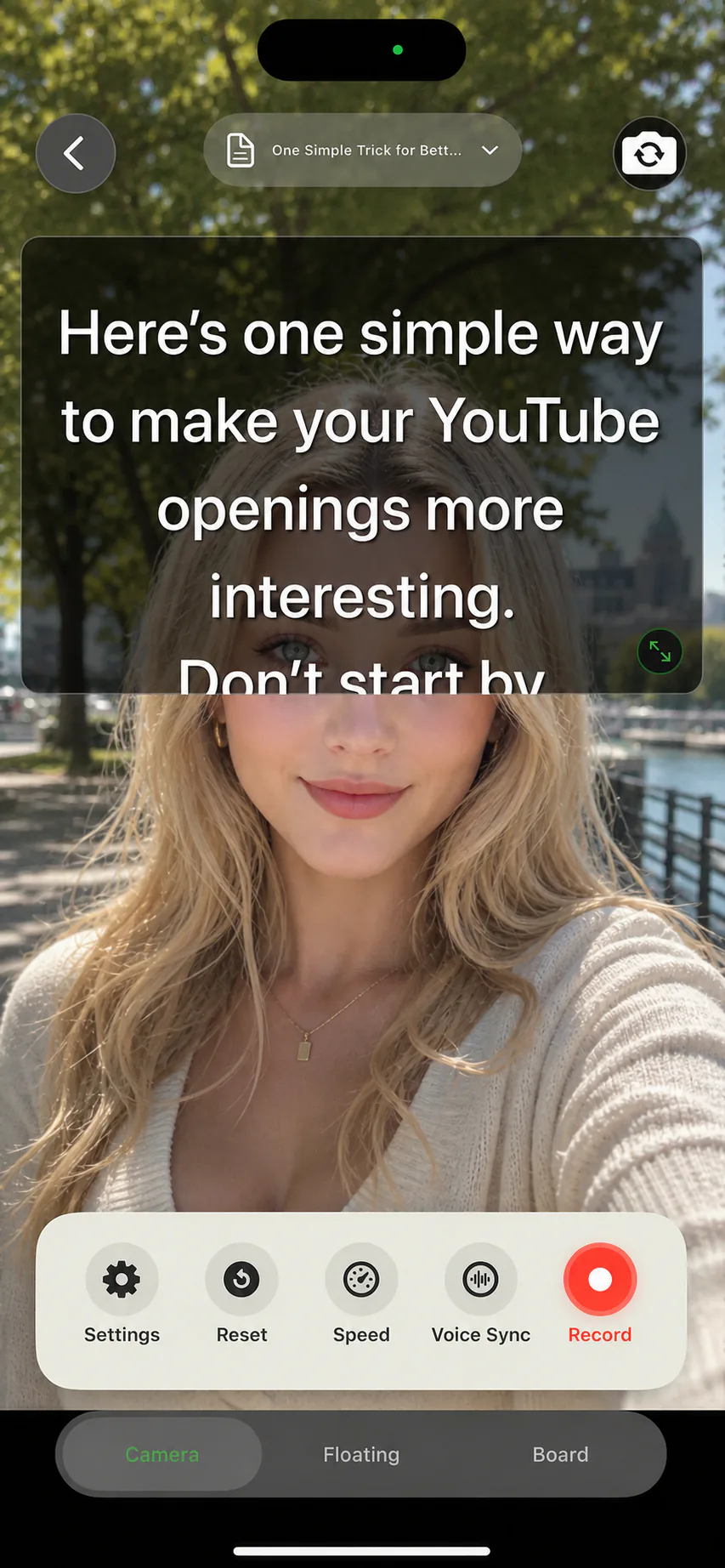
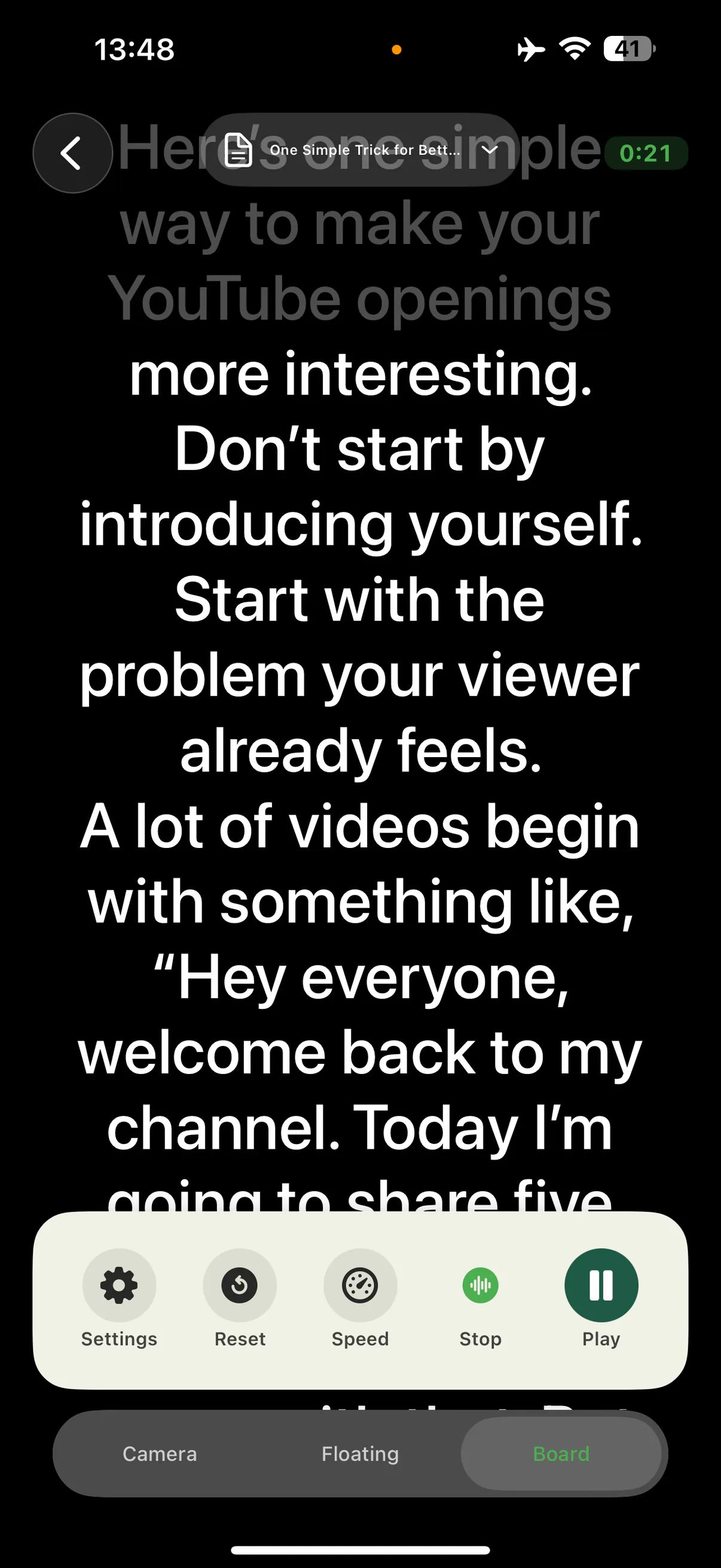
The hook is the line where eye contact matters most, and it is also the line people most often read off a screen held too low. Put the prompt next to the lens, make the first line large, and say the hook once or twice before recording so it comes out as speech rather than reading.
Camera prompting in AI Teleprompter keeps the script beside the front camera on iPhone and iPad. The speed and eye contact guide covers placement in more detail.
Write a hook in fifteen minutes
Write the rest of the script first
You cannot promise what the video delivers until you know what it delivers. Draft the body, then come back.
Write five hooks
Use a different pattern from the table for each. Do not judge them yet.
Read them aloud
Cut any you cannot say in one breath, and any you would not say to a friend.
Record the top two
Film both openings. The one you deliver more naturally is usually the better hook.
Hook questions
How long should a video hook be?
One sentence that you can say in a few seconds, often under ten words. Give it its own word budget so it cannot grow.
Should I start with my name?
Usually not in a short video. Lead with what the viewer gets; introduce yourself later if it matters.
Can I reuse hook patterns?
Yes. Patterns are shapes; the topic and wording make each one fresh. Rotate between a few that suit your style.
Do long YouTube videos need a hook too?
Yes. The opening still decides whether someone keeps watching. Longer videos can afford a few more seconds to set up the promise.

Record your next video with AI Teleprompter
Download on the App Store and check the available trial. Record inside the app to export your video without the prompt.