Guide
How to record talking-head videos that hold attention
Talking-head video is the cheapest format to start and the hardest to do well, because the only thing on screen is you. This guide covers the complete workflow: outline, setup, framing, prompting, delivery, and export, using a phone and the talking-head recorder workflow as the reference setup.
Last reviewed

Start with an outline, not a camera
Every engaging talking-head video answers three questions in order: why should I watch, what do I get, what should I do next. Write the hook as one sentence you would actually say, three to five points that each earn their seconds, and one clear ask. If any point does not serve the promise of the hook, cut it.
Then decide what goes in the script word for word. Hooks and asks deserve exact wording; explanations can be looser if you know the material cold. Most strong creators script the first ten seconds and the last ten seconds exactly and work from tight bullets in between.
Setup that takes ten minutes
Frame yourself right
Camera at eye level, chest up, eyes on the upper third line. Leave a little headroom. A plain or gently lived-in background beats a busy one every time.
Light your face
Face a window or put a lamp behind the camera. Light from behind you is the single most common reason phone footage looks bad.
Get the mic close
The phone microphone at arm length is fine in a quiet room. A cheap lavalier is better. Viewers forgive soft video long before they forgive bad audio.
Load the script
Import or paste your script into AI Teleprompter, set a readable font size, and place the prompt near the lens in camera prompting mode.
Record a ten-second test
Check framing, focus, exposure, and audio once. Fixing these after a full take is how afternoons disappear.
Person-first or content-first
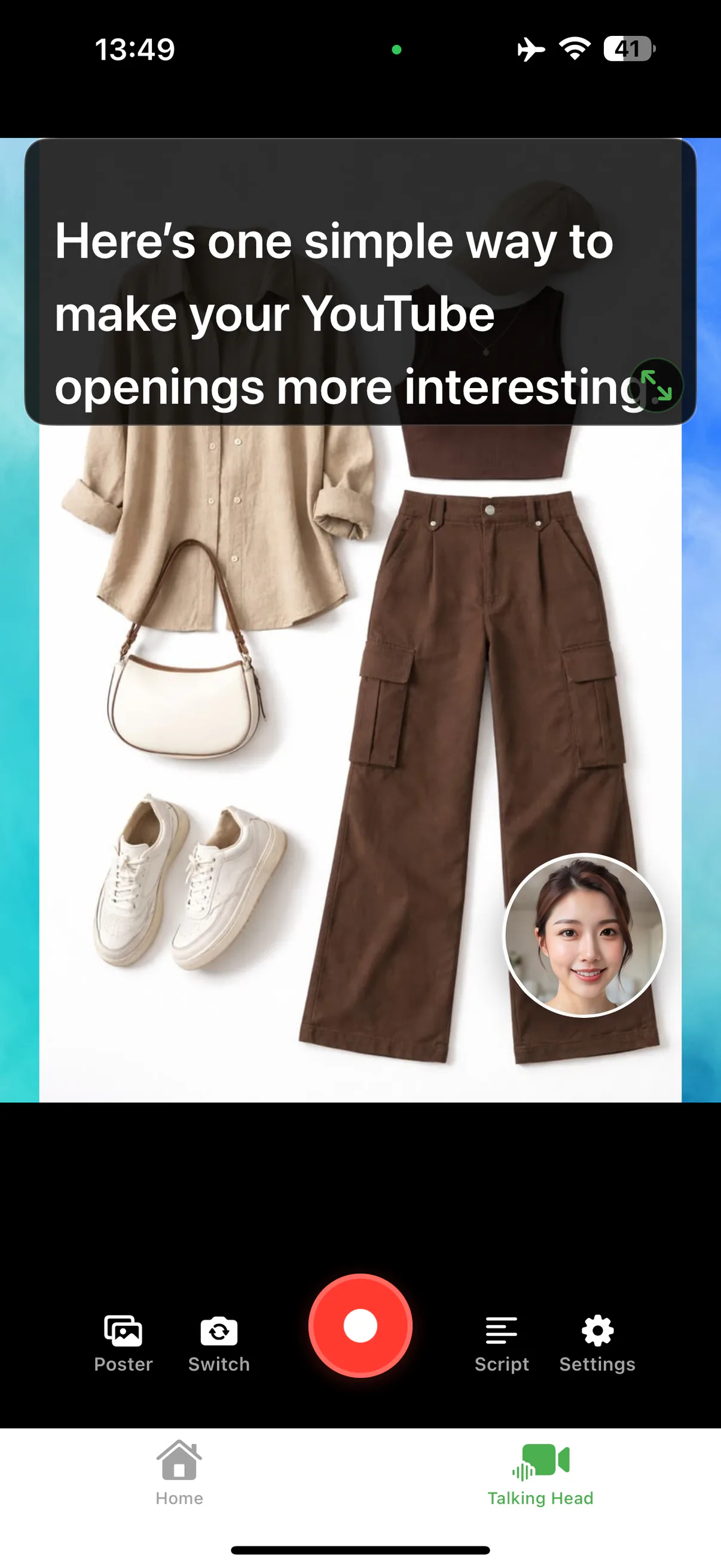
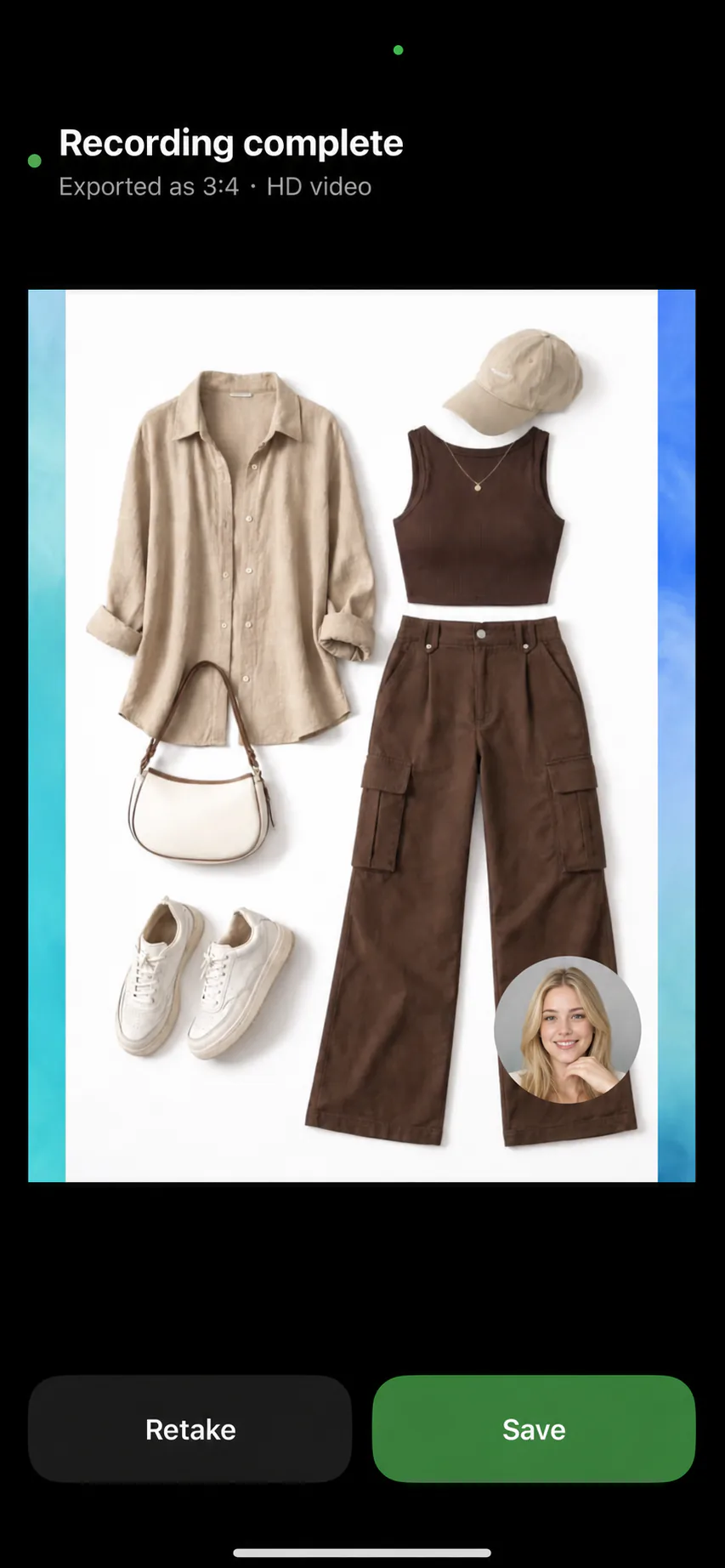
Person-first means the camera fills the frame: opinions, stories, direct address. Content-first puts a poster or a clip on screen with your face in a camera bubble: breakdowns, tutorials, anything with a visual. AI Teleprompter records both, and switching between them inside one video keeps longer talking-heads visually awake.
For content-first recordings, keep the poster visually simple. If the audience has to squint at the visual while listening to you, they do neither. One idea per poster page, big elements, no paragraphs on screen; the script carries the detail.
Delivery: energy, pace, and pauses
Camera eats energy. Deliver at about 120 percent of conversation level, and it reads as natural on screen. Talk to one specific person in your mind, not to "everyone". And treat pauses as features: a beat of silence after your key line is what makes it the key line.
Voice Sync matters here because fixed-speed scrollers punish exactly these pauses. When the script follows your voice, you can slow down on the hook, speed through the obvious, and stop dead on the punchline without losing your place.
Export and posting basics
Export in the ratio of the platform: 9:16 for TikTok, Shorts, and Reels; 3:4 for feed posts; and keep a clean master in your photo library. Watch the exported file once on the device you will post from, because compression and crop surprises are easier to catch there than in comments.
For volume goals, keep the pipeline boring: same light, same frame, same prompt settings. Consistency is what lets you record three videos in the time the first one used to take. The social video recording page covers platform-specific workflows.
Mistakes that make people swipe away
- Slow open: the hook arrives after five seconds of throat clearing
- Reading stare: eyes locked on text with no blinking or face movement
- Backlight: window behind you turns you into a silhouette
- Audio from across the room: distant mic kills authority instantly
- Ten takes of the first line: record the whole thing, then fix
- No ask: the video ends and the viewer drifts away with nothing to do
Talking-head FAQ
How do I look confident in talking-head videos?
Camera at eye level, light on your face, energy slightly above conversation level, and deliberate pauses after key lines. Confidence on camera is mostly preparation: a tested setup and a script you trust.
Should I script talking-head videos fully?
Script the hook and the call to action exactly. The middle can be tight bullets if you know the material. Full scripts work when they are written for the mouth and read with a voice-following prompt.
How long should a talking-head video be?
As long as every second earns attention: 30 to 90 seconds for social, three to ten minutes for YouTube. Cut any section you would skip as a viewer.
Phone or camera for talking-head video?
A recent phone is genuinely enough when light and audio are right. Upgrade audio first, then light, and only then the camera.




Record your next video with AI Teleprompter
Download on the App Store and check the available trial. Record inside the app to export your video without the prompt.