Devices
One app, two recording surfaces
AI Teleprompter runs on the devices you already own. iPhone is the take-anywhere recorder; iPad is the wide-prompt studio for long lessons. Same features, one download, iOS 18 or later.
Last reviewed
Choose your device
Whichever one is already on your desk

iPhone or iPad, side by side
Same app, same features. What changes is how much script fits on screen and how the device sits while you record.
| iPhone | iPad | |
|---|---|---|
| Prompt width | Narrow lines, more scrolling | Wide lines, fewer breaks in long scripts |
| Best for | Social clips, quick takes, filming away from a desk | Courses, presentations, interviews, fixed setups |
| Setup time | Prop it up and record | Stand or case, usually left in place |
| Eye line | Camera and prompt sit close together | Slightly wider gap; sit further back to close it |
| Portability | Fits in a pocket | Travels, but wants a bag and a stand |
Scripts, Voice Sync, and every recording mode are identical on both.
Device questions
Which devices are supported?
Any iPhone or iPad running iOS 18 or iPadOS 18 or later, including iPhone XR and iPhone SE (2nd generation) or newer.
Do I have to buy the app twice?
No. One app covers iPhone and iPad. Purchases and subscriptions are handled by the App Store and follow your Apple Account.
Do I need a teleprompter mirror?
No. The prompt appears on the screen you are already looking at. If you do own a beam-splitter rig, per-script mirror mode makes the text read correctly through the glass.
Can I record with a separate camera?
Yes. Use the floating prompt or the prompt board and let the other camera record. The app is a prompter in that setup, not the recorder.
If I only have one device, which is better?
Use the one you already own. Length decides more than the device: scripts under two minutes read fine on a phone, and anything past ten minutes is noticeably easier on a wide prompt.
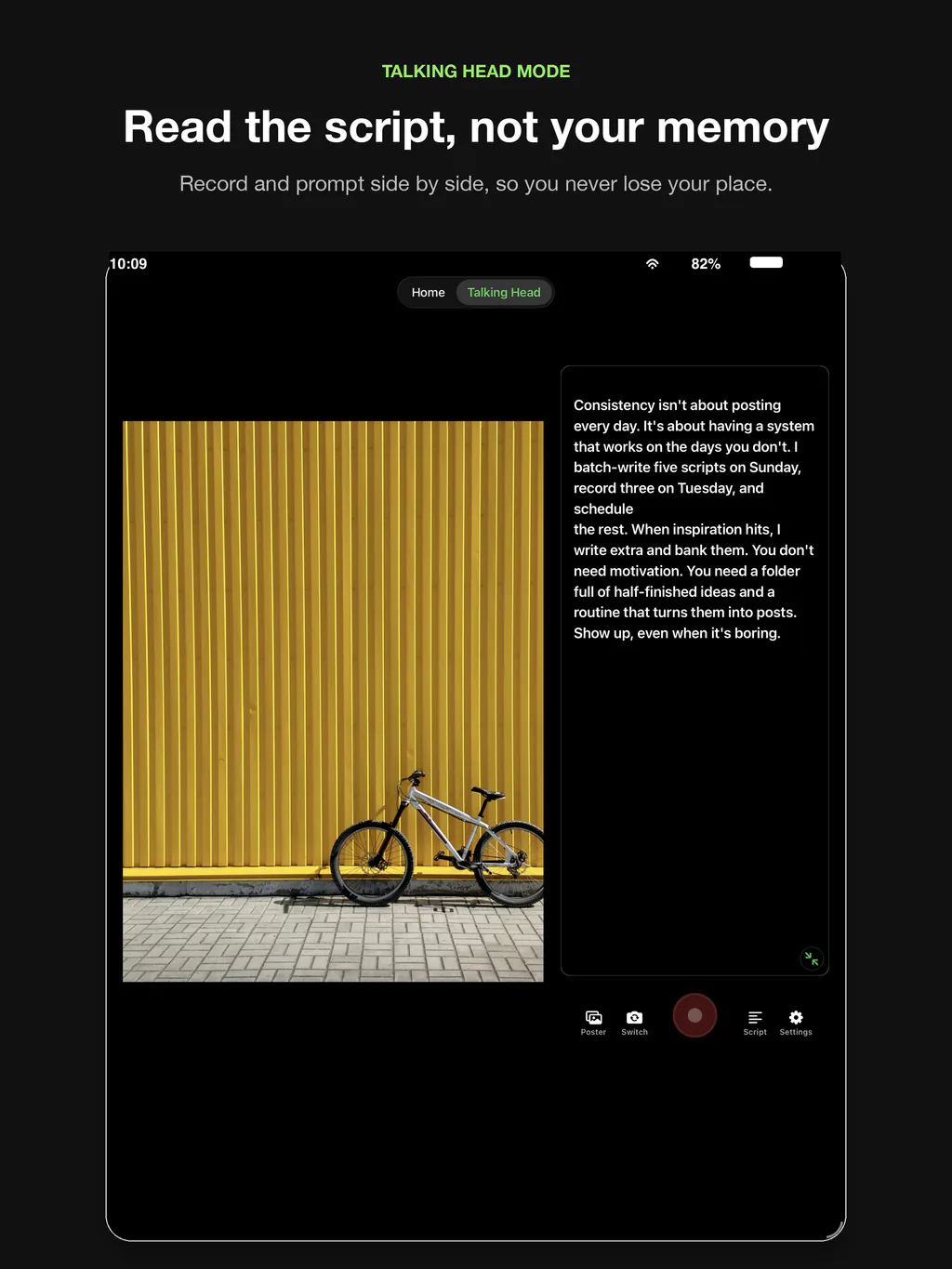
The same app on a bigger prompt
Compatibility in one line
Any iPhone or iPad running iOS 18 or iPadOS 18 or later is supported, including iPhone XR and iPhone SE (2nd generation). Details and setup notes are on each device page.




Record your next video with AI Teleprompter
Download on the App Store and check the available trial. Record inside the app to export your video without the prompt.