Use case
Record course videos without memorising every line
Course production collapses when you try to memorise lessons. AI Teleprompter lets teachers, coaches, and knowledge creators record lessons on an iPhone or iPad while a private script follows their voice, with lesson material on screen and a camera bubble keeping the instructor present.
Last reviewed

Turn one lesson into a visual explanation
Choose one outcome
Write what the viewer should understand after this short lesson. Turn your notes into a spoken script rather than reading a dense page.
Prepare the visual separately
Use the images or video that illustrate the point, then position your camera bubble away from labels and examples. Keep your speaking notes separate from the material viewers see.
Export a sample first
Record one section and check text readability, voice level and portrait framing on a phone. Finish subtitles and detailed editing in your editing tool when needed.
Built for people who teach on camera
Teachers recording flipped-classroom lessons, coaches producing paid programs, SaaS teams making onboarding videos, and creators packaging what they know into a course all face the same math: hours of content, limited recording energy, and students who notice every stumble.
The fix is not more memorisation, it is a script that behaves like a good producer: always at your position, patient through pauses, invisible in the final cut. That is what Voice Sync does while you record.
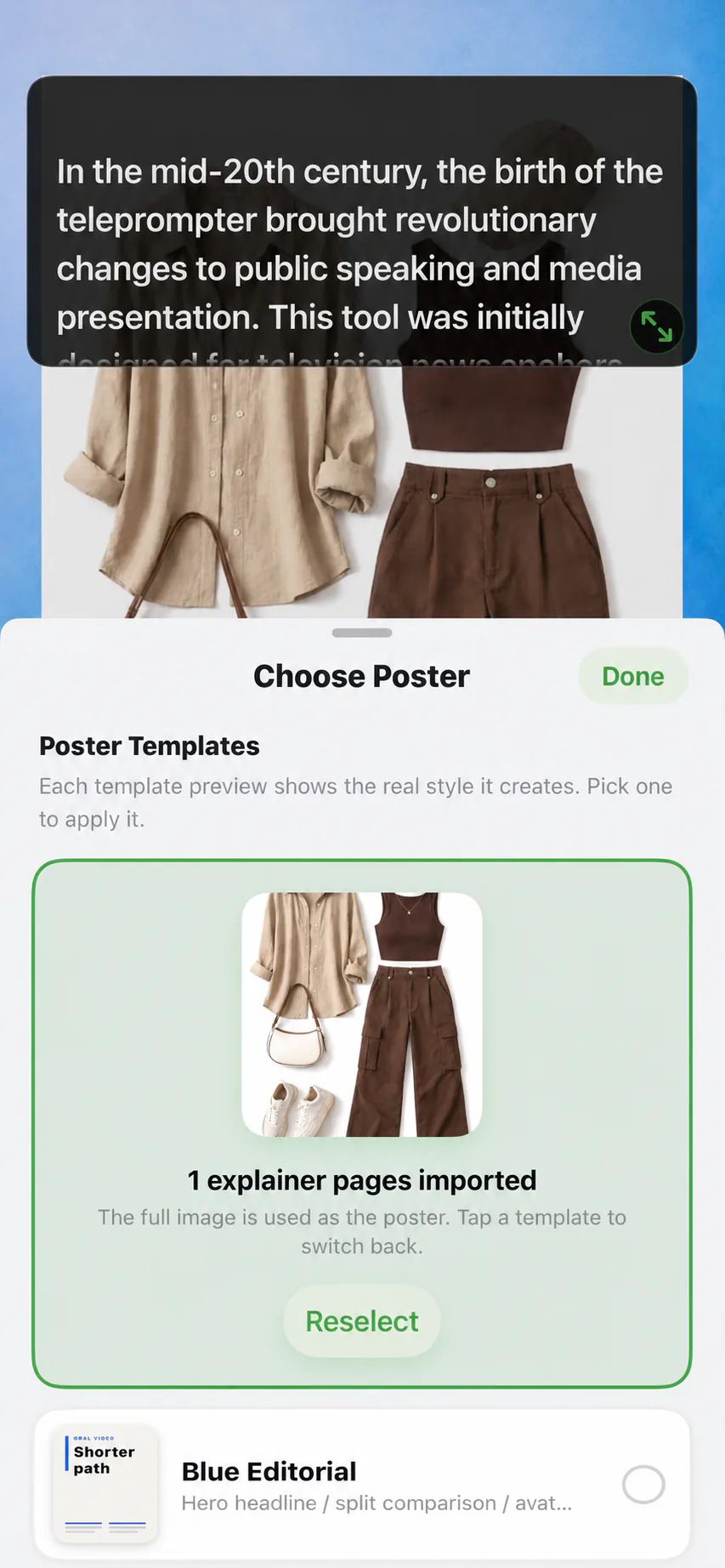
A course recording session, start to finish
Import the course outline
Bring your lesson outline in as a PDF, Word, or TXT document, or paste it into the editor. Split it into one script per lesson.
Prepare lesson scripts
Turn bullet outlines into spoken sentences. Short lines with one idea each read best and give Voice Sync natural waiting points.
Add the lesson visuals
Pick a poster template or a video of your material as the on-screen page, with your face in a camera bubble. A dense diagram gets full attention while you explain it.
Record lesson by lesson
Work through sections in order. A bad take only costs one lesson, and the preview is immediate, so quality control happens on the spot.
Export and assemble
Save each lesson in a consistent portrait format and assemble the course in your platform of choice. Prompts never enter the exports.
Why courses benefit from voice-following prompts
Pauses are teaching
Students need processing time after dense ideas. Fixed-speed prompters punish those pauses; Voice Sync waits with you, so emphasis survives into the recording.
Accuracy over improvisation
Definitions, formulas, and compliance wording must be exact. Reading the approved script beats paraphrasing wrong.
Consistency across modules
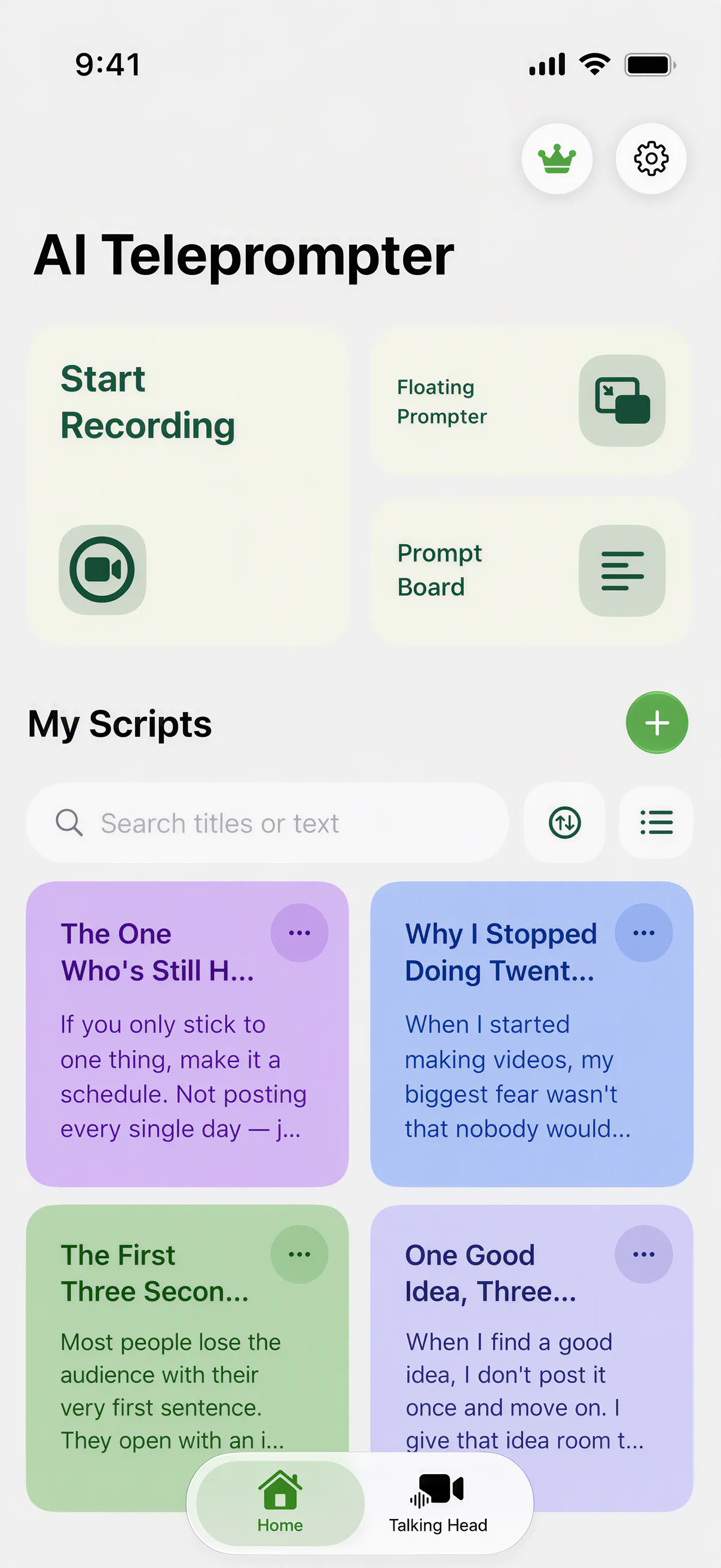
Color-coded script libraries and the same poster layout make module five look and sound like module one.
Cheaper retakes
Section-length scripts mean a retake is two minutes, not a full re-record. Preview immediately and move on.
The same script works in front of a class
Put the phone at the back of the room and the lesson you recorded at your desk becomes a rehearsed lecture, word for word.
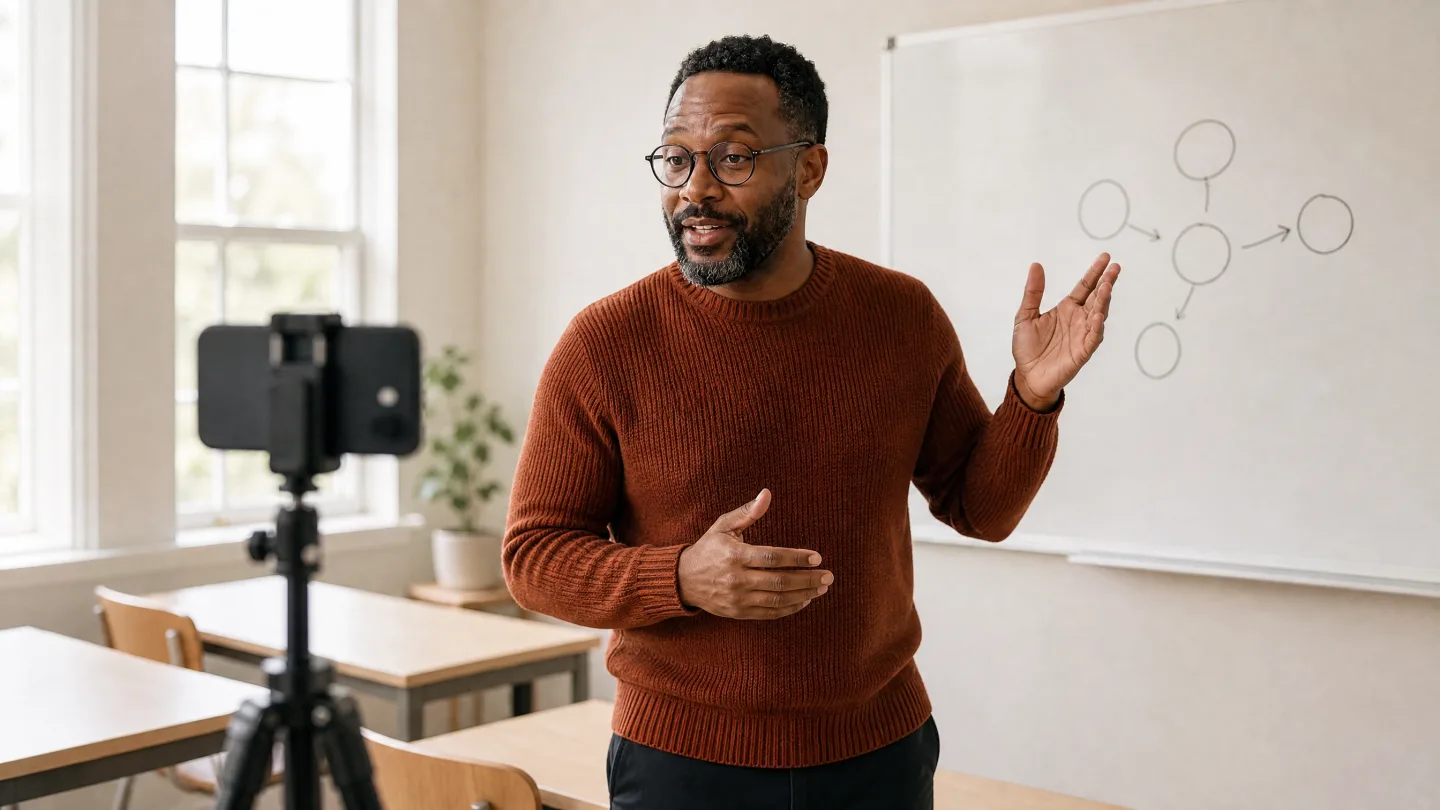
Course scripts that read well
A lesson script is not an essay. Write the sentence you would say to one student sitting across from you, then break it where you breathe. Mark the moments where you change a slide, and keep terminology identical across lessons. The full playbook, including pacing tables and rehearsal drills, is in how to record course videos.
Course recorder FAQ
Can I record a full course on my phone?
Yes. Import outlines, prepare one script per lesson, add poster or video visuals, and record lesson by lesson. Export each video and assemble the course on your teaching platform.
How do I show slides while talking?
Export the slides as a video, or record your screen while paging through them, then add that video as poster material. Your audience sees it full-frame while your face stays present in a camera bubble.
What if I make a mistake in lesson seven?
Retake only that lesson. Because scripts and posters are organised per section, you never re-record the whole course for one stumble.
Does the app edit or caption my videos?
No. The app records and exports clean portrait video with your material and camera. Editing, captions, and hosting belong to your editor and course platform.




Record your next video with AI Teleprompter
Download on the App Store and check the available trial. Record inside the app to export your video without the prompt.