Guide
How to record course videos without burning out
Course production fails when every lesson costs a full day. The fix is a system: structured lesson scripts, material that carries the visuals, a prompt that follows your voice, and retakes measured in minutes. This guide is the production playbook behind the course video recorder workflow.
Last reviewed

Structure the course before you record anything
A course is a promise: after this, you will be able to do the thing. Break the promise into modules, modules into lessons, and lessons into single outcomes a student can check. A lesson that tries to teach two things teaches neither, and it doubles your editing surface.
Shorter lessons win for both sides. Students finish them; you can retake them cheaply. Five to twelve minutes per lesson is the range most creators land in. If a lesson needs twenty minutes, it is probably two lessons wearing a trench coat.
Write lesson scripts that teach
A lesson script has four moves: what this lesson does, why it matters, the material itself with one example, and a recap with the next step. Write it in spoken sentences, not document prose. You are talking to one motivated student, not presenting to a committee.
Keep terminology ruthlessly consistent. If lesson two calls it a workspace, lesson seven cannot call it a project folder. Students replay confusing moments; consistent wording is the cheapest clarity you can buy. Mark every point where a slide or page changes so the recording and the visuals stay in sync.
A production session that scales
Prepare lesson packets
For each lesson: one script, one set of visuals, one outcome. Import scripts into AI Teleprompter and bring the visuals as poster templates or video clips.
Lock the setup
Camera, light, mic, and prompt settings stay identical for the whole course. Consistency across modules is what makes a course feel like one product.
Record in lesson order
Teaching builds on itself, and recording in order keeps your references accurate. Preview each lesson immediately; quality control happens while the setup is warm.
Retake by section
A stumble costs one lesson, not one day. Because each lesson is its own script and packet, you re-record exactly the broken piece.
Export and assemble
Export each lesson in the same format and assemble on your course platform. The prompt never appears in any export.
Slides and pages that carry their weight
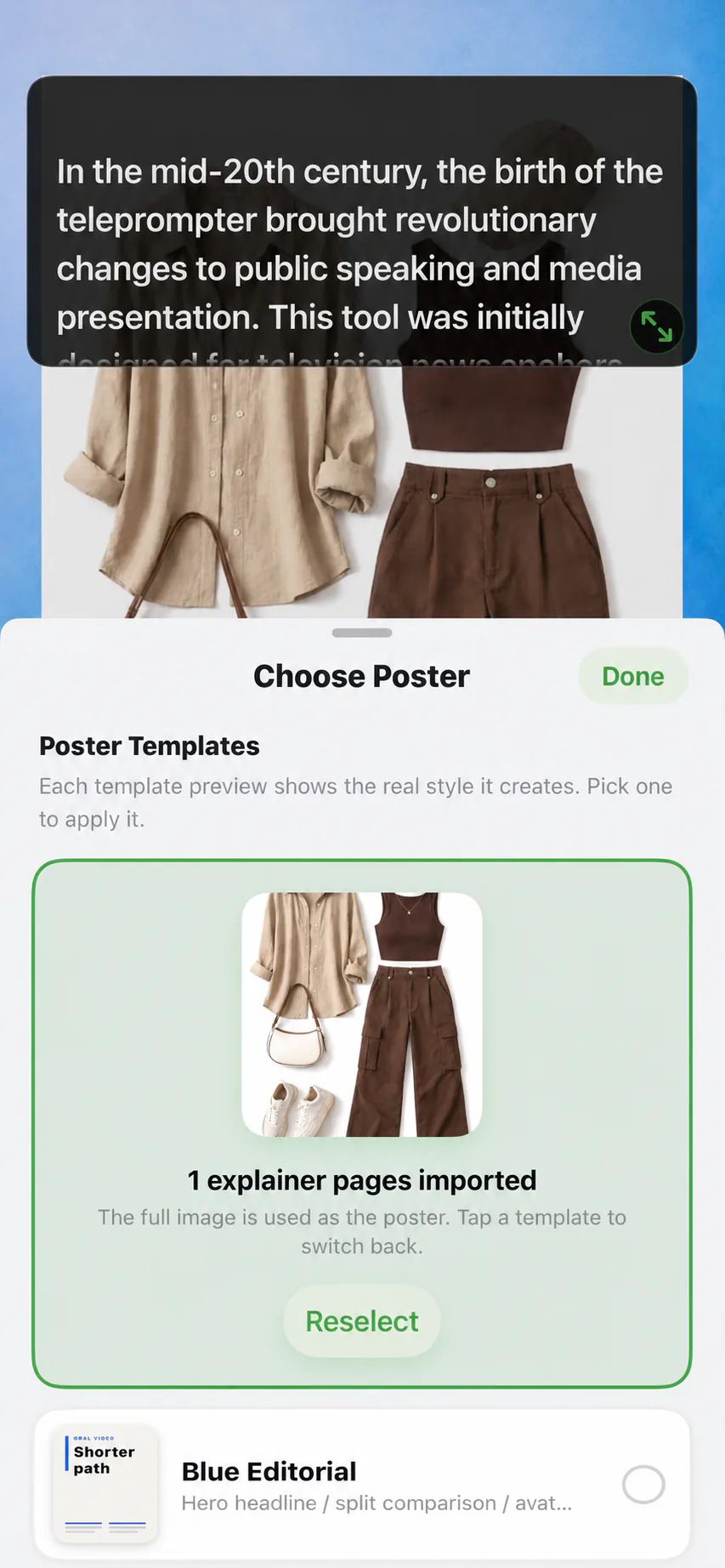
Course visuals exist to hold the thing you are explaining, not to decorate. One idea per page, large elements, minimal text. When a page gets dense, slow down and let it land; Voice Sync waits through exactly these teaching pauses, which is why voice-following prompting suits lessons better than fixed-speed scrolling.
PDF lecture notes convert directly: the PDF teleprompter workflow turns pages into poster material or text into a spoken script, so existing course documents are input, not homework. Keep your face in the camera bubble during explanations; students learn better from a visible instructor.
Pacing that respects the learner
New information needs air. After any definition, formula, or step sequence, pause for a full breath before moving on. It feels slow while recording and correct while watching. Say the hard part twice in different words; repetition with variation is teaching, not padding.
Watch one of your own lessons at normal speed before publishing. Everywhere you would reach for the scrubber, the lesson needs a cut, a pause, or a clearer example. Your future students will not tell you about these moments; they will just leave.
Course production mistakes
- Wing-it lessons: improvisation produces rambles, not courses
- Document prose in scripts: write for the mouth, not the page
- Twenty-minute lessons: split anything that teaches two outcomes
- New setup every session: visual inconsistency reads as low quality
- Terminology drift: same thing, five names, confused students
- Retakes of entire modules: section-level packets make fixes cheap
Course video FAQ
How do I record a course on my phone?
Prepare one script and one slide or PDF packet per lesson, keep the recording setup identical, and record lesson by lesson with a voice-following prompt. Export per lesson and assemble on your course platform.
How long should course videos be?
Five to twelve minutes per lesson covers most material well. Longer lessons usually contain two outcomes and should be split, for both student completion and cheap retakes.
Should I script every word of a course?
Script lessons where accuracy matters: definitions, steps, compliance wording. Teach examples and walkthroughs from tight bullets if you know the material cold. Either way, write for the mouth.
How do I show slides with my face in course videos?
Put a screen-recorded video of the slides in the main frame and your camera feed in a small bubble. Students see the material full-size while your presence keeps the lesson human.




Record your next video with AI Teleprompter
Download on the App Store and check the available trial. Record inside the app to export your video without the prompt.