Feature
Record talking-head videos while the script follows your voice
Talking-head videos live or die on two things: whether you sound natural, and whether your eyes stay on the audience. AI Teleprompter records you while a private prompt scrolls near the lens at the pace of your speech. Add a poster or keep it just you, and export a finished video with no prompt in sight.
Last reviewed
Check a short take before recording the full script
Record an opening line, a pause, and one visual explanation. Check audio, eye contact, visual overlap and output framing. Save the sample to Photos and play it again before recording the full piece.
Keep the face bubble away from the words or product details you are explaining. For captions or detailed editing, export the recording and continue in your post-production tool.
Two layouts, one private prompt
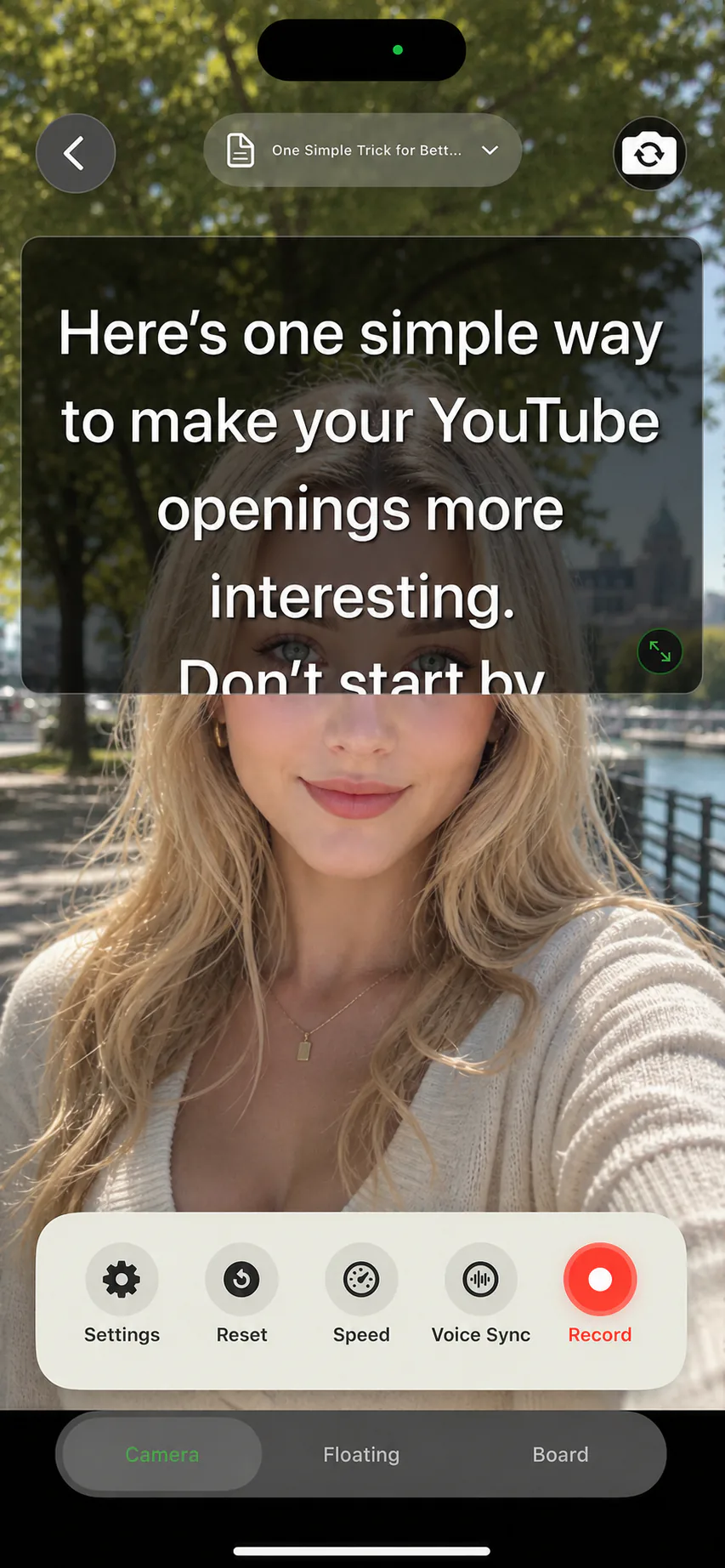
Person-first: the camera fills the frame and the prompt overlays the preview near the lens. This is the classic talking-head setup for intros, opinions, and direct address.
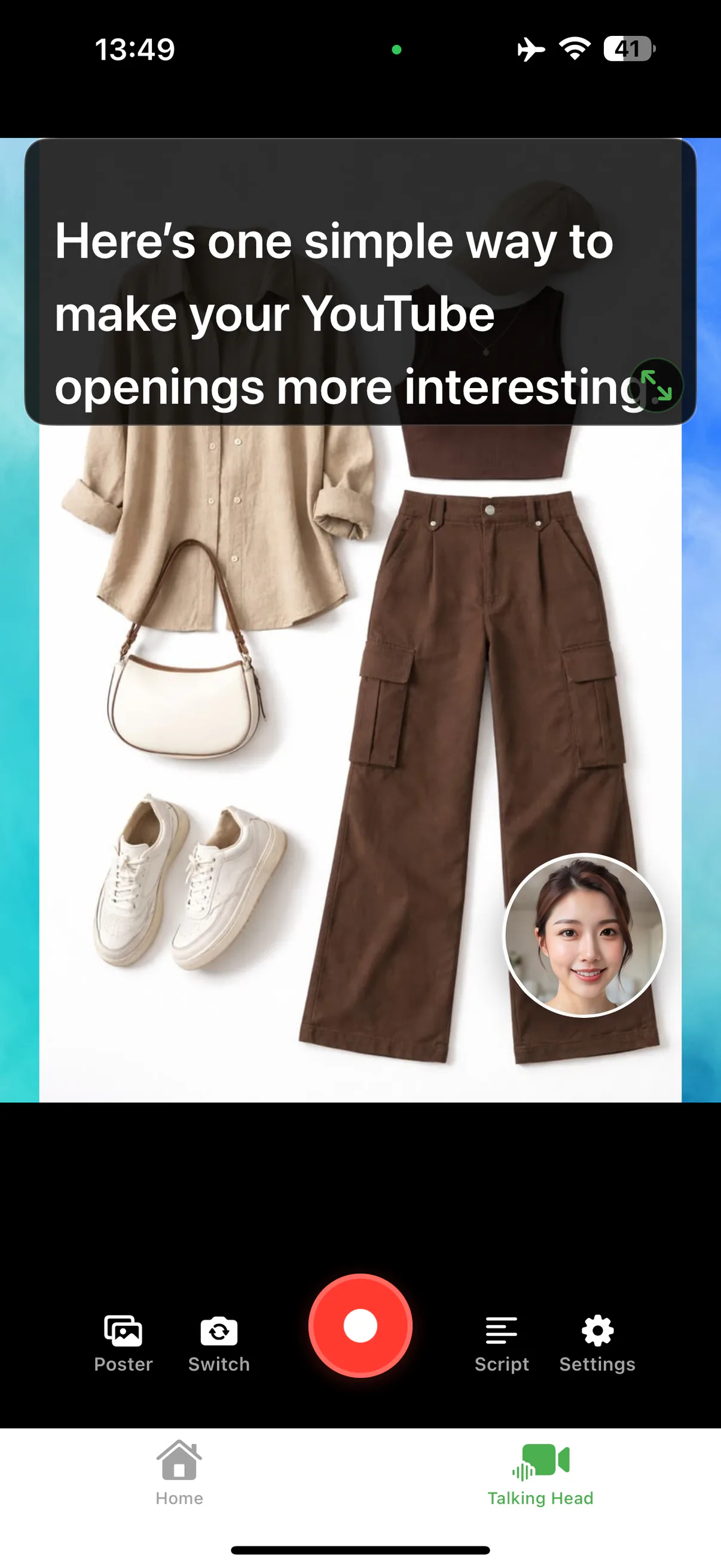
Content-first: a poster template or a video fills the frame while your face appears in a movable camera bubble. This suits explainers, outfit or product breakdowns, and anything where the visual does the heavy lifting. Either way, the prompt layer is excluded from the exported video.
A studio you can build at home
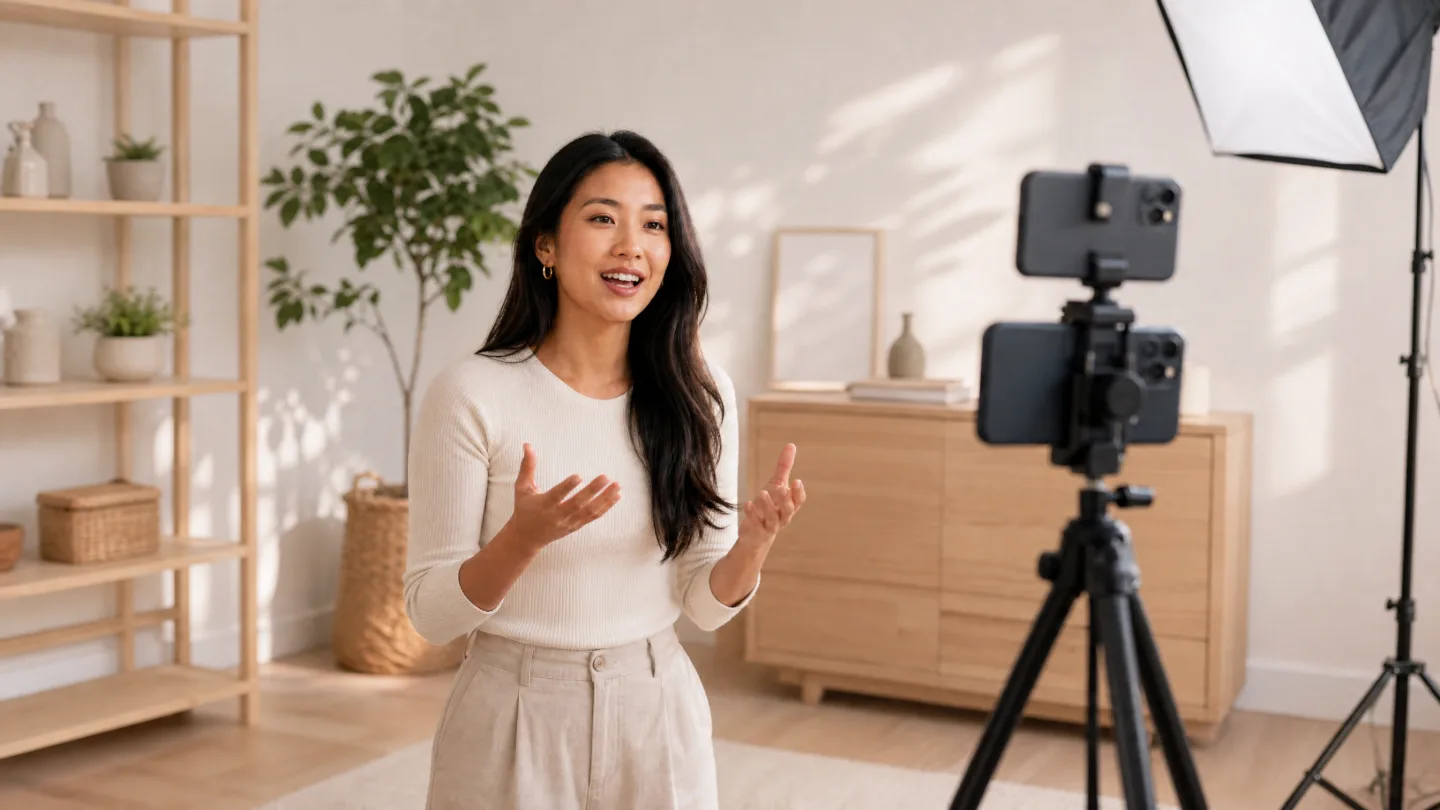
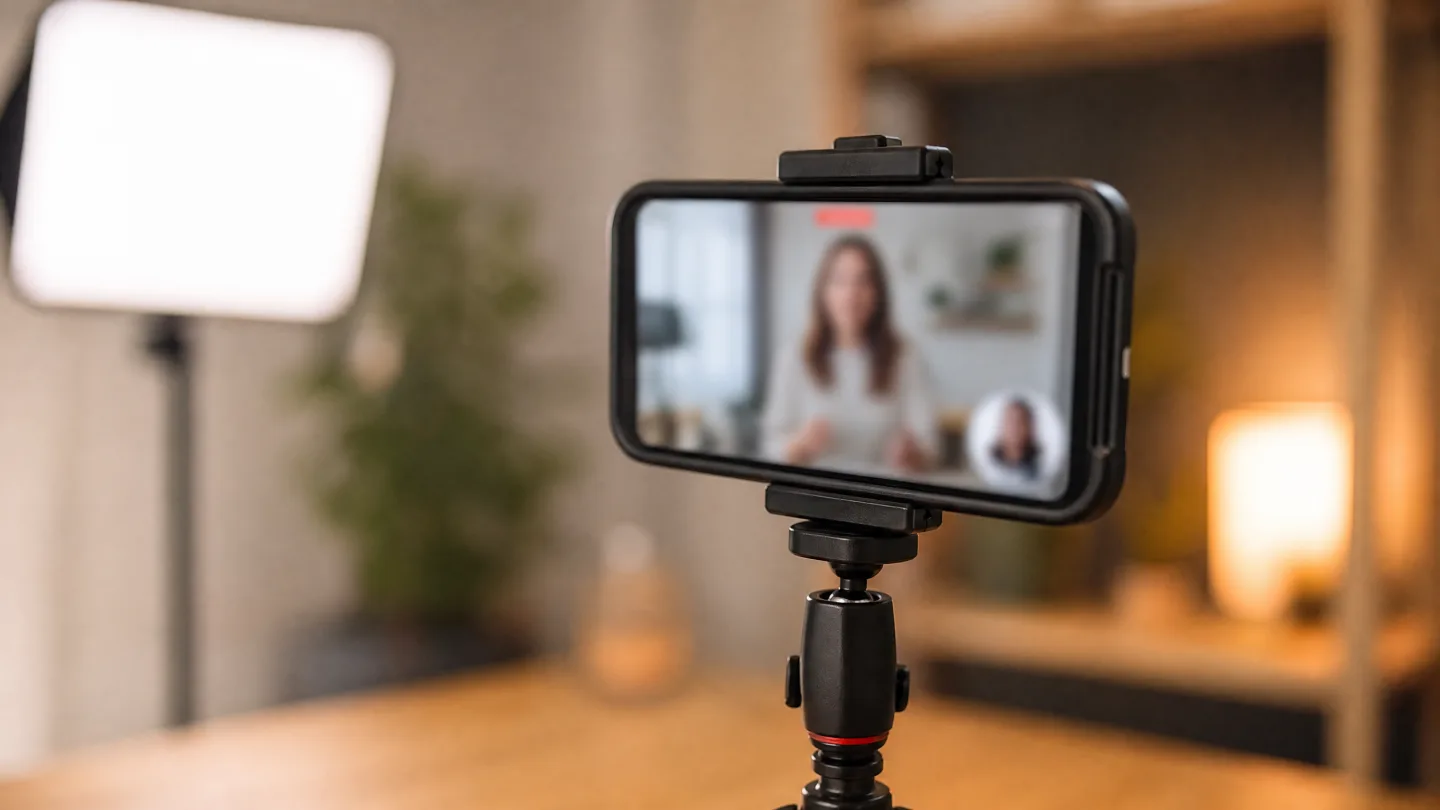
A phone above the lens, a light, and a script that follows your voice: that is the whole talking-head setup.
A talking-head workflow that finishes
Bring in a poster or go camera-only
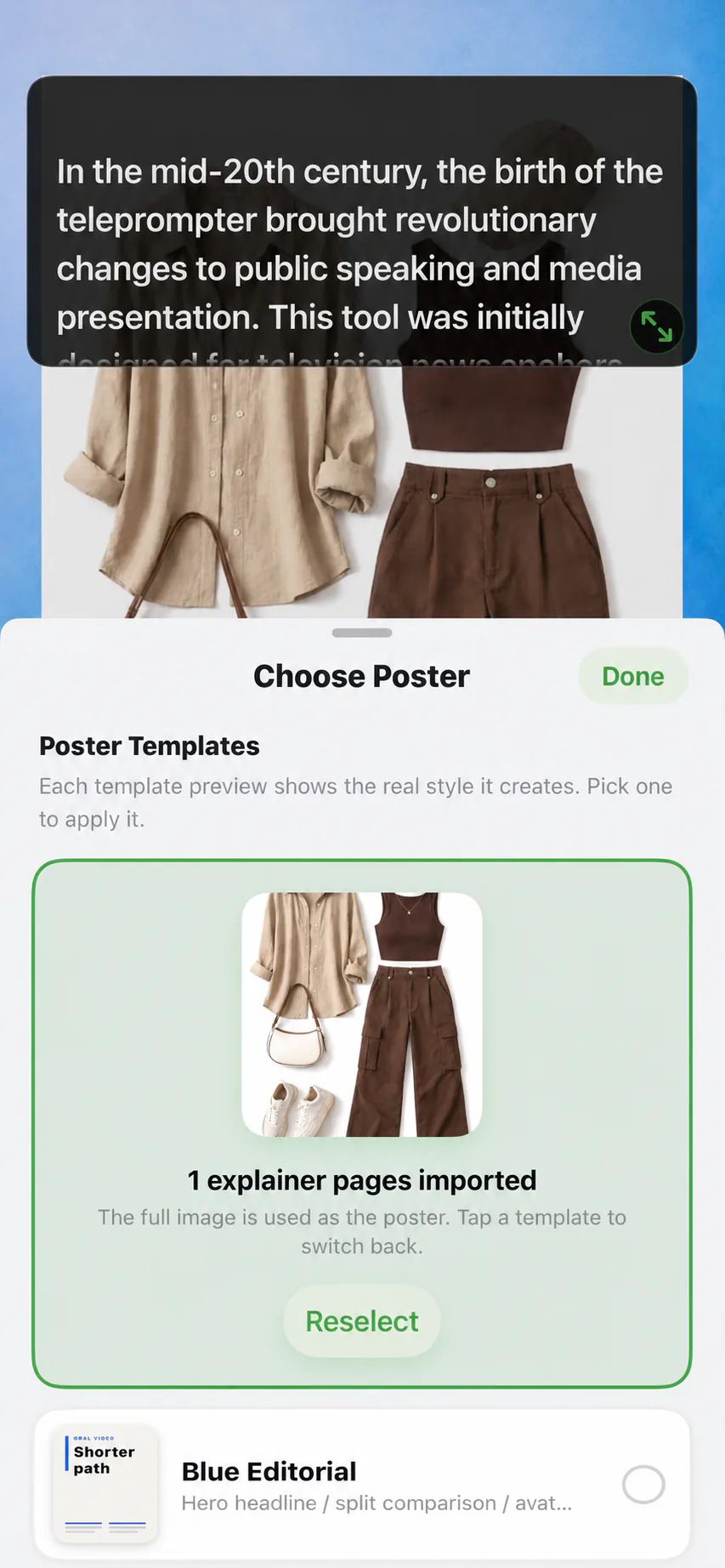
Pick a poster template or a video as your main visual, or stay full-frame. Templates give you a clean layout to start from.
Place your camera bubble
Put your face in a corner for content-first videos, or lead with the camera for person-first delivery. Mirror mode flips the preview if you prefer.
Read with Voice Sync
Speak at conversation pace. The prompt follows your voice, waits through pauses, and never races you.
Preview, retake, save
Review the take immediately, redo a section if needed, and export in portrait 9:16 or 3:4 for the platform you are posting to.
Pick the visual before you speak
Settings that matter for talking-head video
Export format
Portrait 9:16 for TikTok, Shorts, and Reels. Portrait 3:4 at 720 x 960 for social posts. Preview shows the exact frame before you commit.
Background wall
A clean backdrop color behind your poster pages keeps content-first videos consistent across a series.
Poster framing
Fit keeps the whole poster visible; Fill covers the frame for edge-to-edge visuals. Choose per poster, not per project.
Prompt typography
Font size, scroll speed, and margins tune readability at your recording distance, so your eye movements stay small on camera.
Sound scripted without sounding read
The goal is delivery that feels improvised while the wording stays exact. Write spoken sentences, keep one idea per prompt line, and mark deliberate pauses in the script. The full delivery playbook is in how to record talking-head videos, and reading a script while recording covers eye line and pace.
Talking-head recorder FAQ
What is a talking-head video recorder?
An app that records you speaking to camera while helping you deliver a script. AI Teleprompter combines the recorder and the teleprompter: you read a private prompt while the app captures the finished video.
Can viewers see my script in the final video?
No. The prompt is an overlay only you can see while recording. Exported videos contain the camera picture and any poster material you chose to show.
Can I show material next to my face?
Yes. A poster template or a video can fill the frame while your camera feed appears in a small movable bubble. You control framing per poster with Fit or Fill.
Which aspect ratios can I export?
Portrait 9:16 for TikTok, Shorts, and Reels, and portrait 3:4 at 720 x 960 for social posts, saved to your photo library in HD.




Record your next video with AI Teleprompter
Download on the App Store and check the available trial. Record inside the app to export your video without the prompt.