Voice Sync
A teleprompter app that follows your voice
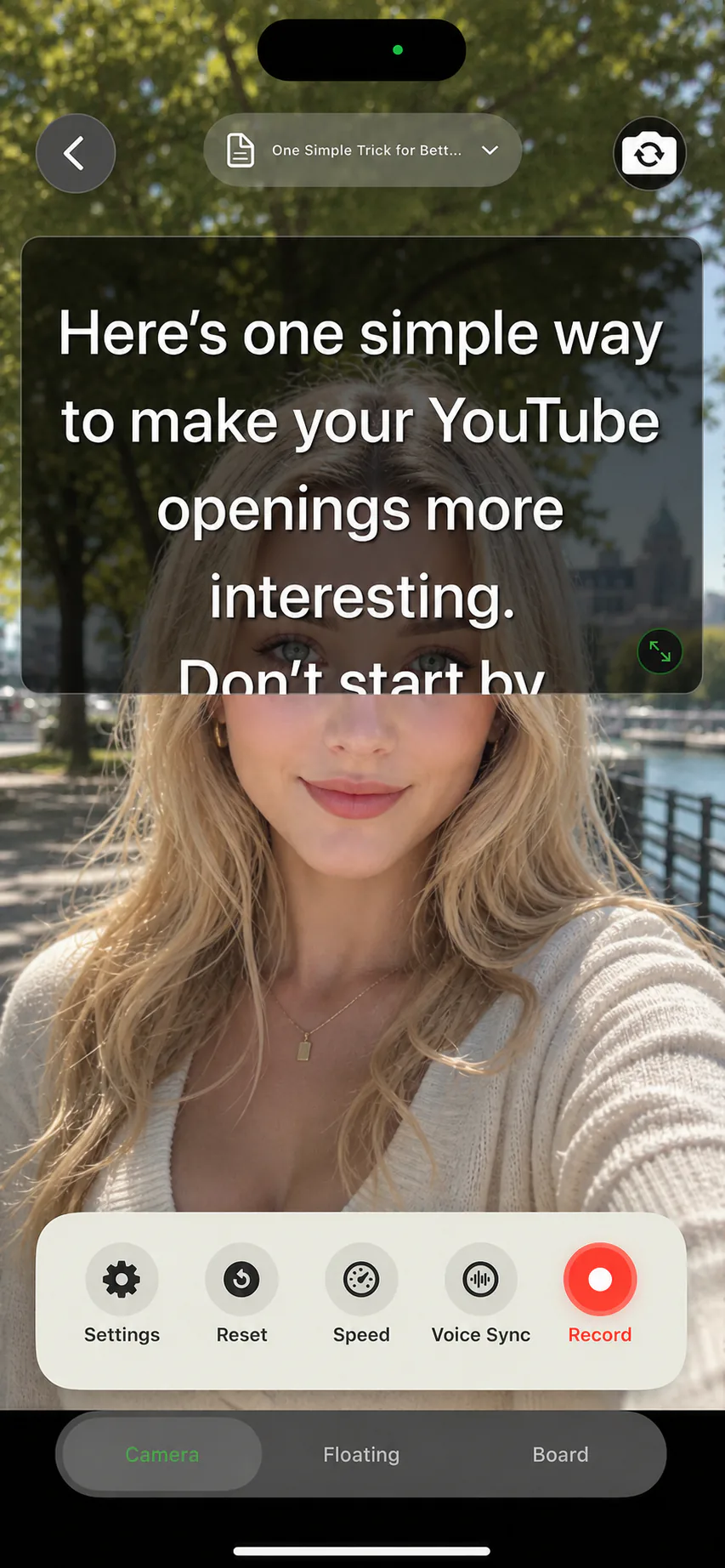
Fixed-speed teleprompters force you to keep up with the machine. AI Teleprompter works the other way around: the prompter listens to your reading and moves the script to match. Speed up and it keeps pace. Pause to think, and it waits exactly where you stopped. That is what voice-activated prompting means in practice, and it is why the scroll is hands-free until you decide otherwise. When you do want manual control, play, pause, and speed controls are one tap away.
Last reviewed

If the script stops following your voice
Before a full take, read a short passage with a pause and a repeated line. Check microphone access, reduce background audio, and keep the spoken words close to the script. A quiet test helps you distinguish a setup issue from a passage that needs rewriting.
If your position drifts, stop the take and select the line you want to resume from. Try fixed-speed or manual prompting when voice following does not fit your recording environment. Test the language you plan to speak; interface language availability does not by itself confirm voice recognition support.
Keep the text comfortably large and the column narrow enough to read near the lens. For a complete recording setup, see reading a script while recording.
What voice activation actually means here
Voice Sync is on-device speech tracking that follows your reading position in the script. As you speak a line, the highlight moves with you. When you stop, the script stops. When you improvise a sentence and come back, you can tap to reposition instead of hunting for your place.
This is different from both ends of the usual spectrum: a fixed-speed autoscroll that ignores you, and a fully manual script you nudge with a finger between sentences. Voice Sync is the default reading mode, and fixed speed or manual control remain available whenever you prefer them.
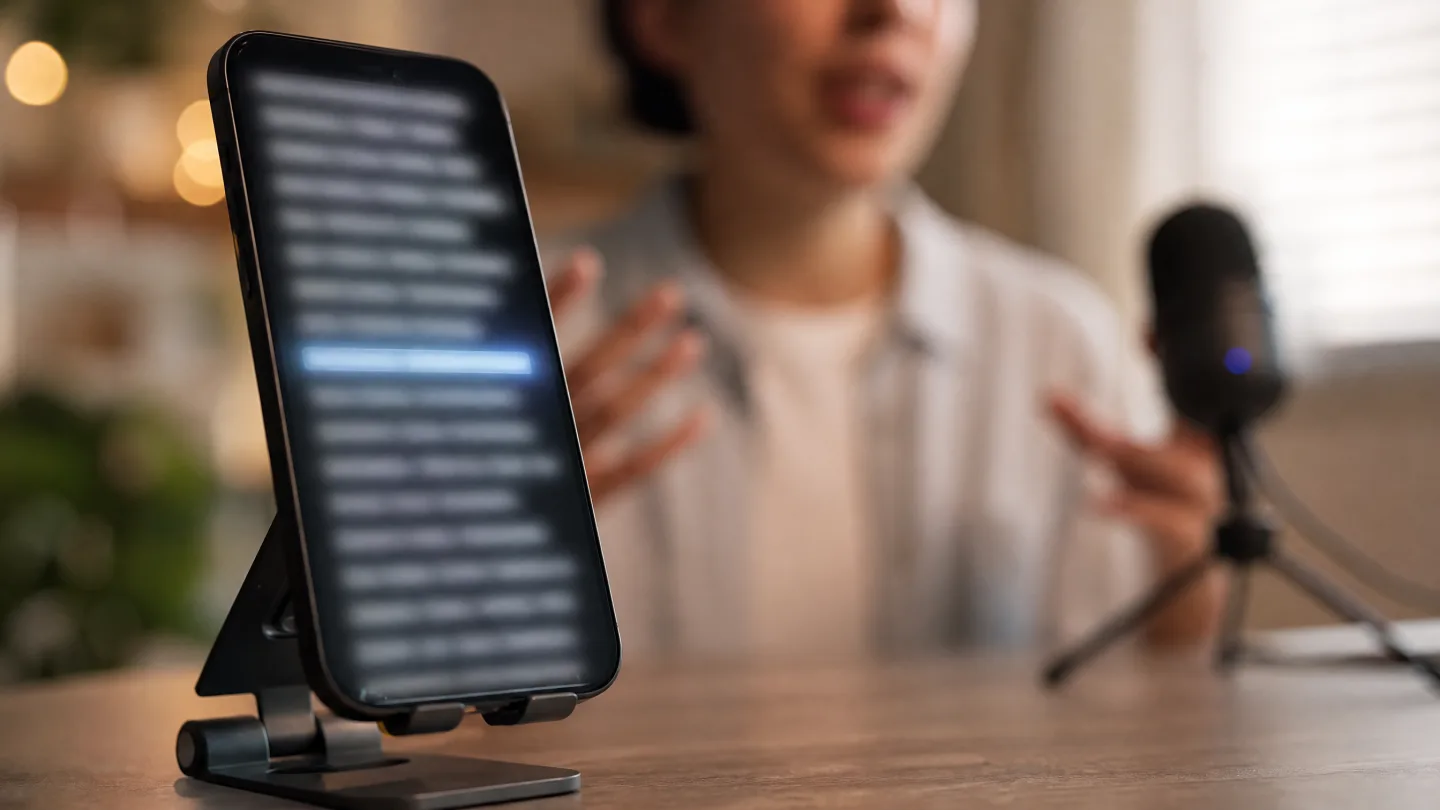
Voice Sync compared to other scrolling modes
Every scrolling style suits a different recording situation. The app includes all three, so you can switch per script.
| Mode | How it scrolls | Best for |
|---|---|---|
| Voice Sync | Follows your speech, waits on pauses | Natural delivery, lessons, demos, long takes |
| Fixed speed (0.5x to 1.5x) | Scrolls at a constant rate you set | Timed segments, practiced delivery, steady cadence |
| Manual | You swipe or tap to move the script | Rehearsal, tricky passages, interruptions |
Honest limits you should know
Speech tracking works best in a reasonably quiet room with the microphone near you. Heavy background noise, music, or several people talking at once can make the highlight hesitate. A strong accent is usually fine, but mumbling into a distant microphone is not. If tracking struggles, fixed-speed mode is one tap away and the take is not ruined.
Voice Sync follows your reading; it does not transcribe, caption, or translate your video. If you go off-script on purpose, the script simply waits, and you tap the line you want to resume from.
Where voice-activated scrolling helps most
Course videos
Lessons have natural pauses for emphasis and screen changes. Voice Sync waits through them, so you never race the script. See the course video recorder workflow.
Product demos
Demos derail when you lose your place while clicking around. The script holds its position while you show the product, then continues when you do. More in product demo recording.
YouTube and short video
Hook, beat, payoff: short scripts live or die on pacing. Read faster through the familiar parts and slow down on the hook. See teleprompter for YouTube.
Speech practice
Rehearse at conversation speed, then tighten wording where you keep stumbling. The speed and eye contact guide covers pacing drills.
Hands busy, eyes up, script still moving
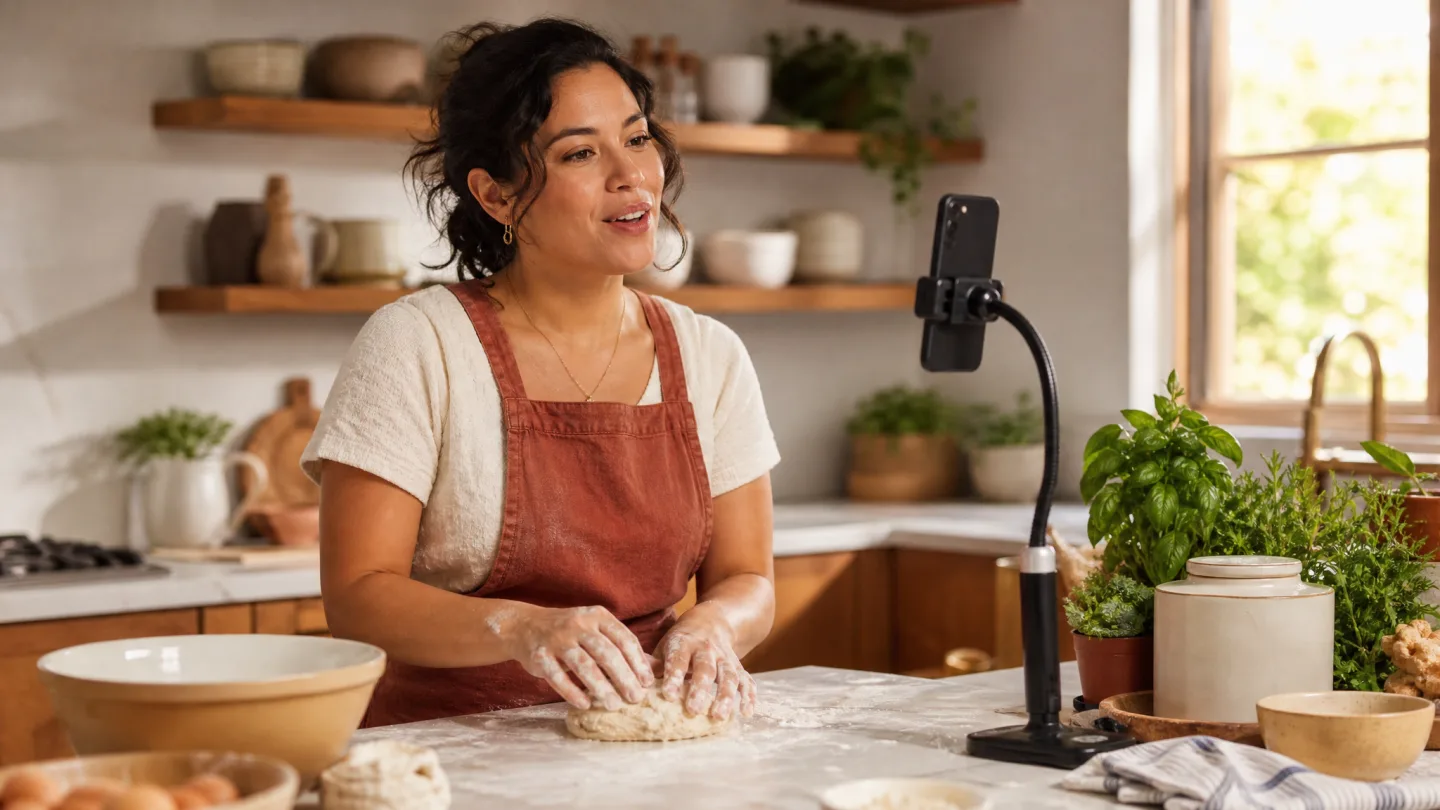
Voice Sync frees your hands: knead, demonstrate, or gesture, and the script keeps pace with what you say instead of with a timer.
Voice Sync checklist before you record
A one-minute setup that avoids the common failure modes.
Allow microphone access
Voice Sync needs the microphone to follow your reading. Speech recognition runs on your device and is not used for ads or training.
Read two lines out loud
Watch the highlight follow you. If it lags, move the phone closer or lower the text size so more context fits on screen.
Mark your pause points
Break long paragraphs into shorter lines in the editor so waiting points feel natural and eye movements stay small.
Keep manual control in reach
The play, pause, reset, and speed controls stay visible in every prompting mode, so you can always take over mid-take.
Voice Sync FAQ
Is there a teleprompter app that follows my voice?
This is one. Instead of scrolling on a timer you have to chase, the script advances as you read it and stops where you stop. Nothing to tap mid-take, and no second person driving the scroll.
What is the difference between voice-activated and voice-controlled prompting?
In practice they describe the same thing: the prompter reacts to your speech rather than to a clock. Some people also mean spoken commands by voice control; this app tracks your reading position rather than listening for command words.
Does Voice Sync need an internet connection?
Voice tracking and speech recognition are processed primarily on your device, using system capabilities where available. Your speech is not uploaded for advertising or model training.
What happens if I pause or improvise?
The script waits at your current position when you pause. If you go off-script, tap the line you want to continue from and Voice Sync resumes tracking there.
Can I still use a constant scroll speed?
Yes. Fixed-speed scrolling from 0.5x to 1.5x and full manual control are built in, and you can switch modes per script.
Does it work in a noisy room?
Voice Sync is designed for normal speaking in a reasonably quiet space. Loud music or cross-talk can confuse tracking; in that case switch to fixed speed and the take still works.
Is my audio stored or uploaded?
No. Speech recognition for Voice Sync runs on your device, and the app does not retain recognition content. The details are written down in the privacy policy.



Record your next video with AI Teleprompter
Download on the App Store and check the available trial. Record inside the app to export your video without the prompt.