Use case
Explain your product clearly in one confident take
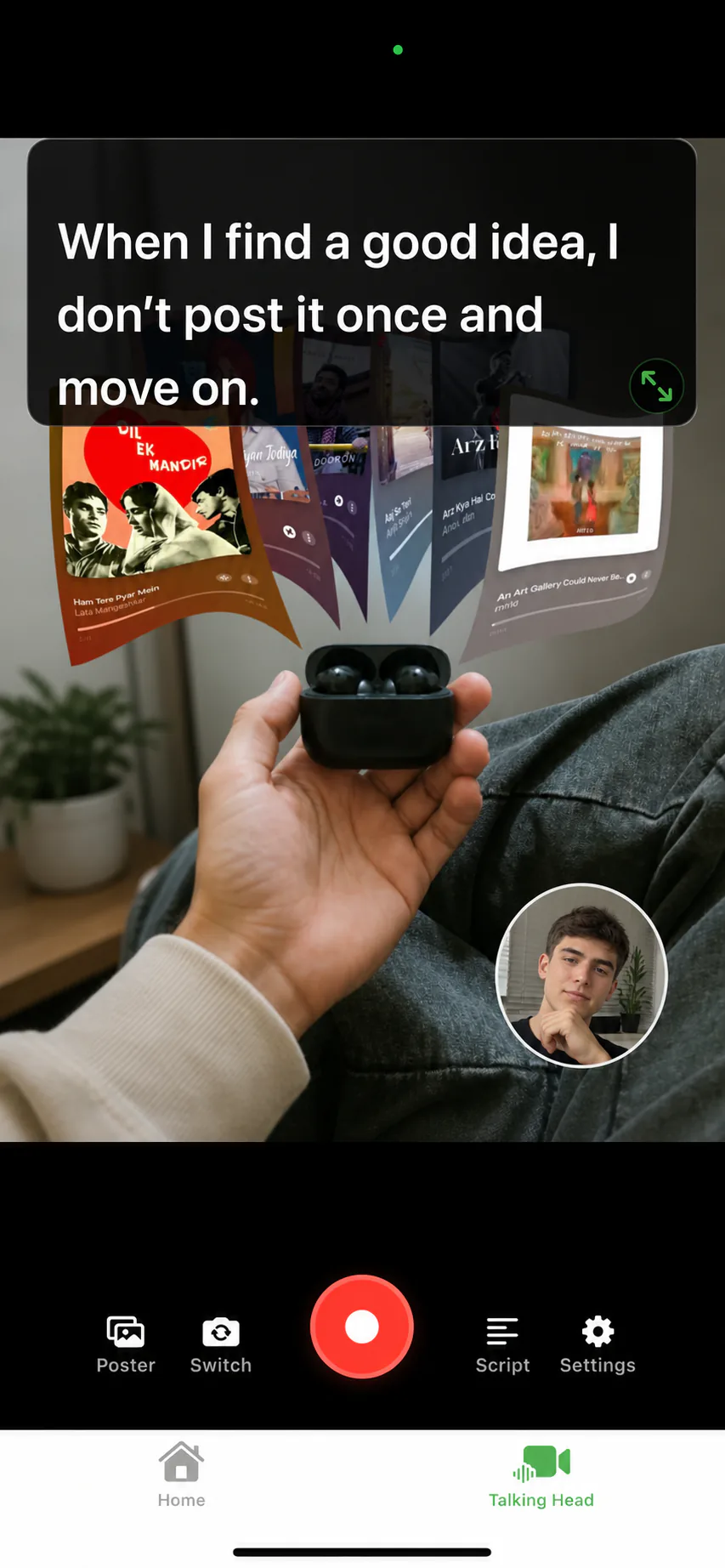
A good demo is a story with the product on screen and a human voice carrying it. AI Teleprompter records that combination on your iPhone: screen recordings as the visual, your face in a camera bubble, and your demo script scrolling privately at the pace of your voice.
Last reviewed
The demos this workflow covers
App feature walkthroughs, launch update videos, sales follow-ups that show instead of tell, and onboarding clips all follow the same shape: show the thing, explain the thing, stay on script. The input is your product captured as short screen recordings in your photo library, plus a written talk track.
Because the recorder and the prompter are one app, the demo is not assembled afterward. You arrange the material, read the script while Voice Sync follows you, and export a finished portrait video.
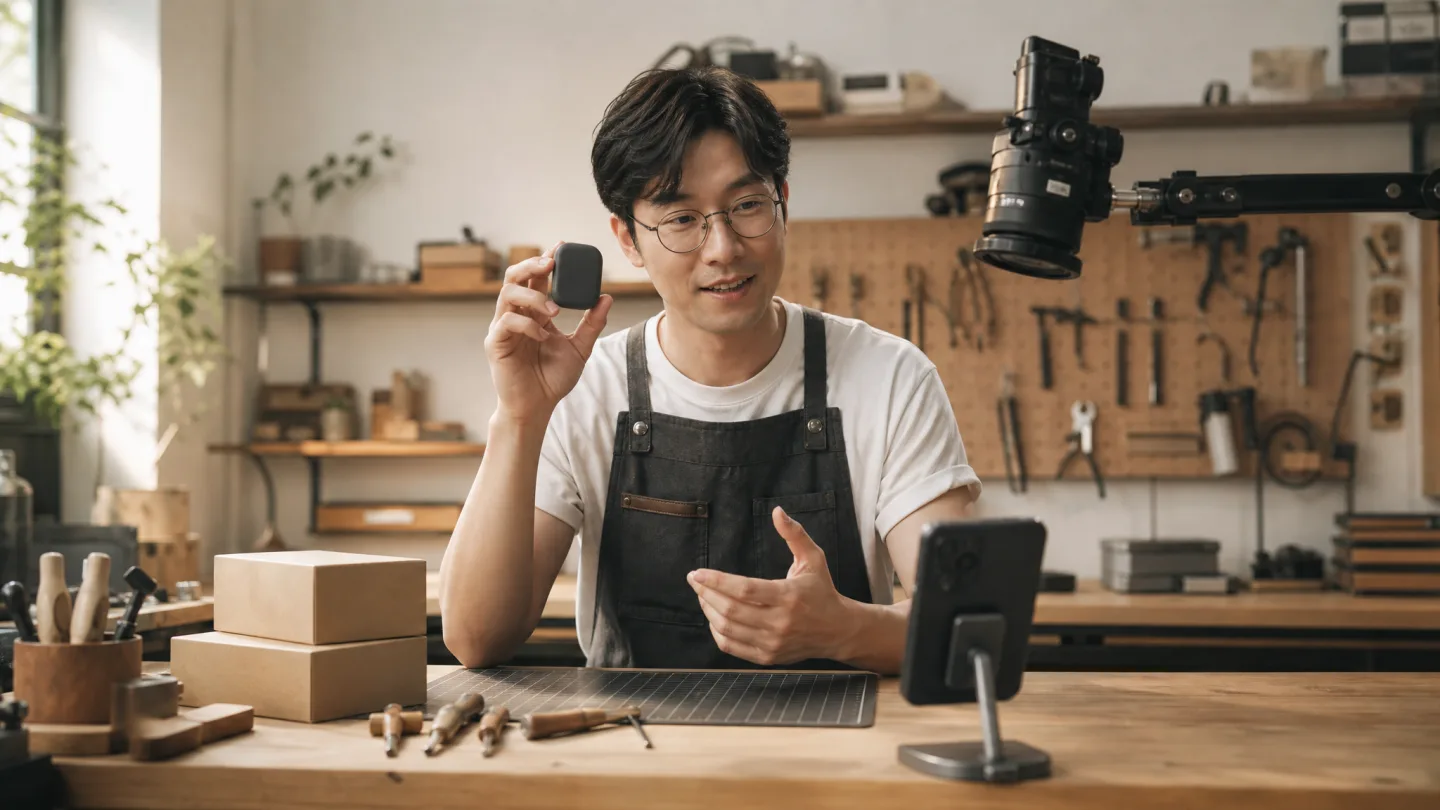
From product to posted demo
Capture your product
Record short screen captures of the flow you are showing. One segment per beat keeps the story tight.
Write the talk track
Name the problem, show the screen, state the outcome. Keep lines short enough to say while the viewer reads the screen.
Arrange face and material
Material leads with your camera bubble in a corner. Switch to person-first for the intro and the call to action.
Record with Voice Sync
Read at demo pace. Pause on the screen that matters; the script waits and the take continues.
Export and share
Preview, retake the weak section, and save in portrait 9:16 or 3:4 for social channels, or send the file straight to a prospect.
What makes demos sound scripted in the bad way
Reading speeds that never change, eyes glued below the lens, and feature lists instead of outcomes. The fixes are mechanical: put the prompt near the camera, write outcome sentences, and let Voice Sync hold your place while you point at the screen. Reading a script while recording has the delivery drills.
Demo recorder FAQ
Can I show my app while I talk about it?
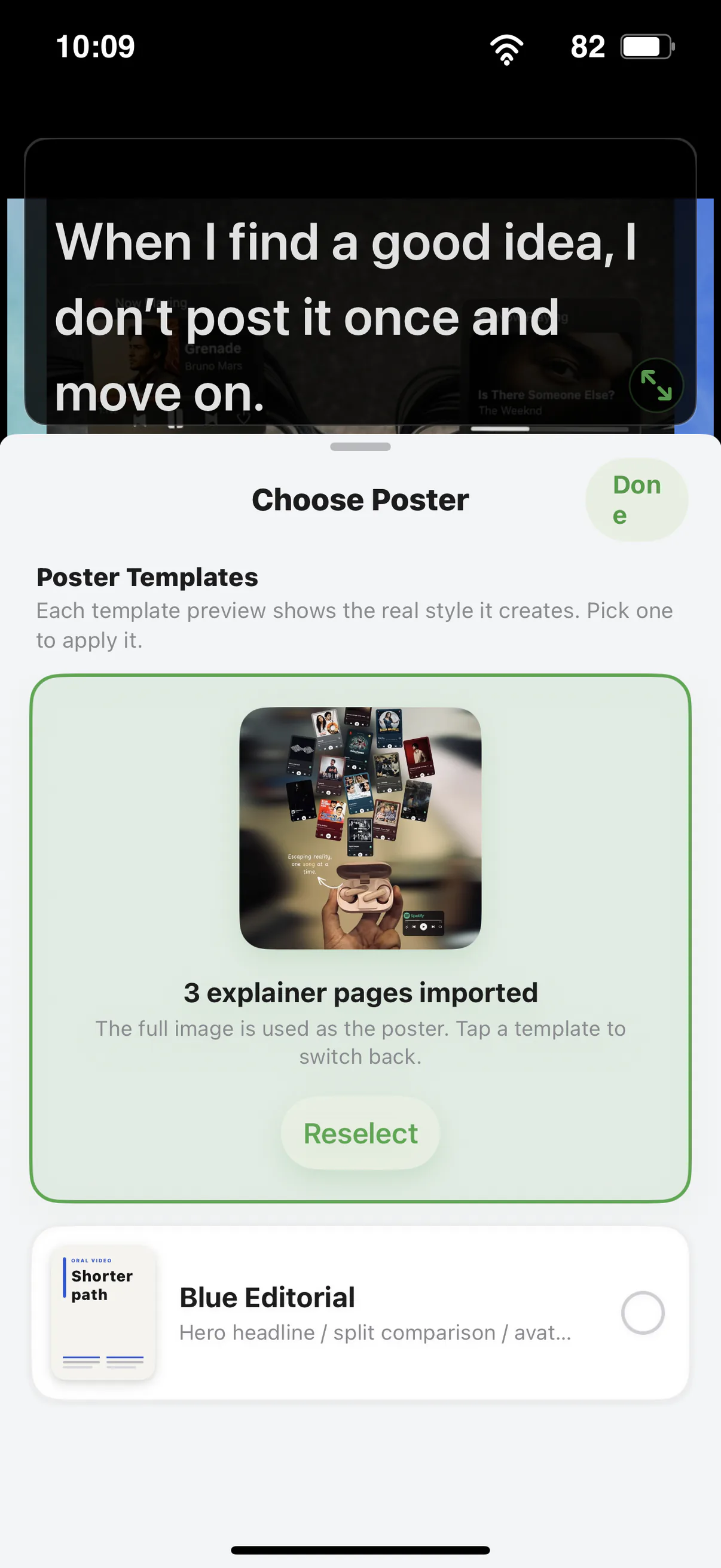
Yes. Import short screen recordings as poster material, keep your face in the camera bubble, and read your demo script while the material stays on screen.
Does it record my screen directly?
No. Capture the screen with the built-in iOS screen recorder first, then import the result as material. The app records camera plus material with a private prompt overlay.
Will the script show up in the demo video?
No. The prompt is visible only to you while recording. The exported video contains your material and camera feed only.
How long can a demo be?
As long as the material needs, but short sections record better. Split a long walkthrough into one script per feature and retake only the weak parts.




Record your next video with AI Teleprompter
Download on the App Store and check the available trial. Record inside the app to export your video without the prompt.