Use case
Record presentations while reading a private script
Recorded presentations fail in two places: the speaker loses their place, or the slides and the speaker never share the screen. AI Teleprompter records your material and your face together while a private prompt scrolls your talk track at the speed of your voice. Upload, arrange, prompt, record, export.
Last reviewed
Who records presentations this way
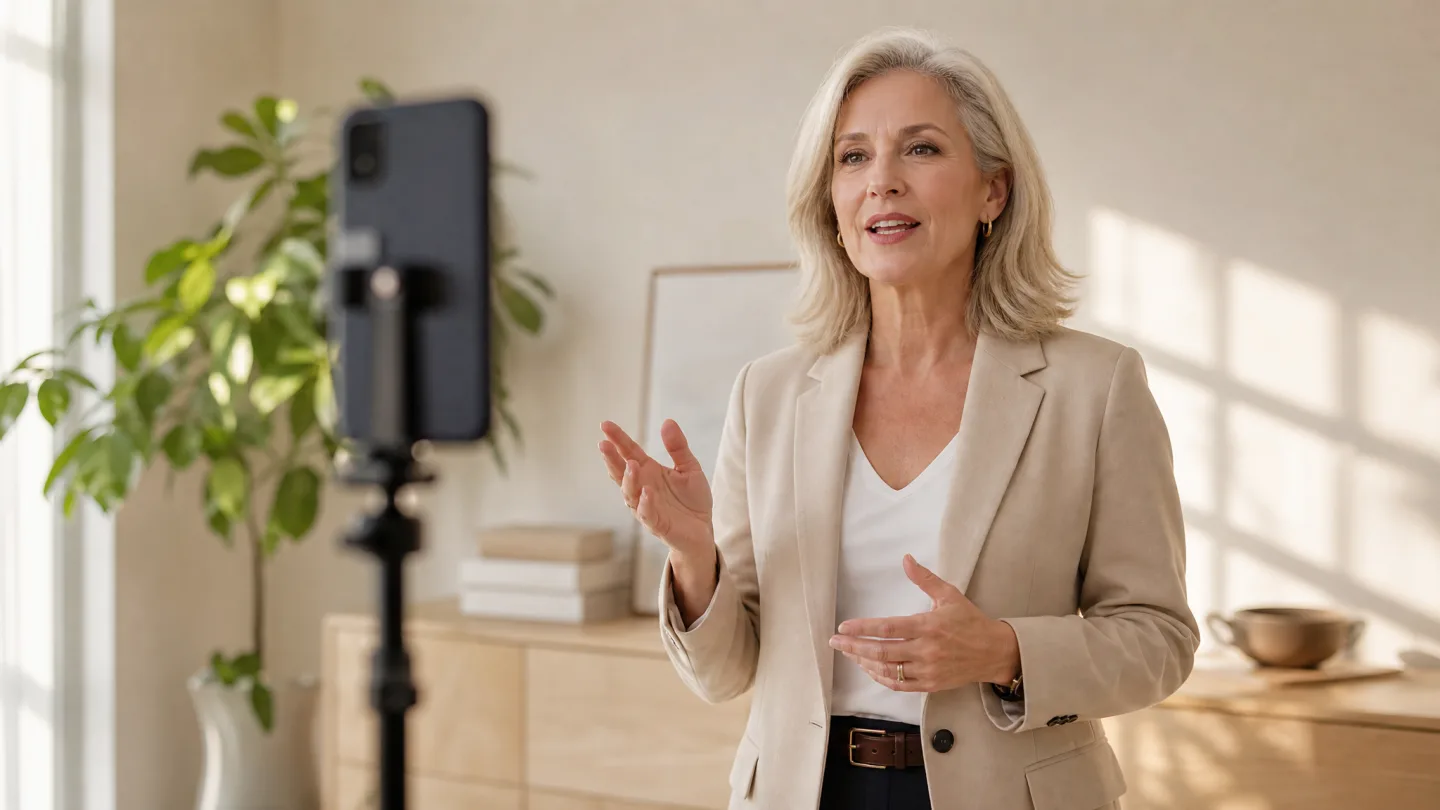
Founders sending investor updates, sales teams recording walkthroughs, teachers turning slides into lessons, and conference speakers building a rehearsal cut all share the same need: the deck and the delivery in one take, without a desktop editing session afterward.
The material is what you already have: a run-through of the deck exported as a video or captured with a screen recording, a product clip, or a clean poster template. The script is your talk track, either written fresh or pulled from the speaker notes you were going to read anyway.
The presentation recording loop
Five steps from deck to delivered video. No desktop required.
Upload your material
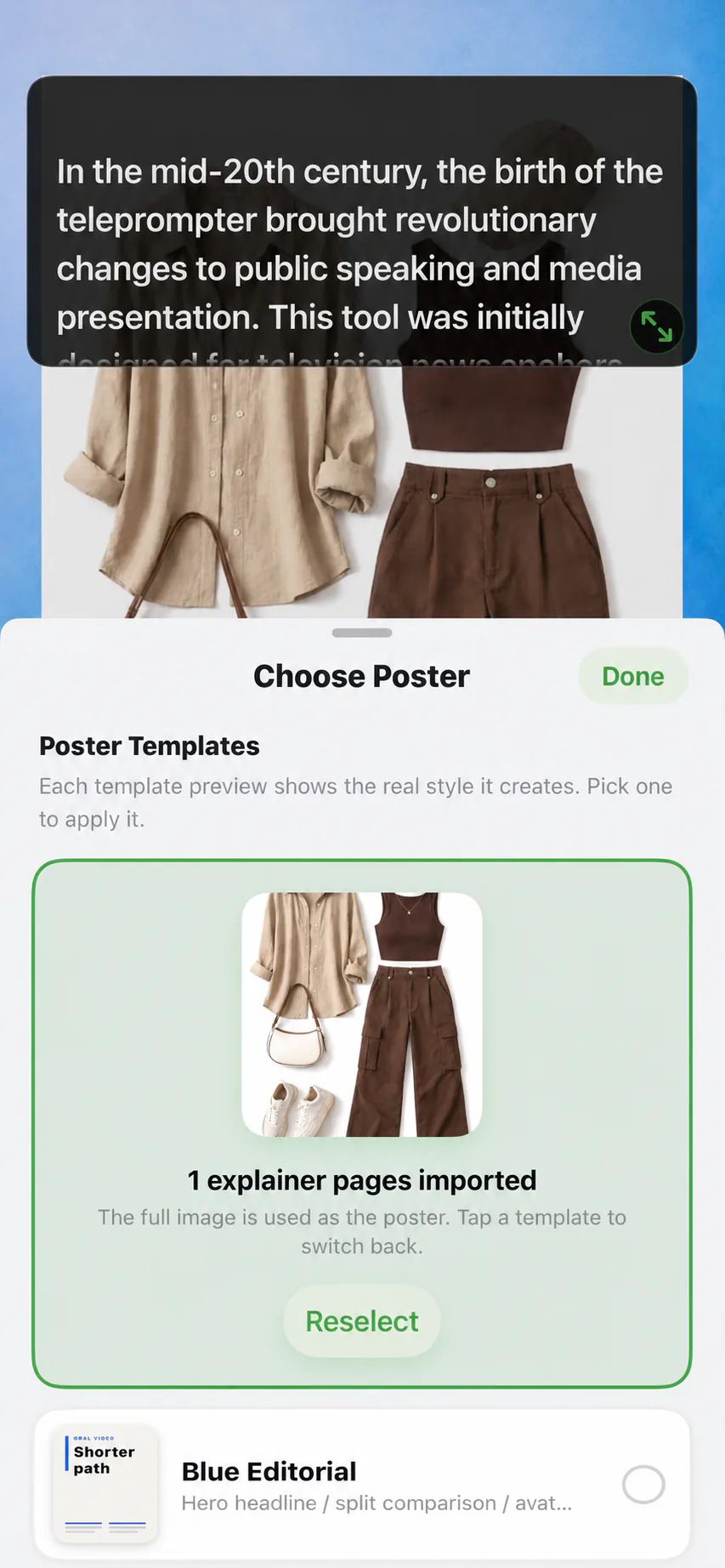
Add a poster template or a video of your deck as poster pages. Each page becomes one beat of your presentation.
Arrange the picture
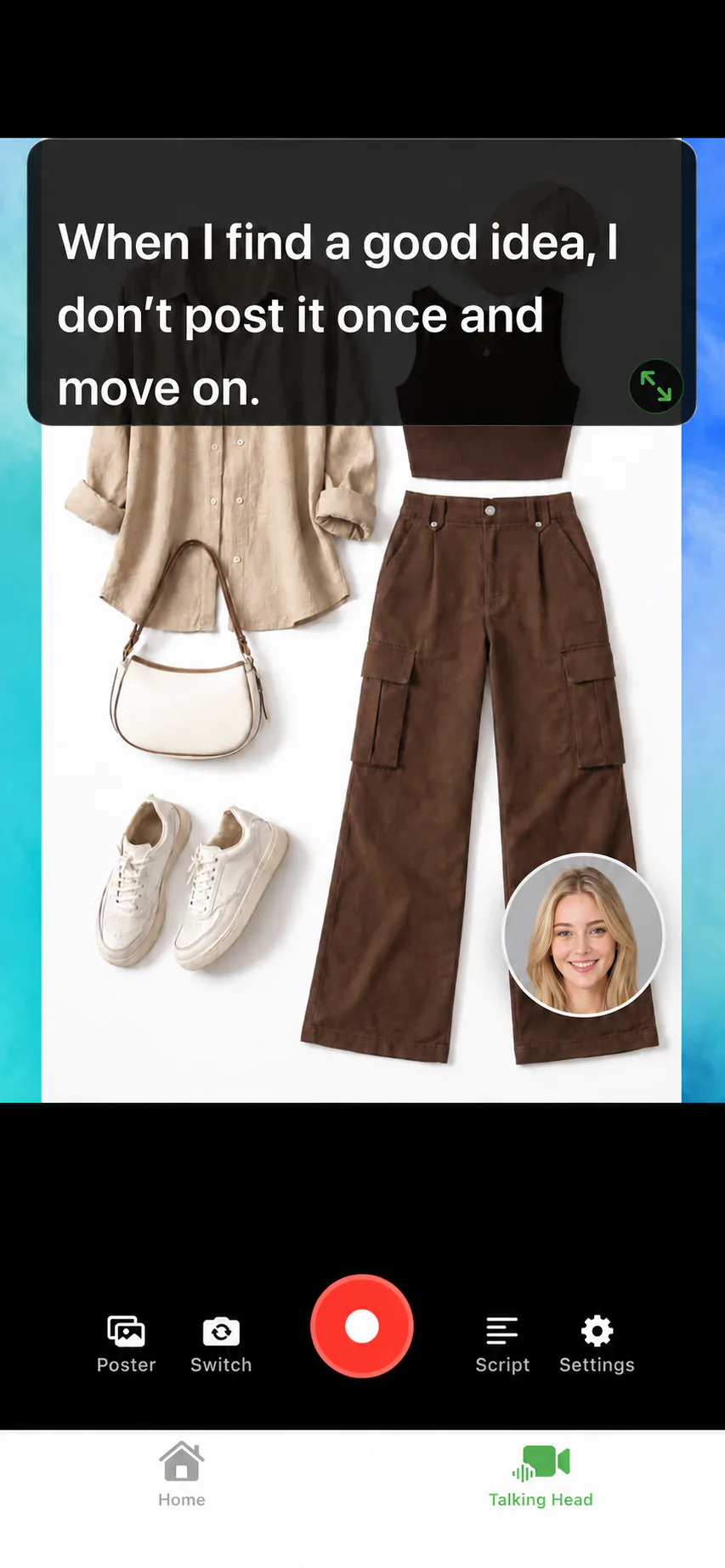
Choose content-first with your face in a camera bubble, or person-first with the material as reference. Fit or Fill framing is per page.
Prompt your talk track
Your script scrolls privately above the layout. Voice Sync follows your voice and waits while a dense slide sinks in.
Record in one pass
Advance pages as you speak. A pause does not ruin the take, because the script holds its position until you continue.
Export the video
Preview the result and save in portrait 9:16 or 3:4. The prompt text never appears in the exported file.
Deck on screen, notes as script
The most reliable setup is also the simplest: turn the deck into a video, either exported from your slide tool or captured by recording the screen while you page through it, import that video as the poster, and write the spoken version as a separate script. Slides stay telegraphic for the audience; the script carries the full sentences you actually say.
If the deck already exists as a PDF, the PDF teleprompter workflow extracts its text into the script editor, so you are never retyping content. For structuring the spoken version, reading a script while recording shows how to mark pauses and emphasis.
Rehearse the way you will present
A phone on a tripod is enough to run the whole talk before the real room, at full length and full voice.

Presentation recorder FAQ
Can I record a presentation with my slides and my face?
Yes. A video of your slides becomes the main frame while your camera appears in a movable bubble, or you lead full-frame and keep material for reference sections.
Will my speaker notes appear in the video?
No. The prompt overlay is private to you while recording. Exported videos contain only the material pages and your camera feed.
What file types can I present from?
Videos from your photo library work as poster material, alongside the built-in poster templates. PDF, Word, and TXT documents import as scripts.
Is this a screen recorder?
No. It records the device camera together with the material you imported. It does not capture your desktop screen or other apps.
Which export formats are available?
Portrait 9:16 for TikTok, Shorts, and Reels, and portrait 3:4 at 720 x 960 for social posts, exported in HD to your photo library.




Record your next video with AI Teleprompter
Download on the App Store and check the available trial. Record inside the app to export your video without the prompt.