Feature
A camera with the teleprompter built in
Most setups split the job in two: one device records while another scrolls the script, and your eyes give the split away. A teleprompter camera merges them. AI Teleprompter records through the iPhone or iPad camera while the script scrolls right next to the lens, follows your voice, and stays out of the exported footage. And when you shoot through beam-splitter glass instead, mirror mode flips the text so the reflection reads correctly.
Last reviewed
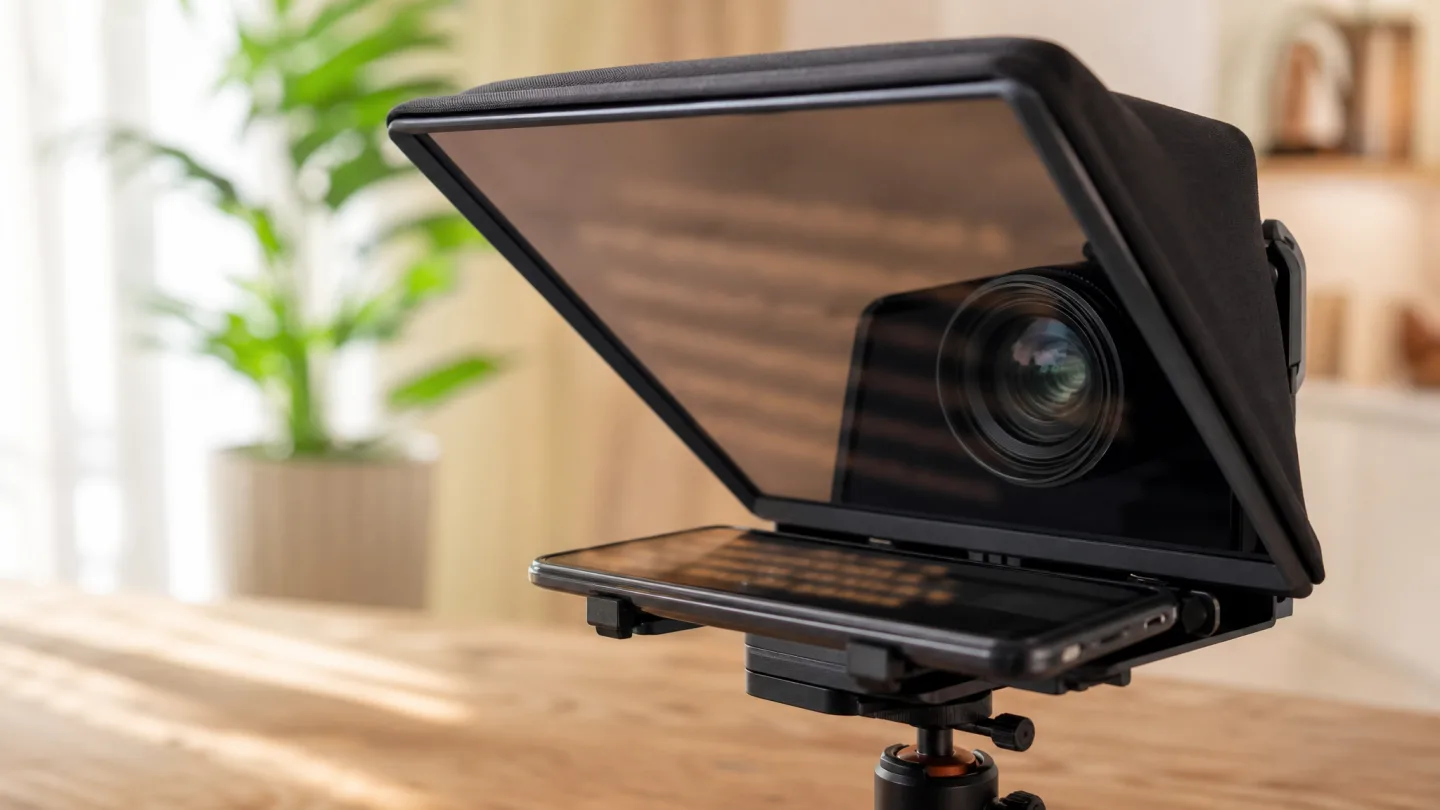
Why the camera and the prompter belong on one screen
With a separate prompter, your gaze bounces between two devices and lands somewhere that is not the lens. When the camera and the script share one screen, the text sits within a few degrees of the camera, so reading looks like eye contact at normal framing.
Merging them also removes the workflow tax: no second device to charge and sync, no screen-recording workaround, no exporting from one tool into another. You arrange the shot, read while Voice Sync follows, and save a finished video with the prompt excluded.
- Front or rear camera recording with the prompt near the lens
- Voice Sync, fixed-speed, and manual scrolling in every mode
- Poster layouts with a movable camera bubble
- Portrait 9:16 and 3:4 export with no prompt and no watermark
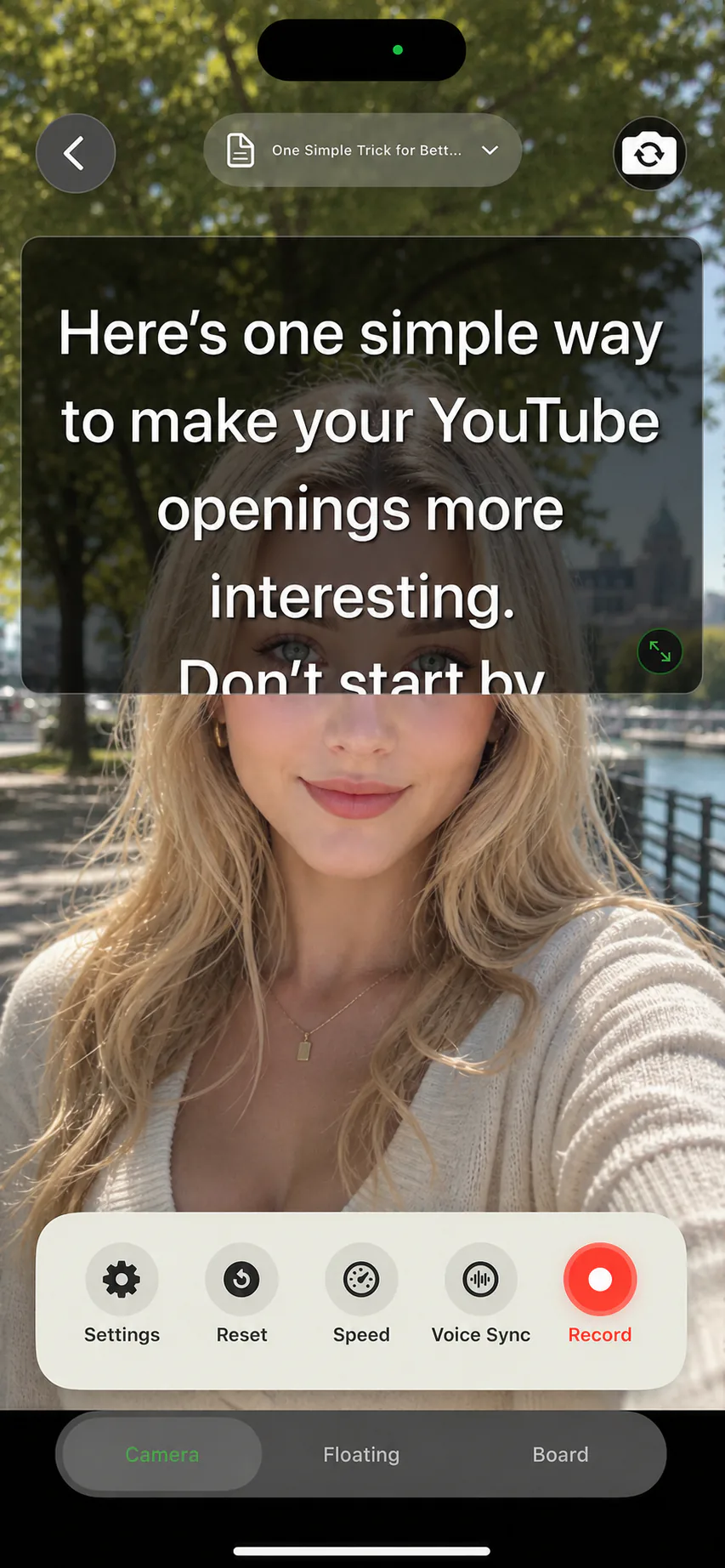
Four ways to point the teleprompter camera
Direct to camera
The script floats over the live preview for classic talking-head takes: intros, opinions, and messages to your audience.
Content plus camera bubble
A poster template or a video leads while your face stays in a small window, which suits lessons and product walkthroughs.
Over the native camera
Prefer the system camera? The floating prompt keeps the script above it while that app records.
Through prompter glass
On a beam-splitter rig the phone sits in the tray as the display. Mirror mode flips the text so it reads correctly in the glass.
Phone-only or through the glass
Both setups run on the same app: the tripod-and-phone kit that fits in a pocket, and the glass rig whose display the phone becomes.
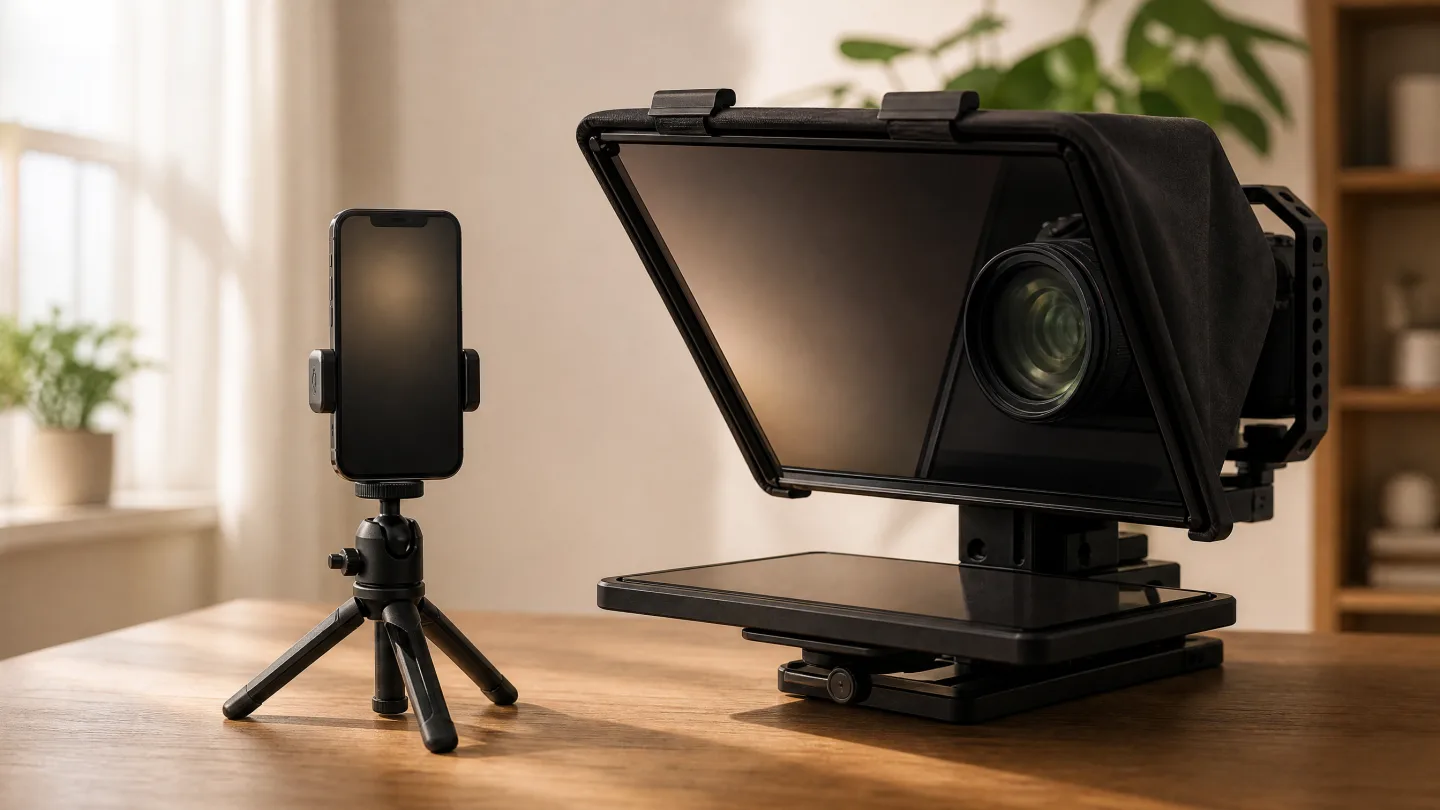
Mirror mode for beam-splitter rigs
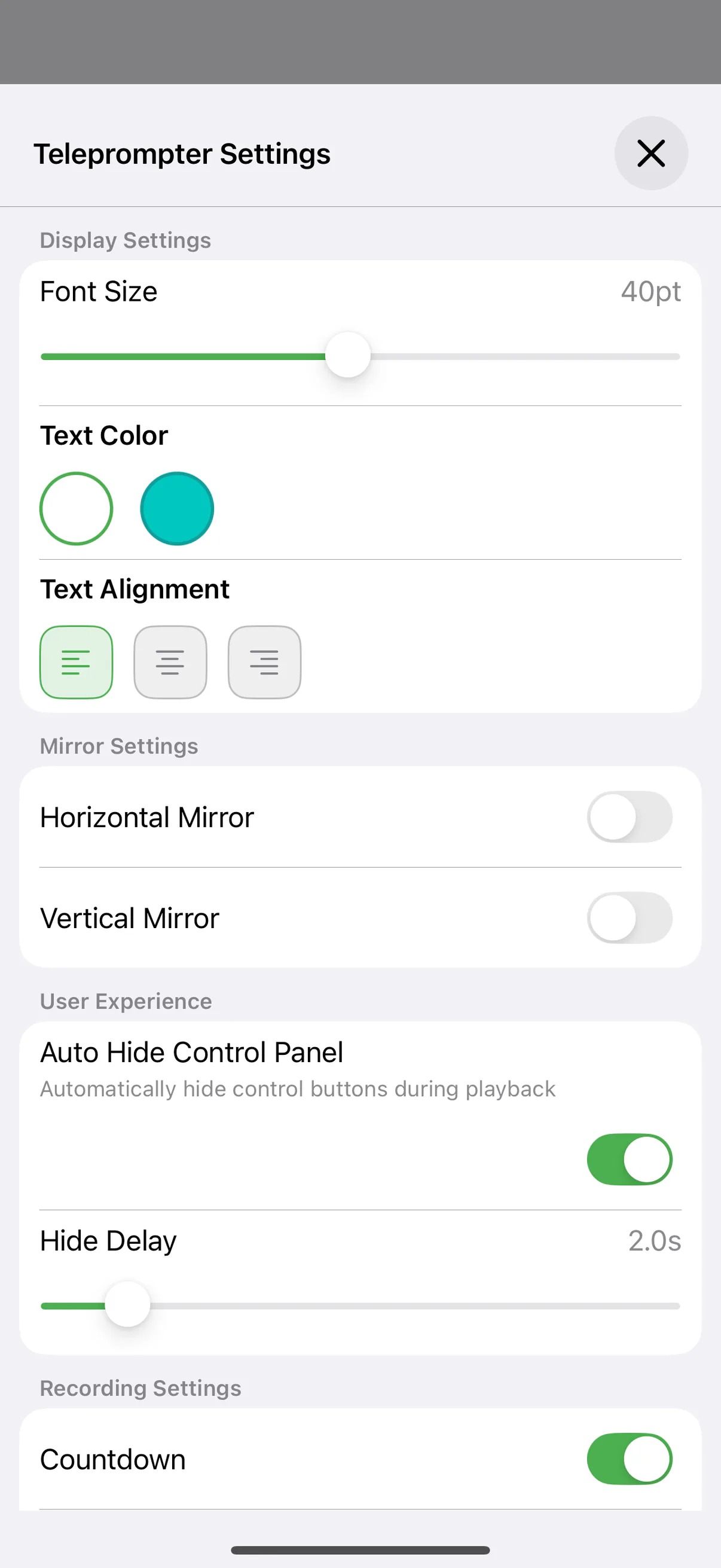
Prompter glass shows a reflection, so unmirrored text arrives backwards. The settings sheet has independent horizontal and vertical mirror toggles, which covers the common rigs: horizontal for a standard beam-splitter, vertical when the hood flips the display.
Everything else keeps working mirrored. Voice Sync still follows your reading, and font size, margins, and colors stay per script. Turn the toggles off and the same script goes back to normal on-screen prompting.
From script to footage in one app
Load the script
Write it in the editor or import a PDF, Word, or TXT document. Short spoken lines read best next to a lens.
Choose the camera view
Front camera for self-checks and social video, rear camera when picture quality leads. The prompt stays near the lens either way.
Frame and mirror if needed
Recording straight from the phone? Leave mirror off. Feeding a glass rig? Flip horizontal mirror and mount the phone in the tray.
Record and export
Read while the script follows your voice, preview the take, and save. The exported video never contains the prompt.
Teleprompter camera FAQ
Is this a separate camera app?
No. Recording is built into AI Teleprompter, so the camera, the script, and the export live in one app. If you prefer another camera app, the floating prompt can sit above it instead.
Does the script show up in the footage?
No. The prompt is a display layer for you alone. Exported videos contain the camera picture and any poster material, never the script.
Can I use it with a hardware teleprompter rig?
Yes. Mount the iPhone or iPad as the rig display and enable horizontal mirror so the reflection reads correctly. Vertical mirror covers hoods that flip the display.
Which camera should I record with?
The front camera lets you watch the prompt and your framing at the same time. The rear camera records higher quality footage; pair it with Voice Sync so you never need to peek at the screen.




Record your next video with AI Teleprompter
Download on the App Store and check the available trial. Record inside the app to export your video without the prompt.