Guide
How to use a teleprompter without looking like you are reading
A teleprompter works when three things line up: the text sits near the lens, the scroll matches your speech, and your delivery sounds like conversation. This guide walks through setup, positioning, and reading technique using nothing more than a phone and a script, the same workflow the AI Teleprompter app is built around.
Last reviewed

What a teleprompter actually does
A teleprompter scrolls your script while you read it aloud, positioned so your eyes stay close to the camera or audience. That is the whole trick: it removes memorisation without removing eye contact. Studio versions use glass over the lens; phone apps put the text on the screen right beside or over the camera preview, which is close enough at normal framing distances.
The failure mode everyone recognises is the reader look: flat delivery, darting eyes, and pauses in the wrong places. None of those come from the device. They come from scripts written for the page instead of the mouth, scroll speeds that fight the speaker, and text placed too far from the lens. All three are fixable in minutes.
Set up in five steps
Mount the phone at eye level
A cheap tripod or a stack of books works. The camera should sit at your eye line, because looking down at a propped phone reads as looking down at notes.
Set your distance
Arm length is the minimum; one to two metres is better. The farther you are, the smaller your eye movements appear, and the more natural the read looks.
Tune the text
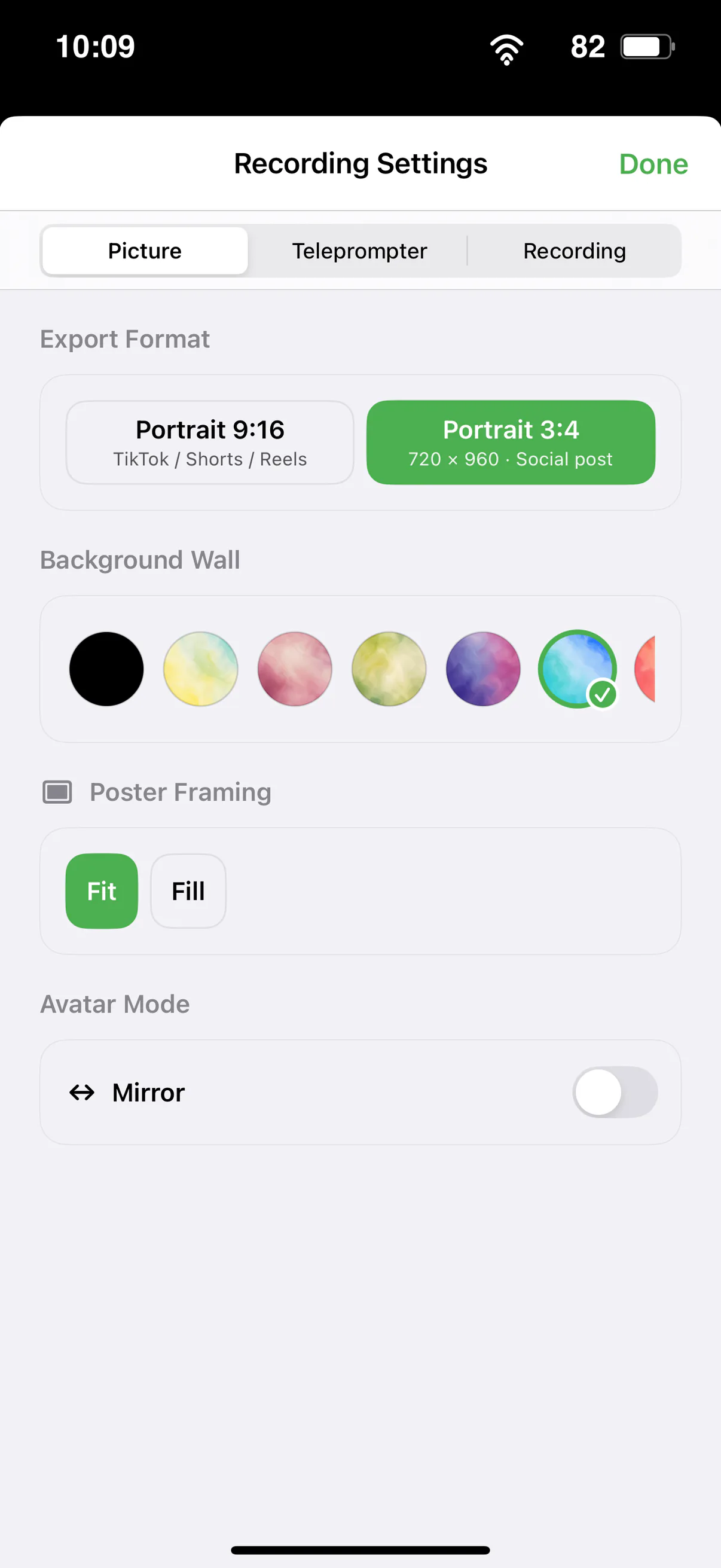
Raise the font size until you can read without leaning in. Narrow margins keep lines short, which reduces horizontal eye travel on camera.
Pick a scrolling mode
Voice-following scroll adapts to your pace and waits through pauses; fixed speed suits rehearsed, timed delivery; manual suits practice. The differences matter, and the voice-activated teleprompter page explains the voice option in detail.
Rehearse once, record twice
Read the whole script aloud once before recording. Mark the lines you stumble on, fix the wording, then record. Expect the second take to be the keeper.
Position the script close to the camera
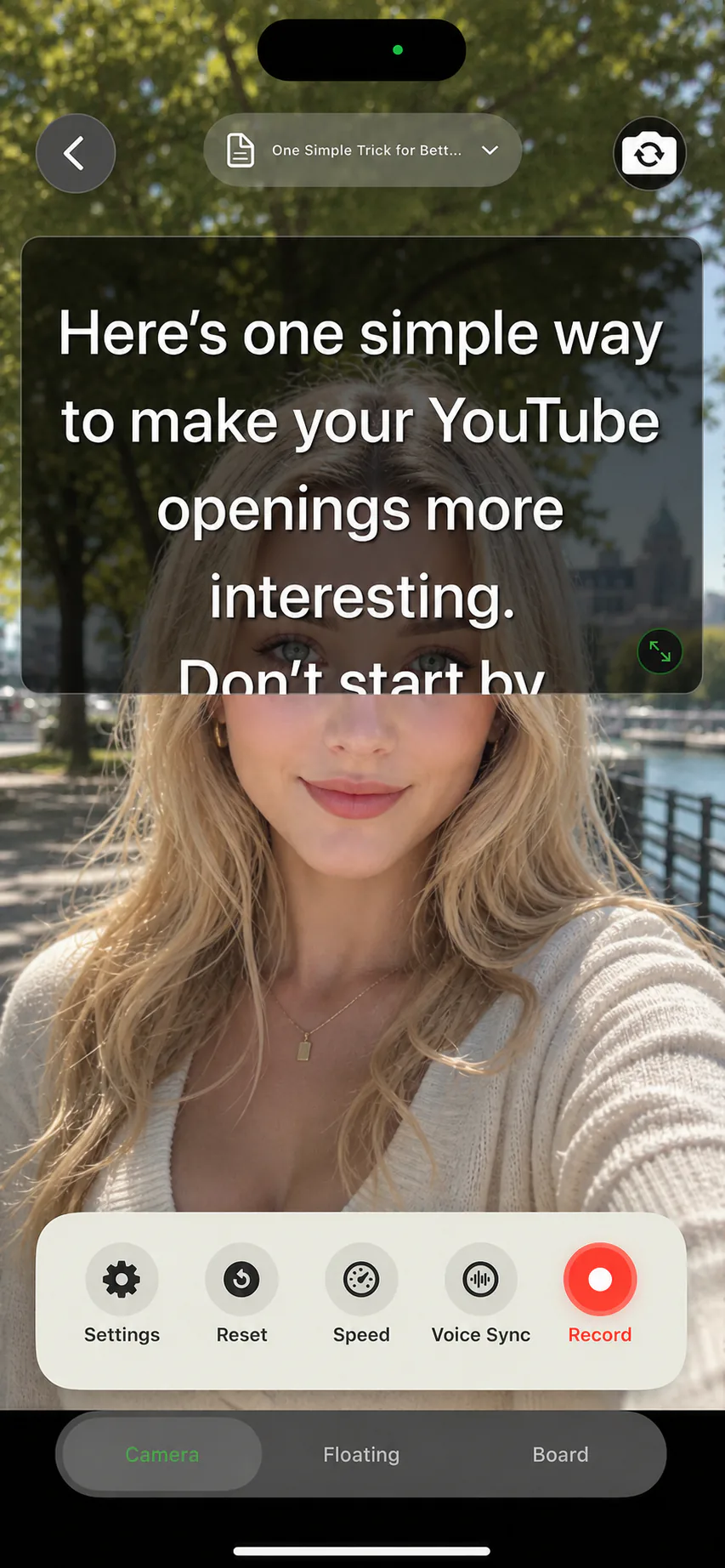
Viewers cannot tell that you are reading if your eyes stay within a small angle of the lens. Keep the prompt as close to the camera as your setup allows, and resist the urge to fill the screen with text. Three or four short lines on screen at a time is plenty; walls of text pull your eyes into obvious scanning patterns.
If you use a reflective glass rig, enable mirror mode so the text reads correctly through the glass. If you record in another camera app, a floating teleprompter overlay parks the script near the lens instead.
Delivery habits that hide the script
Talk to one person, not to the lens as an object. Insert deliberate pauses after important lines instead of rushing; silence reads as confidence on camera. Let your face react between sentences. And keep your hands doing whatever they would do if you were explaining this to a friend, because frozen hands are the second most common tell after darting eyes.
When you do lose your place, do not restart the take. Pause, breathe, find the line, and continue. With voice-following scroll the script simply waits, and a calm recovery cuts cleanly in the edit.
Common mistakes to skip
- Text too small: forces leaning and squinting, both visible on camera
- Phone below eye level: reads as looking down at your lap
- Scroll too fast: turns your delivery into a race and kills pauses
- Essay-style scripts: written English sounds stiff when spoken; rewrite for the mouth
- Recording take one: always rehearse the full script aloud first
- Restarting after every stumble: recover in place and cut it later
Teleprompter basics FAQ
How do beginners use a teleprompter?
Mount the phone at eye level, stand at least arm length away, use a large font with narrow margins, pick a voice-following or slow fixed scroll, and rehearse the full script aloud once before recording.
Can viewers tell when you use a teleprompter?
Not when the text sits near the lens and the scroll matches your pace. The tells are eye darting, no pauses, and page-style wording, all of which are setup and script problems rather than the device itself.
Do I need special hardware?
No. A phone on a stable surface or tripod is enough for courses, demos, YouTube, and social video. Glass rigs help in studios with operators, and mirror mode covers that case when you need it.
Fixed speed or voice-following scroll?
Voice-following suits natural delivery and long takes because it waits when you pause. Fixed speed suits timed segments you have rehearsed to a clock. Manual control is best while practising.




Record your next video with AI Teleprompter
Download on the App Store and check the available trial. Record inside the app to export your video without the prompt.