Feature
A floating teleprompter for your recording workflow
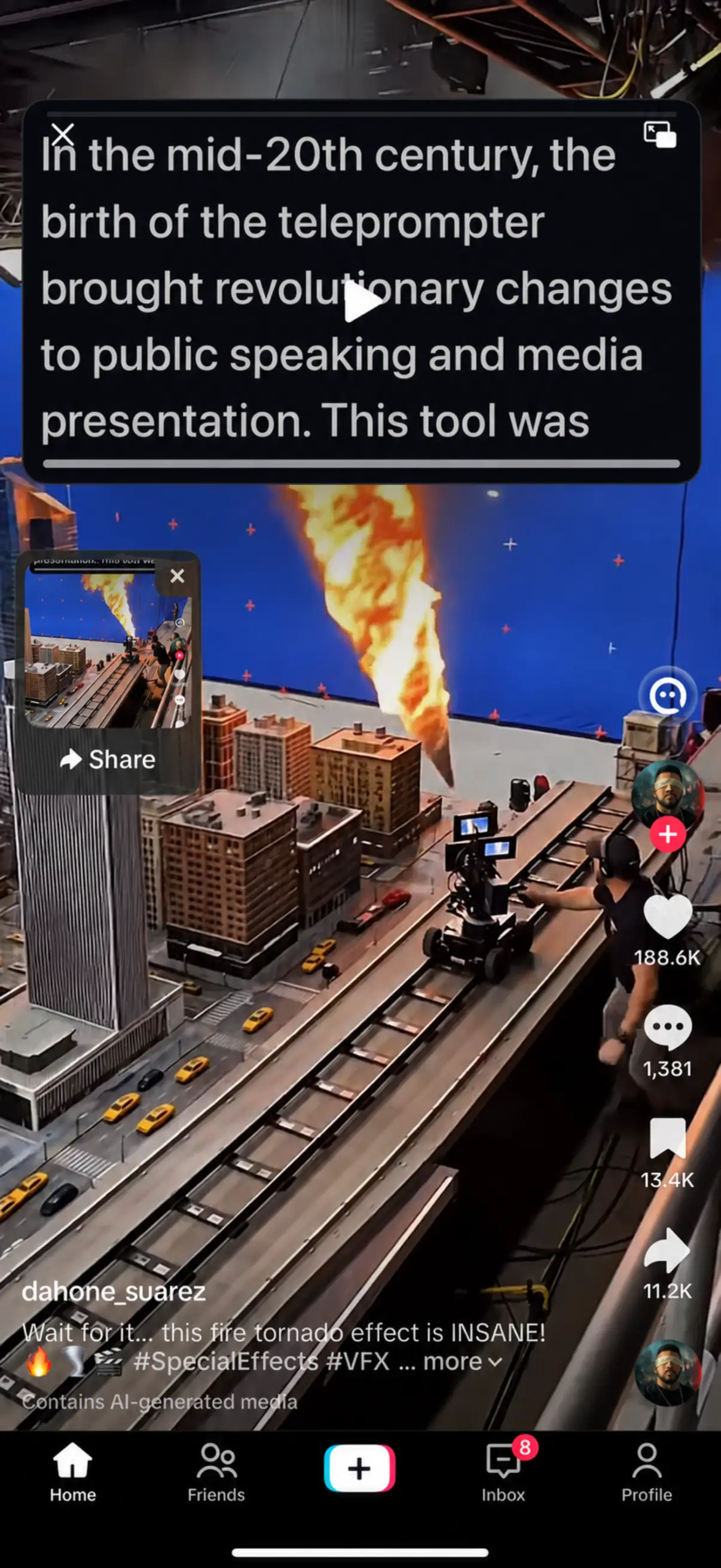
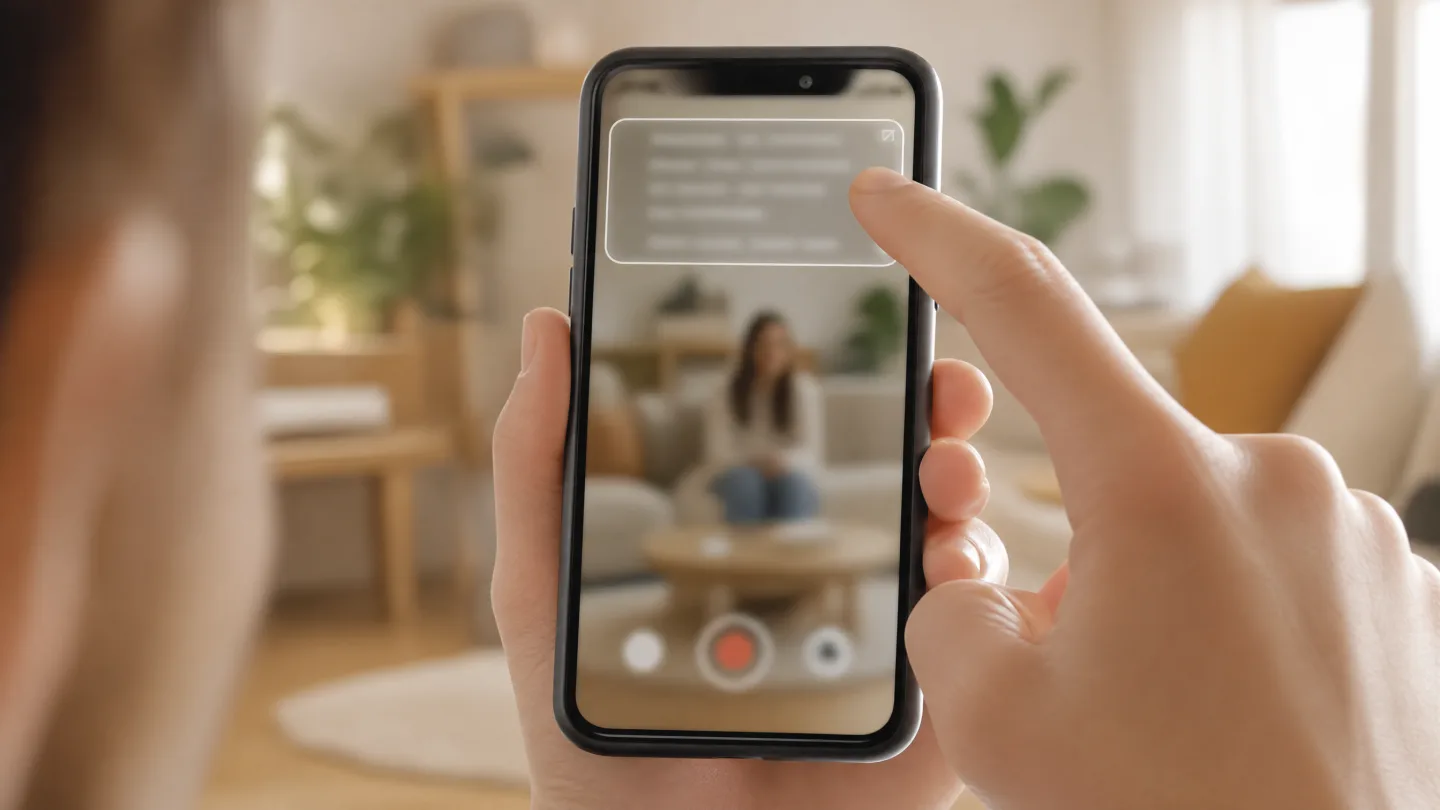
Sometimes the right recorder is another app: the native camera, a streaming tool, or a meeting window. The floating prompt keeps your script in a resizable overlay on top of whatever you are using, so you can read while filming, streaming, or presenting without switching apps.
Last reviewed
Will the script appear in the finished video?
| Recording method | What to check |
|---|---|
| AI Teleprompter in-app recording | The app exports the camera and selected visual material without the prompt. Preview a short export before your full take. |
| Another camera or streaming app | Behavior depends on the app and recording method. Record a sample with your actual setup and inspect the result. |
| System screen recording or screen sharing | Visible overlays may be captured. Do not treat a floating prompt as private; inspect the saved video or the viewer’s shared screen. |
Why float the script instead of embedding it
Embedded prompting ties you to one recorder. A floating overlay separates the two jobs: the app below captures, and the prompt above keeps you on script. Record vertical video in the camera app, go live in your streaming app, or share your screen in a meeting while your lines stay readable.
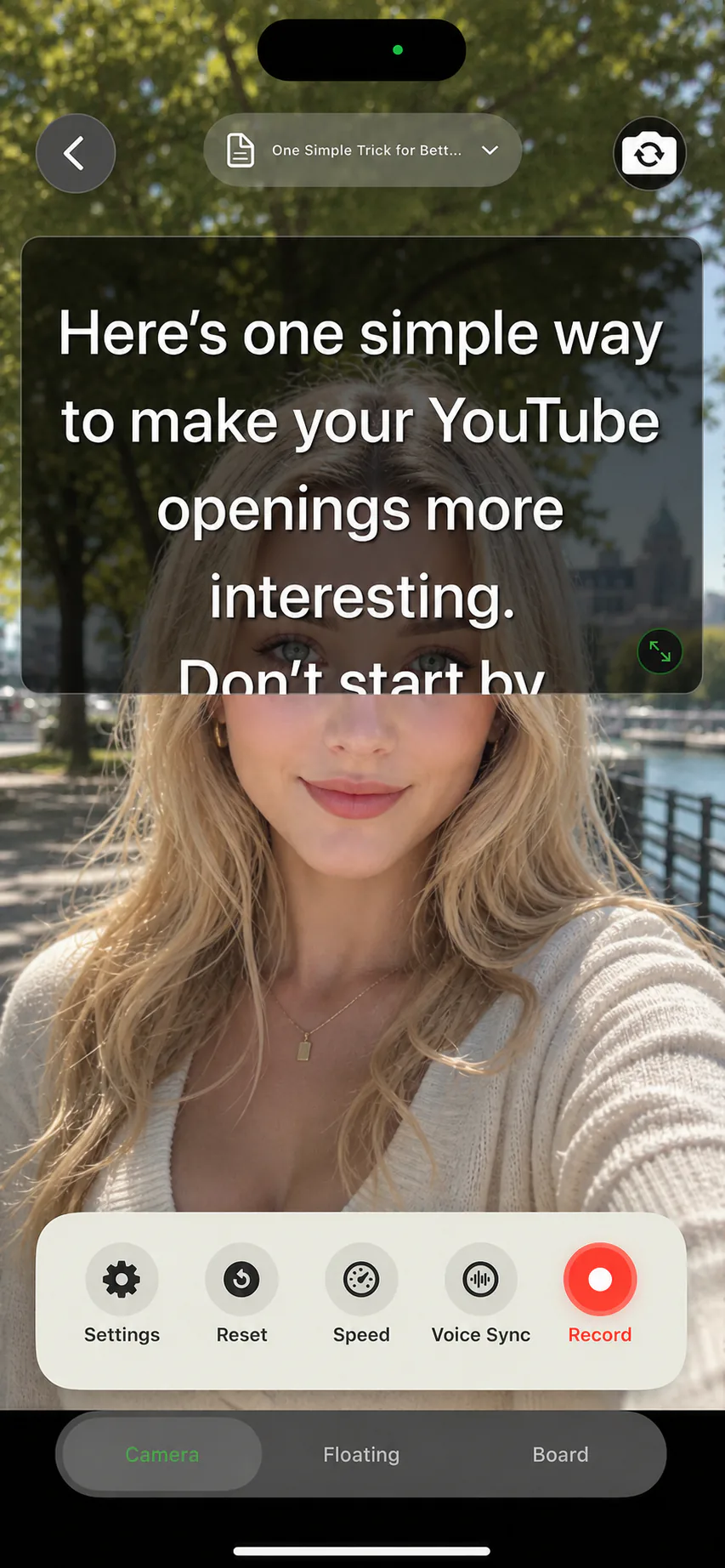
The overlay resizes and repositions, so you can park it near the camera for eye contact or push it to an edge when the content underneath needs room. Voice Sync works in the floating mode too, so the text follows your speech even though the recorder is elsewhere.
Where a floating prompt earns its place
Native camera recording
Use the camera app you already trust for quality and framing, with your script floating near the lens instead of on a second device.
Live streams
Keep talking points visible while the streaming app owns the camera. Pause between segments and let Voice Sync hold your place.
Screen sharing and meetings
Present slides or a product with notes nearby. Screen sharing can capture a visible prompt; check the shared view before presenting.
Practice anywhere
Rehearse a talk while reading reference material in any app, without copying text back and forth.
Your recorder, your script, anywhere
Shoot with the camera or gimbal app you prefer and keep the script floating with you, from a desk setup to a rooftop take.

Floating prompt or in-app recording?
If the final video needs poster pages, a camera bubble, or in-app export, record inside AI Teleprompter directly: the talking-head recorder handles layout, prompting, and export in one pass. Choose the floating prompt when another app must own the camera, and treat AI Teleprompter as the prompting layer on top.
Floating teleprompter FAQ
Does the floating prompt stay above other apps?
Yes. The overlay floats over other apps so you can read while recording or presenting in them. You can move and resize it to sit near the camera.
Does Voice Sync work in floating mode?
Yes. The script follows your voice in the floating overlay just as it does in the built-in recorder, and manual controls stay available.
Will the floating text appear in my recording?
When you record inside AI Teleprompter, the prompt is never captured. When you record your screen in another app, whatever is visible on screen can be captured by that app, so position the overlay outside the shared area or use the built-in recorder for clean output.
Can I change text size in the overlay?
Yes. Font size, speed, and layout follow the same per-script settings as every other prompting mode.




Record your next video with AI Teleprompter
Download on the App Store and check the available trial. Record inside the app to export your video without the prompt.