Guide
Teleprompter script format: lay it out to be spoken
A teleprompter script is formatted for the mouth, not the page. Keep lines to about five to seven words, start each sentence on a new line, leave a blank line between ideas, and write numbers, names and abbreviations exactly as you will say them. The script formatter does the line breaks for you; the rest of this guide covers the choices it cannot make.
Last reviewed

The format rules at a glance
Each rule removes one moment where you would otherwise hesitate on camera.
| Rule | Why it helps | Example |
|---|---|---|
| Five to seven words per line | Your eyes stay near the lens instead of sweeping across the screen | This is the one setting / that changed my videos |
| One sentence per line start | You finish a thought before your eyes move on | Start each new sentence at the left edge |
| Blank line between ideas | A visible place to breathe and reset | Leave an empty line before every new point |
| Numbers as spoken | No mental conversion mid-sentence | $1,250 becomes twelve hundred and fifty dollars |
| Abbreviations spelled out | Prevents reading the letters instead of the word | e.g. becomes for example |
| Hard names with a sound-out | You say them right the first time | Nguyen (win) |
Line length depends on screen size and distance; five to seven words suits a phone at arm length.
Write it the way you talk
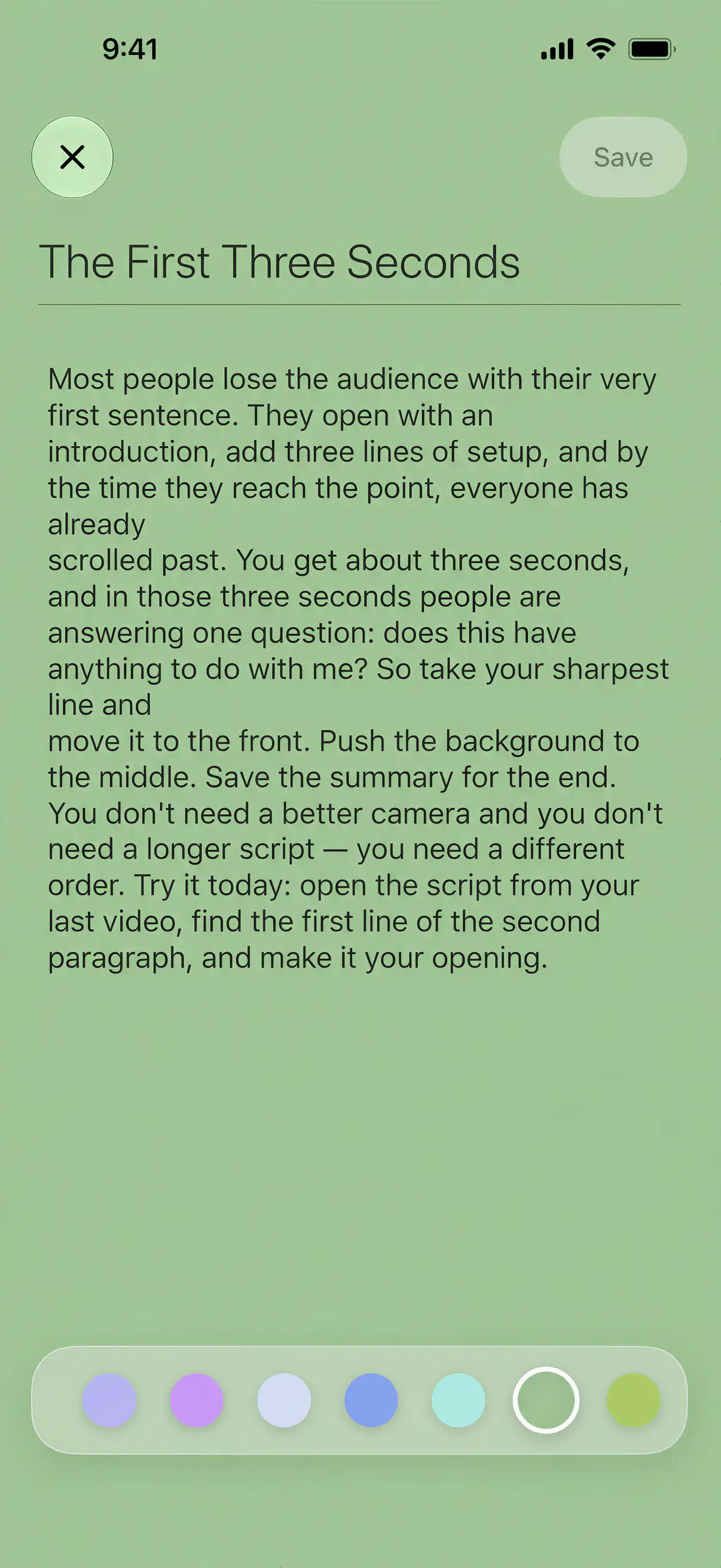
Formatting cannot rescue a sentence that was written to be read silently. Before you think about layout, rewrite for speech: use contractions, keep one idea per sentence, put the subject and verb early, and cut anything you would never say out loud, such as "the aforementioned" or long lists separated by semicolons.
The fastest test is to read the draft aloud once. Every place you stumble, run out of breath, or change the wording without meaning to is a line to rewrite. Rehearsing a line that does not fit your mouth only teaches you to stumble on it consistently.
A formatting workflow that takes ten minutes
Size the script first
Decide the video length, then convert it to a word count with the speaking time calculator. Cutting a draft is easier than cutting a take.
Rewrite for speech
Read the draft aloud and fix every stumble. Spell out numbers, abbreviations and anything you might mispronounce.
Break it into lines
Paste the draft into the script formatter and choose a line length for your screen.
Read it once full screen
Send it to the free teleprompter and read it at recording distance. Adjust line length if your eyes are traveling too far.
Cue marks: use a few, not many
Cue marks are notes to yourself inside the script. The useful ones are a pause mark (a slash or the word PAUSE), an emphasis mark for the one word in a sentence that carries the meaning, and an action note such as [hold up the product]. Put action notes on their own line so you do not read them out.
Keep them rare. A script with a mark on every line turns into a score you are trying to perform, and the delivery gets stiffer, not better. If a pause is natural, you will take it without a mark.
Script format questions
How many words should be on a teleprompter line?
About five to seven on a phone at arm length. On a larger screen or at a greater distance you can go longer. The test is whether you can read a line without your eyes visibly sweeping.
Should a teleprompter script be in all caps?
It is a choice, not a rule. All caps comes from broadcast prompters; mixed case is easier to read by word shape. Try a short passage both ways at recording distance.
How do I format numbers in a teleprompter script?
Write them as you will say them: twelve hundred and fifty dollars rather than $1,250, and twenty twenty-six rather than 2026 when you want a particular reading.
Where do stage directions go?
On their own line, in brackets, so they read as instructions rather than words to say.

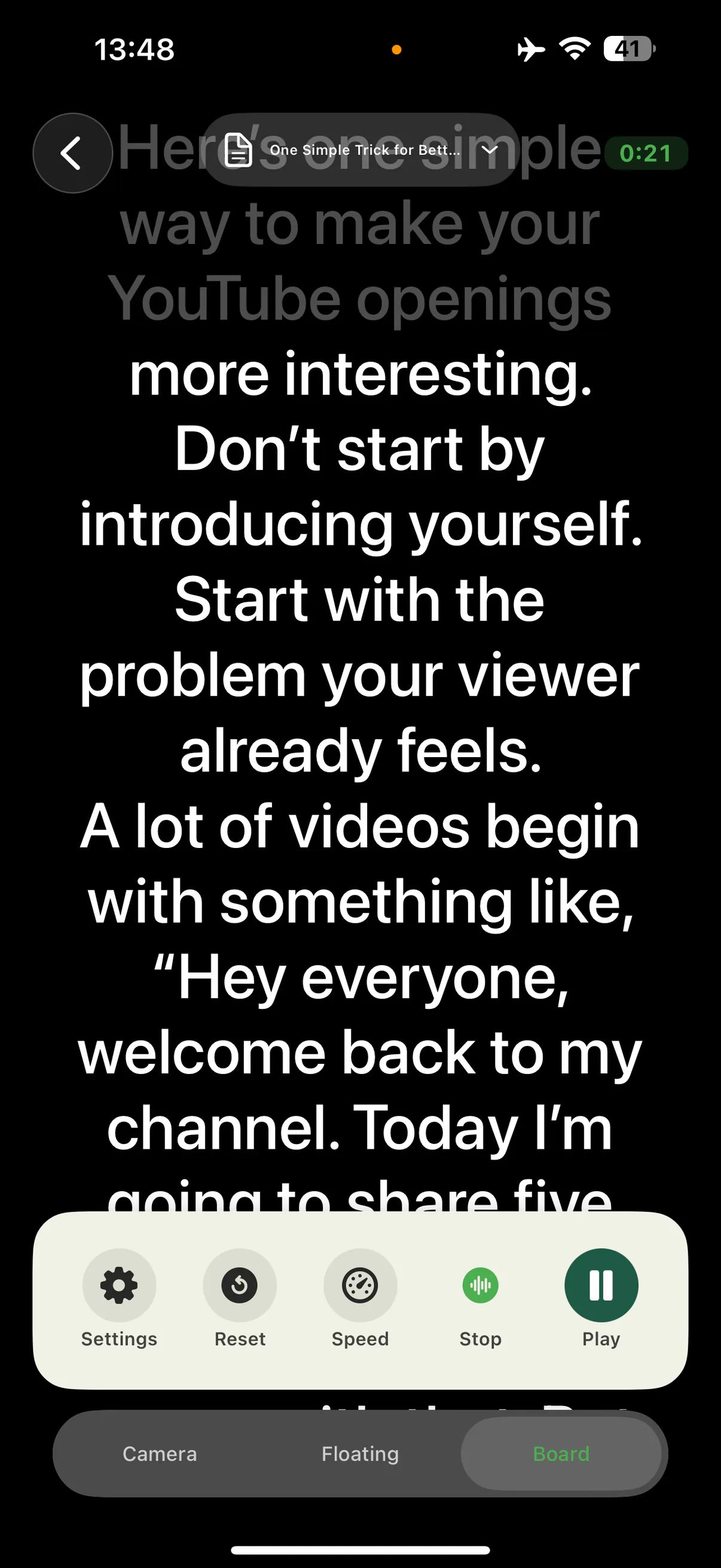

Record your next video with AI Teleprompter
Download on the App Store and check the available trial. Record inside the app to export your video without the prompt.