Guide
How to stop saying um on camera
Filler words appear when you are searching for the next words and do not want to leave a silence. You cut them by removing the search, not by trying harder: script your opening line and every transition, get comfortable with a one-second pause, and record with a prompt that waits for you. Start by counting them in a transcript with the filler word counter so you can see whether the changes work.
Last reviewed

Why fillers get worse on camera
In conversation, the other person fills your pauses with nods and replies. A lens gives nothing back, so a pause feels longer than it is and the urge to fill it grows. Fillers also cluster in predictable places: the first sentence of a take, the jump from one point to the next, and right before a number or a name you are trying to recall.
That pattern is good news. You do not need to fix your whole delivery, only the handful of moments where you are reaching for words.
Five drills, in the order that pays off fastest
Measure a baseline
Record a normal two-minute take, export the automatic transcript, and paste it into the filler word counter. Note the rate per 100 words and where the highlights cluster.
Script the opening and the transitions
Write your first sentence and every bridge between points word for word, even if the rest stays as bullet notes. Most fillers live in exactly those spots.
Practice a silent beat
Read a paragraph and hold a full one-second pause at every full stop. It will feel too long. On playback it sounds deliberate and calm.
Slow down a notch
Rushing leaves no time to choose the next word. Check your rate with the words per minute test and aim slightly under it for the first takes.
Record short takes
Shorter takes mean less to hold in your head. Record each point separately and join them in the edit.
Let the script wait for you
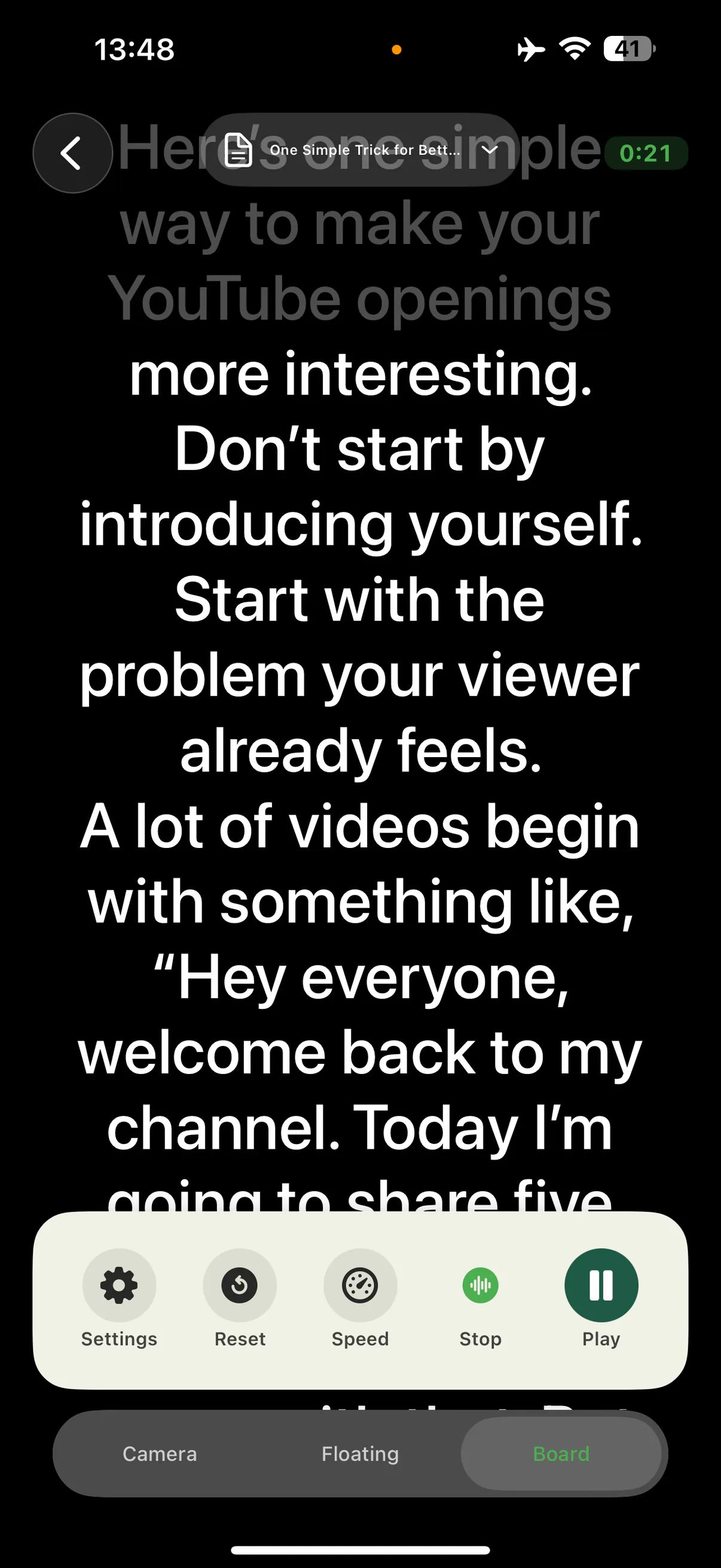
A fixed-speed teleprompter adds a new reason to fill silence: the text keeps moving while you pause, so you hurry to catch up and grab the nearest filler. A prompt that follows your voice removes that pressure, because the script only moves when you speak.
Voice Sync in AI Teleprompter for iPhone and iPad works this way. If you prefer a fixed scroll, set it a little under your measured rate so the text waits rather than runs.
Do not chase zero
A few fillers make speech sound human, and an over-polished take can feel scripted in a way viewers notice. The goal is to remove the ones that distract: strings of um at the start, a "like" in every sentence, a "you know" closing every point. Compare your rate across takes rather than against a perfect score.
Filler word questions
Should I edit filler words out instead?
Editing works for the occasional um, but heavy cutting creates jump cuts and an unnatural rhythm. It is usually faster to reduce them at the source.
Is "like" always a filler?
No. "I like this setup" is a normal use. It becomes a filler when it carries no meaning, such as "it was like, really fast". The filler counter highlights it so you can judge in context.
Does using a teleprompter make me sound robotic?
Only if the script is written for reading rather than speaking, or the scroll rushes you. Write the way you talk and use a prompt that follows your pace.
How long until fillers drop?
Scripting the opening and transitions usually helps from the next take. The pause drill takes a few sessions to feel natural.
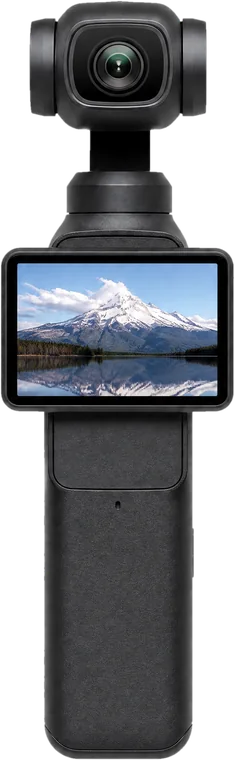
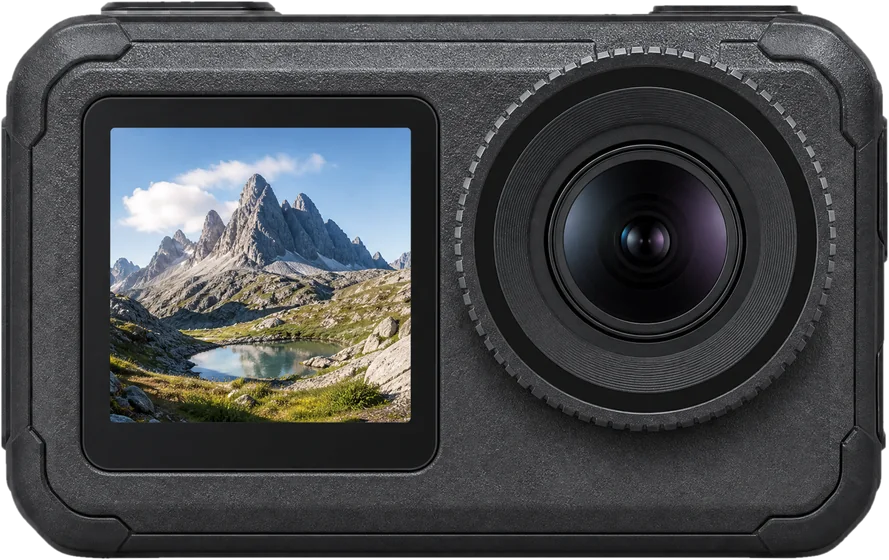

Record your next video with AI Teleprompter
Download on the App Store and check the available trial. Record inside the app to export your video without the prompt.