Recording workflow
Explain one idea in a short social video
A short explainer works best when the question, visual and spoken answer point to the same idea. Answer the question first, show one example, then finish with a useful next step. Use a private script to keep your delivery focused and visual material to make the explanation concrete. AI Teleprompter supports the recording; detailed editing can happen afterwards.
Last reviewed
From question to a finished explanation
Choose a real question
Use a question people actually ask about your subject. Do not combine three unrelated tips just to fill a target duration.
Write the direct answer
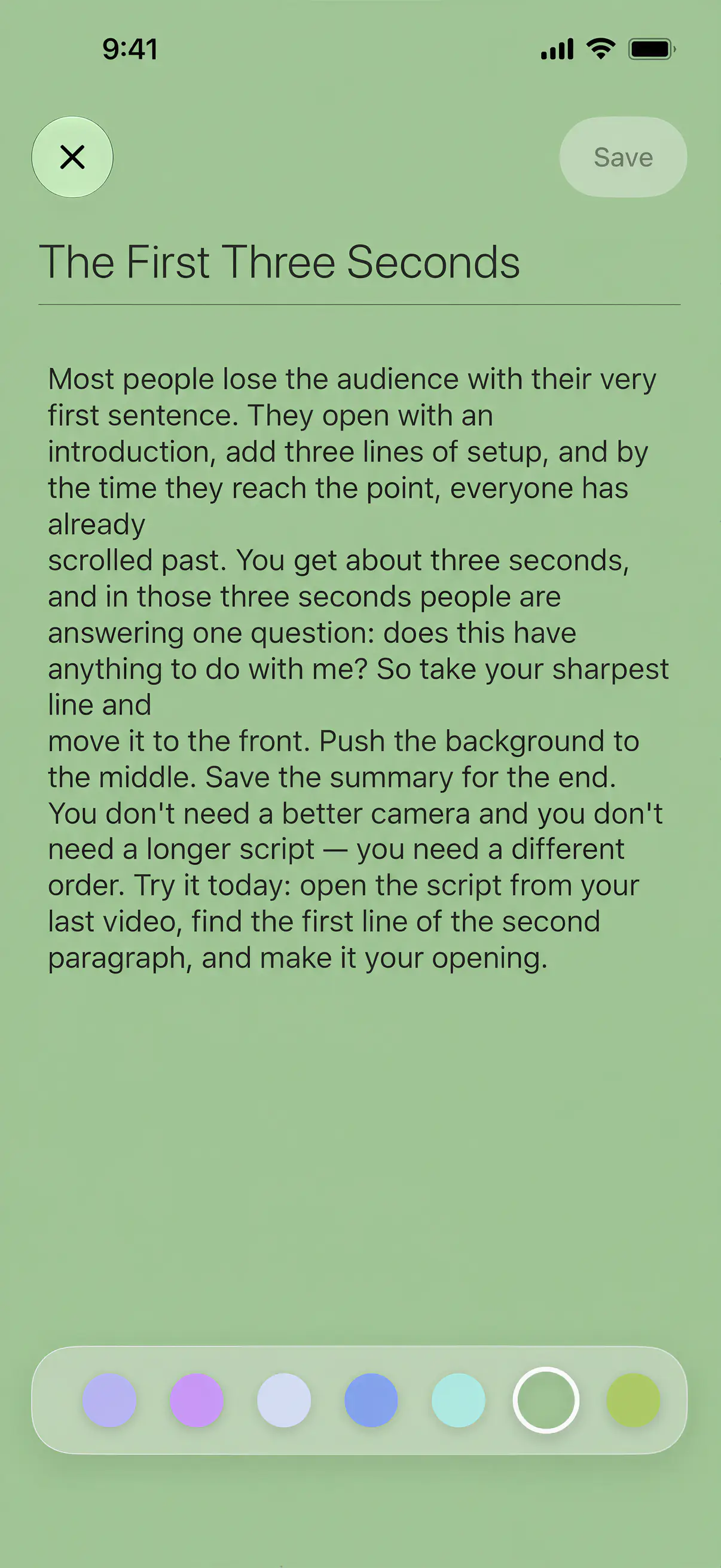
Put the useful answer in the opening lines. Read it aloud and remove words you would not normally say.
Show one example
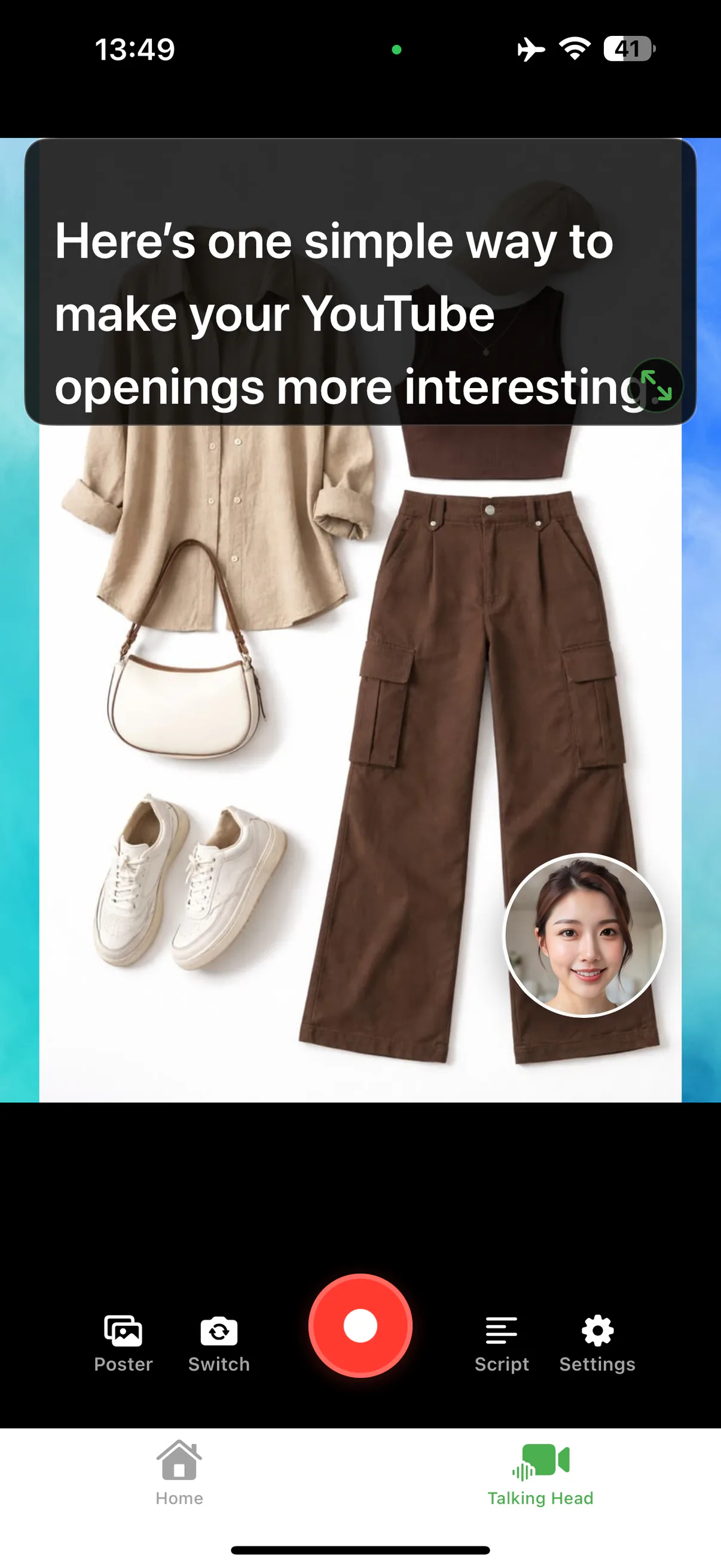
Use an image, diagram or recorded walkthrough that demonstrates the point. Keep the important detail clear of your camera bubble.
Close the loop
Restate what to do next, save a sample and check that the explanation still makes sense on a phone.
A compact teaching script
| Part | Example |
|---|---|
| Question | “Why does a full page look tiny in a vertical video?” |
| Answer | “The page is being fitted into a narrow frame. Show the relevant detail instead.” |
| Visual example | Show the full page, then the detail needed for this explanation. |
| Next step | “Choose one readable area before recording the next section.” |
Keep the video and the destination aligned
If the video teaches a PDF workflow, send viewers to that workflow rather than a generic feature list. On your own website, use the same principle: the page should answer the question before asking for a download.
Prepare once, record in short sections
Keep source notes, the spoken script and the visual assets separate. If you change the example later, you can update the relevant section without rebuilding the whole lesson. For a longer sequence, use the course workflow.
Prepare your recording in AI Teleprompter
Questions about short explainers
How many ideas fit in one short video?
One. A short explainer that answers a single question is easier to script and far easier to finish than one that tries to cover a topic.
How long should the script be?
Work backwards from your target length. Conversational English runs near 150 words per minute and prepared delivery sits a little lower, around 130 to 150, according to figures from the National Center for Voice and Speech. A 60-second video is therefore roughly 130 to 150 words.
Do I have to record it in one take?
No. Record in sections that match the structure of the script and join them later. Short sections also make a re-record cheap when one line comes out wrong.




Record the first part of your explanation
Bring one spoken script and one visual. Record, save and inspect a short sample before the full session.