Problem guide
What to do when a teleprompter video will not save
Keep the recording screen and original material available. Before deleting or reinstalling anything, check storage, Photos access and whether export has finished. If a preview still plays, preserve it while you look for an export option. There is no universal recovery method once a recording is lost, so avoid changes that could remove the only remaining copy.
Last reviewed
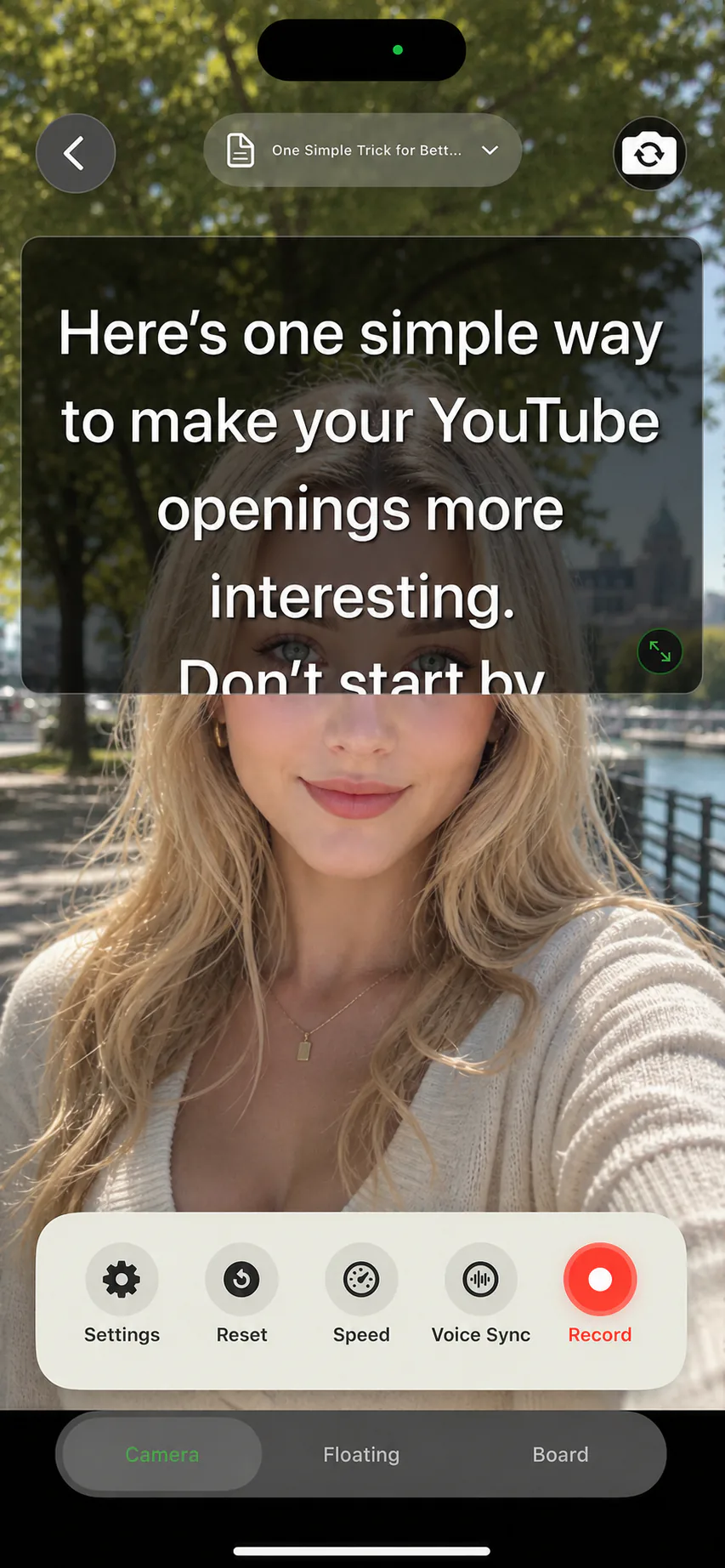
Check in this order
Keep the current take
Do not delete the app, clear its data or remove source files as the first troubleshooting step.
Check storage and access
Look at free device storage and the app’s Photos permission. A long recording can need room for both a working file and an export.
Let the export finish
Stay with the export flow and read any error. Avoid repeatedly starting large exports without knowing whether one is still running.
Verify outside the editor
Play the saved file in Photos. Check duration, sound and framing; an editor preview alone does not prove the export succeeded.
What can you still see?
| Current state | Useful next step |
|---|---|
| A playable take inside the app | Keep it available and check the supported save or share options. |
| An error during export | Record the exact message, app version and available storage for support. |
| A file in Photos with missing audio | Check microphone permissions and the actual audio input before a new short test. |
| No preview and no saved file | Ask the app’s support whether recovery is possible; do not assume reinstalling restores local recordings. |
Prevent the next lost session
Before a long lesson, save and replay a ten-second take using your final settings. Keep source scripts and visual materials separately. For an issue in AI Teleprompter, use the support checklist to collect device and reproduction details.
Prepare your recording in AI Teleprompter
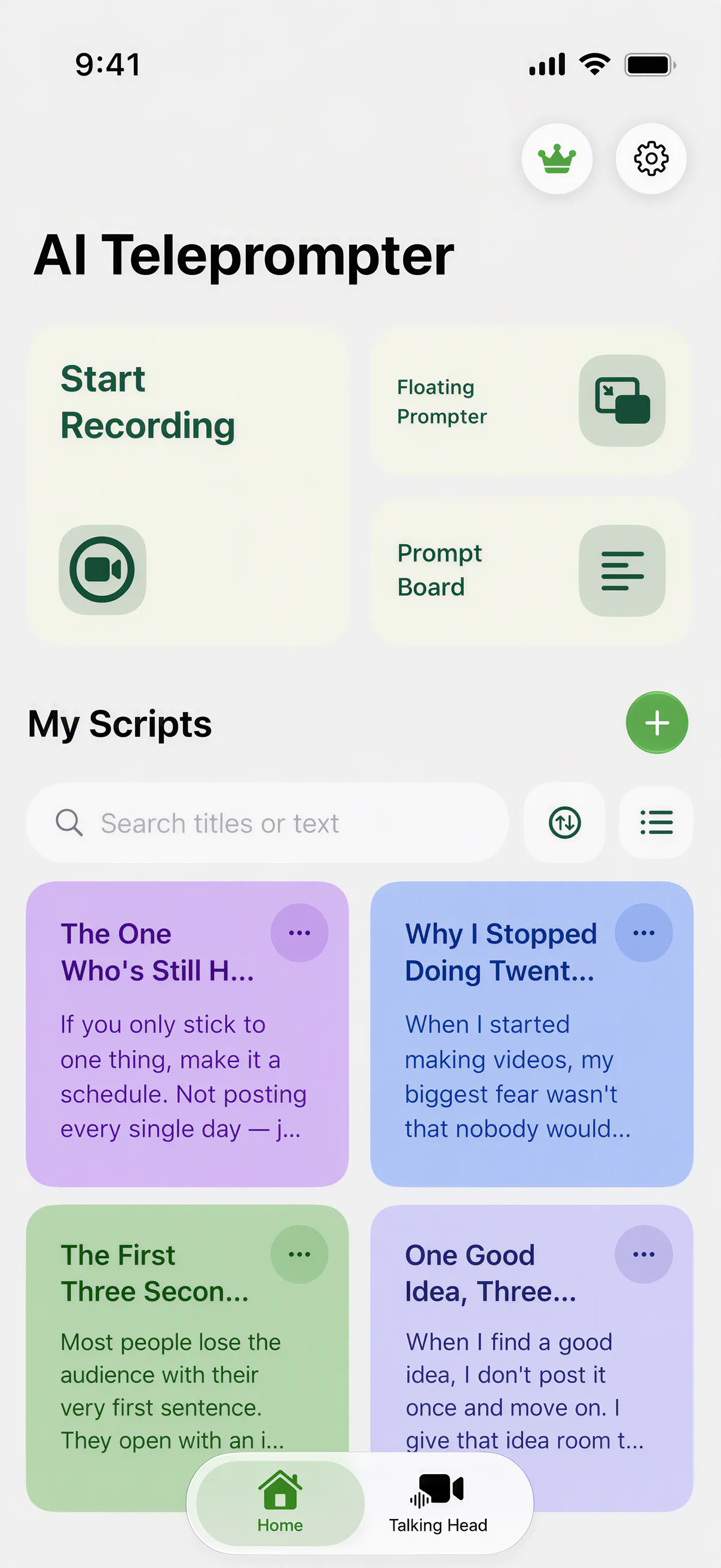
Questions about a take that did not save
Where does a recording go if the app closed mid-take?
An interrupted take is written by the app, not by the camera roll, so look in the app library first. A take that never reached the library was not finalized, which is a different problem from a take that saved and cannot be found.
Can I recover a session that never appeared anywhere?
Sometimes. Before recording anything else, check free storage and the app library, because a new take can overwrite the working file. Recording again first is the most common reason a recoverable session becomes unrecoverable.
How do I stop this happening again?
Record in shorter sections, leave clear storage headroom, and keep the screen from locking during a take. Long single takes on a nearly full device are where most lost sessions come from.




Try a short take with your own script
Complete one recording that matches your task before choosing a plan. Check current device requirements and purchase terms on the App Store.