Selection guide
Choose an app for your next scripted video
Pick the recording app by the finished video, not the feature count. A visual explanation, a plain camera take, and a recording that has to be edited and published in one place are three different jobs, and AI Teleprompter, Teleprompter for Video and BIGVU each cover a different one. If you only need scrolling text, a browser teleprompter is enough.
Last reviewed
Match the tool to the job
| Option | Workflow to investigate | A useful test |
|---|---|---|
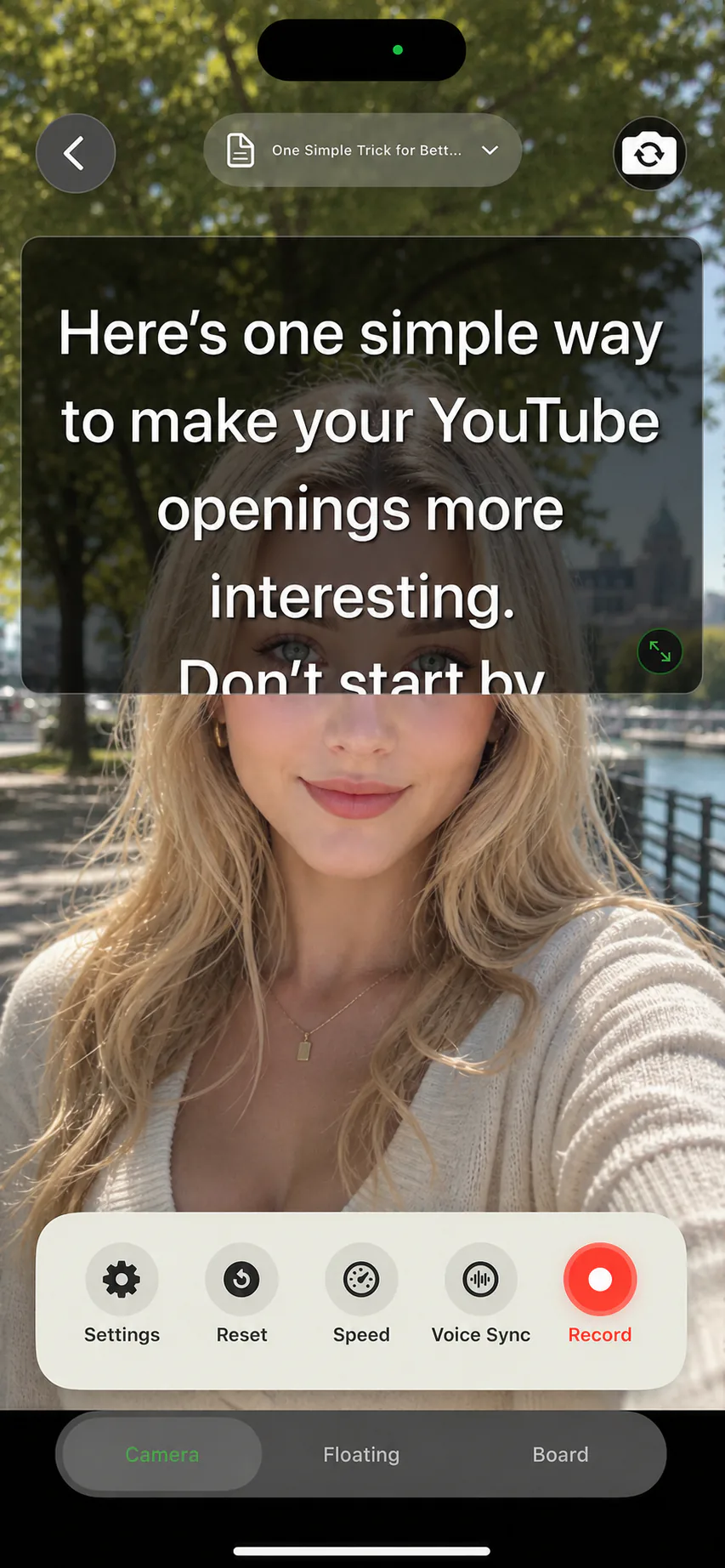
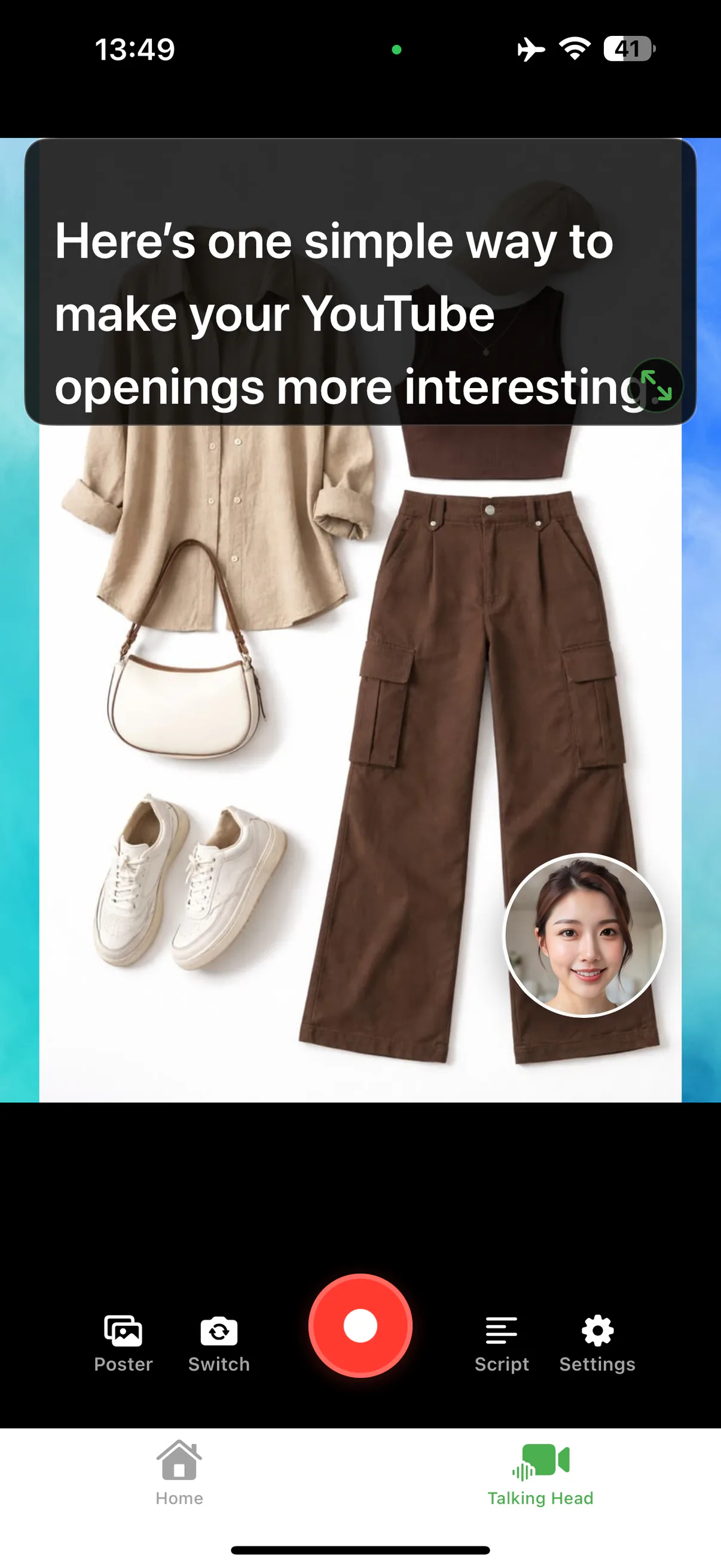
| AI Teleprompter | Scripted mobile explanation with images and your face | Explain one picture, then inspect the saved framing. |
| Teleprompter for Video | Camera recording with imported scripts | Try your required orientation and caption workflow. |
| BIGVU | Recording within a wider video-production workflow | Compare the steps you actually need after the take. |
| Free browser prompter | Reading a fixed-speed script | Decide whether you need recording in the same tool. |
Disclosure and sources
We make AI Teleprompter. Checked September 13, 2026 against the Teleprompter for Video website and BIGVU website. This is a product-documentation comparison, not a hands-on quality ranking.
Decide with a small finished project
Write the output brief
Specify orientation, visible material, audio, subtitles and where the video will be used.
Keep the content identical
Try the same short script and visual material. Use your usual device instead of a demo setup you cannot reproduce.
Include the after-recording work
Time your own import, retake, save and editing steps. Do not compare only how quickly an app opens.
Check the current offer
Confirm free limits and purchase terms inside each product. A testimonial mentioning an old price is not a current offer.
When one recording app is not enough
Recording and caption editing can be separate jobs. If your existing subtitle tool works well, keep it and choose a recorder around script control and framing. You do not need to replace every part of a working workflow.
Prepare your recording in AI Teleprompter
This shows AI Teleprompter, not a competitor test result.
Questions about choosing a recording app
Do I still need a separate editor?
For trims and captions, usually yes. A recording app decides how cleanly you get the take; an editor decides what happens afterwards. Treat them as two jobs rather than one purchase.
What should I test first?
The hardest 60 seconds of your real script, not a sample. Most differences between recording apps only show up where the script is dense or the room is noisy.
Is one app ever enough?
For a straight talking-head video with no captions, often yes. As soon as you need overlays, captions, or multi-clip edits, plan for a second tool.




Try a short take with your own script
Complete one recording that matches your task before choosing a plan. Check current device requirements and purchase terms on the App Store.