Selection guide
BIGVU or AI Teleprompter: choose by workflow
AI Teleprompter replaces the recording half of a BIGVU workflow, not the whole suite. It prompts from your script at the speed of your voice and puts visual material behind a camera bubble on iPhone and iPad. BIGVU presents recording, AI editing and publishing together, so if you rely on finishing and posting in one place, keep that part and compare only the recording step.
Last reviewed
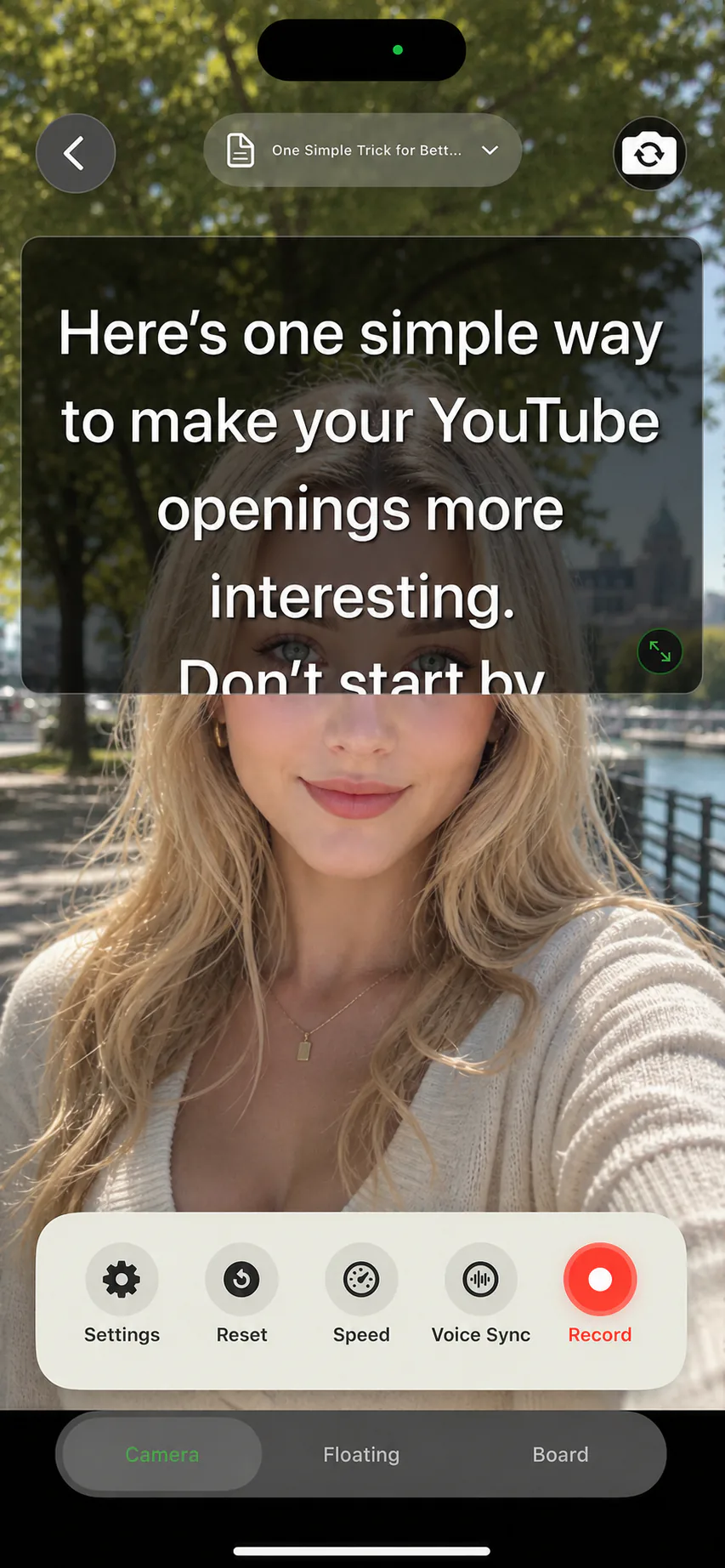
Documented workflow differences
This compares documented workflows, not measured performance.
| Task | BIGVU | AI Teleprompter |
|---|---|---|
| Main workflow | Its website presents recording, AI editing and publishing tools together. | Voice-following mobile recording with scripts and visual material. |
| After the take | Consider its wider editing workflow if those steps matter to you. | Use a separate editor when you need captions or detailed post-production. |
| A useful reason to switch | Keep BIGVU if your existing end-to-end workflow is already working. | Consider a focused recording flow when your task is explaining material on camera. |
What this comparison is based on
Published by the makers of AI Teleprompter. Reviewed September 13, 2026 using public product documentation, not a hands-on performance benchmark. BIGVU describes teleprompter recording, AI editing and publishing tools. Availability and plans can change.
Choose around the job you need to finish
| Your requirement | How to decide |
|---|---|
| Voice-following mobile recording | Try pauses, repeated lines and a restart with your own script. Check the language you speak. |
| A visual explanation with your face | Try AI Teleprompter with one image and a short script. Check that the face bubble leaves the important content readable. |
| Editing, captions or coordinated production | Keep any required tools in the comparison. AI Teleprompter does not replace a complete post-production workflow. |
| Price and free access | Compare the current in-app offer and total workflow cost; no fixed price is quoted here. |
Keep your editing workflow if it already saves you time
Compare the work after recording, including captions, brand styling and distribution. Adding a separate editor can erase the benefit of changing the recording tool.
Try a small migration before moving your library
Save a neutral copy
Keep your original script in a format you can edit independently. Do not delete the source library.
Use the same short take
Read the same passage with a pause, a repeated sentence and one visual. Check readability and control without scoring untested performance.
Inspect the finished video
Save and replay it outside the editor. Decide whether the recording and any remaining editing steps fit your normal work.
When AI Teleprompter is a fit
Consider it when you want to speak from a prepared script while showing material on iPhone or iPad. If you need only a fixed-speed script, try the free web teleprompter first. For subscriptions and device requirements, check the download page.
Prepare your recording in AI Teleprompter
This shows AI Teleprompter, not a competitor test result.
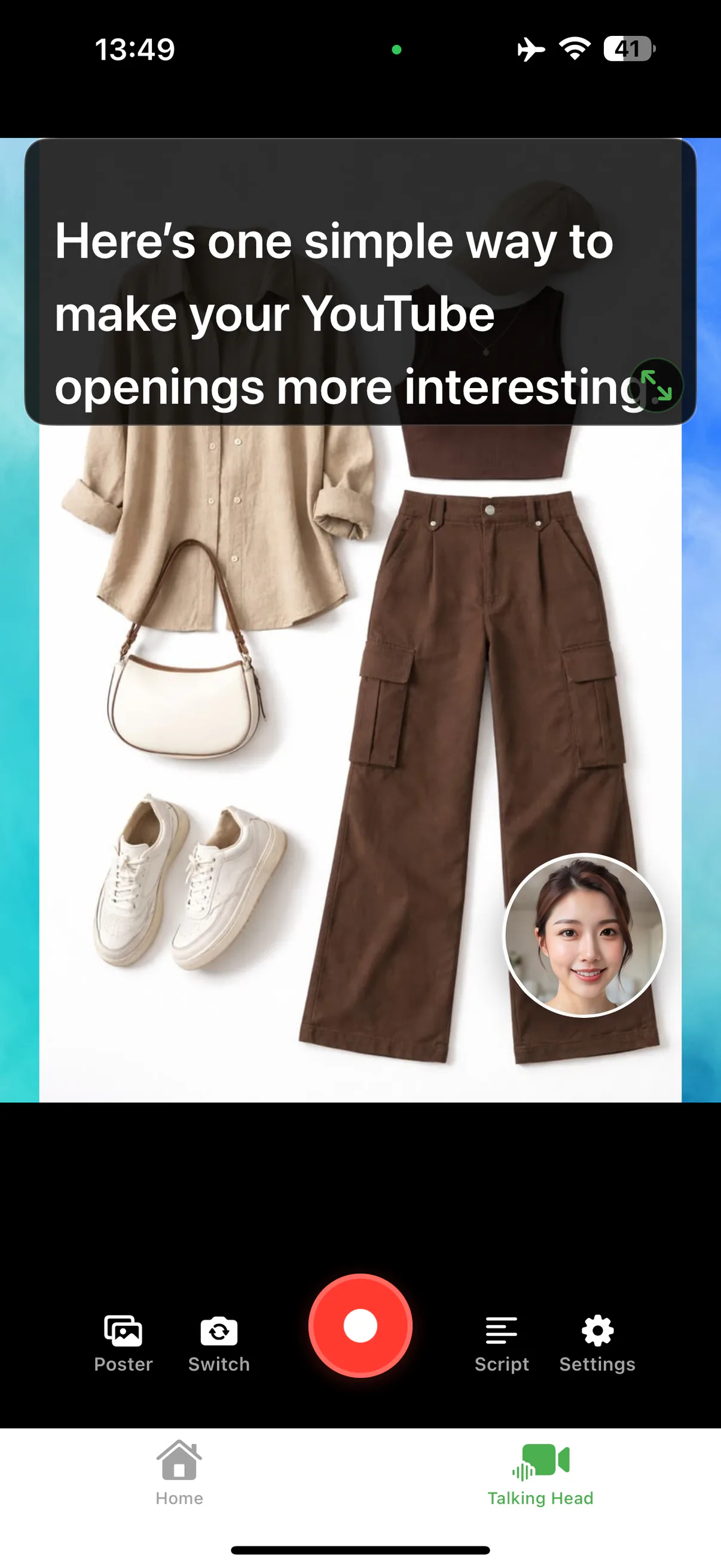
Questions before you switch
Is AI Teleprompter a full replacement for BIGVU?
No. It replaces the recording step, not an end-to-end suite. If captioning, editing, and publishing in one place is what you rely on, that part of your workflow still needs a tool.
Can I bring my existing scripts across?
Scripts import from PDF, Word, and TXT files, so exporting your text and importing it is usually quick. Templates, brand kits, and edit projects do not transfer.
How should I test the switch?
Move one short script, record the same take in both tools, and compare the finished files. One matched take answers more than a feature list.




Try a short take with your own script
Complete one recording that matches your task before choosing a plan. Check current device requirements and purchase terms on the App Store.