Recording workflow
Record a product demo around one visible benefit
For a scripted UGC product demo, show one real action and explain why it matters. Prepare a short hook, a visible demonstration and a clear next step, then use the prompt to keep the delivery natural. AI Teleprompter can help with your spoken take and visual material; capture any separate product footage you need before assembling the final video.
Last reviewed
Build a small, repeatable demo
Read the brief
Confirm the product, audience, approved claims and required framing. Keep private client details out of public scripts.
Choose one demonstration
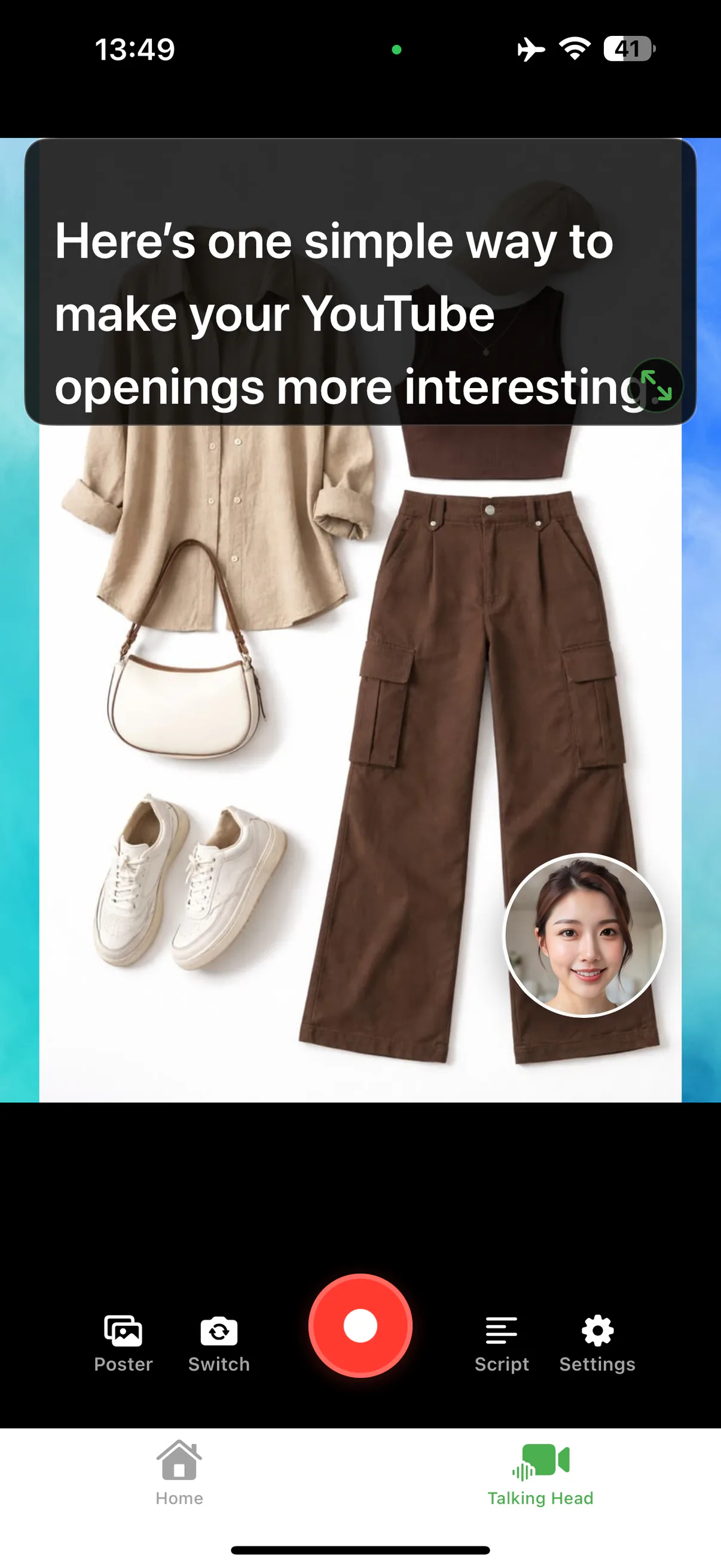
Show a real action instead of listing every feature. Prepare an image or clip for the moment you explain it.
Write around the visual
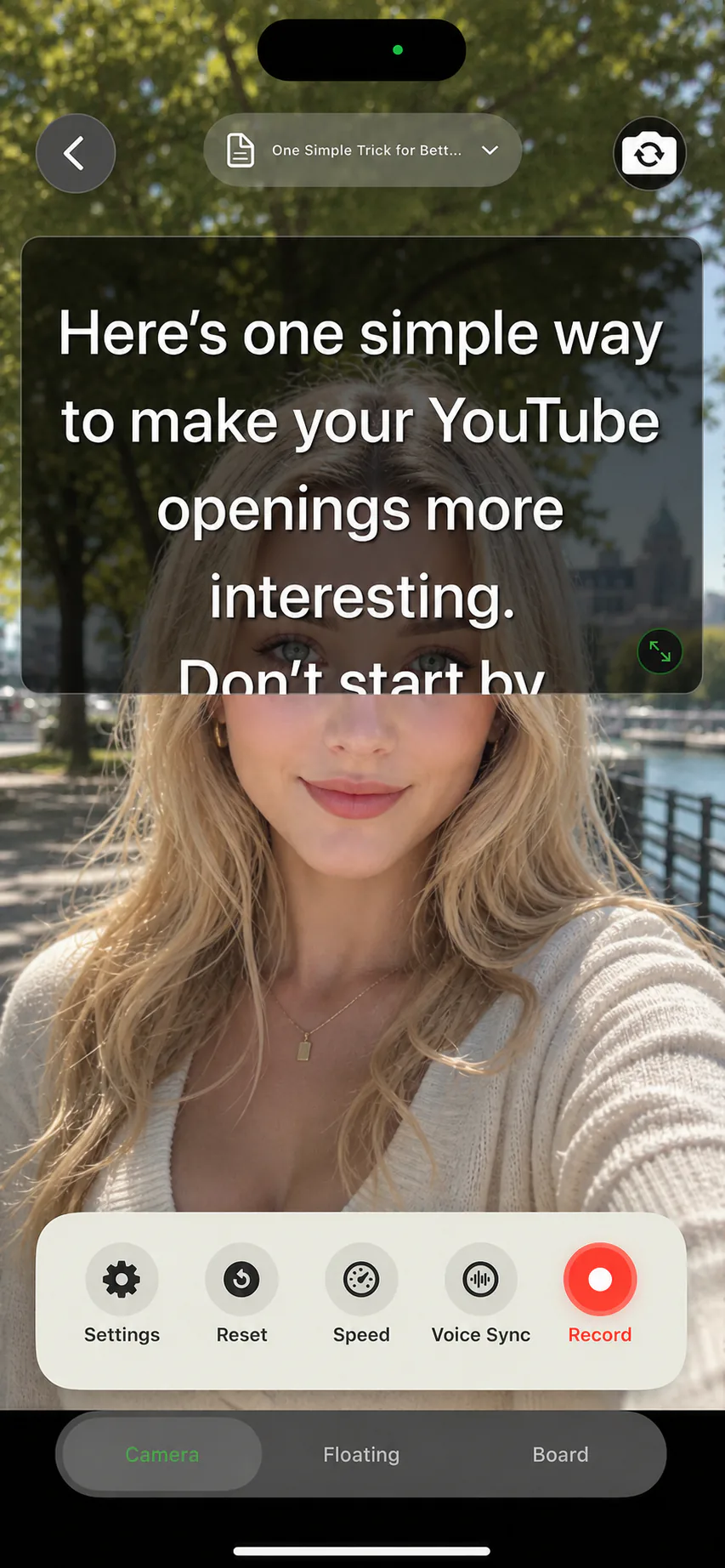
Keep the prompt near the camera. Pause where the viewer needs time to see the product, rather than filling every second with speech.
Check the delivery
Keep the face bubble away from product labels. Save a sample and verify that the viewer can understand the benefit without extra explanation.
An example structure, not a performance claim
| Beat | Example wording | What viewers see |
|---|---|---|
| Problem | “My desk gets crowded when I work from my phone.” | The actual crowded setup. |
| Demonstration | “This stand lifts it off the desk. Here is how it folds.” | The product being opened and used. |
| Boundary | “This is the phone size I tried it with.” | The tested configuration, without unsupported compatibility claims. |
| Next step | “Check the dimensions before choosing your setup.” | The detail the viewer needs to decide. |
Keep the promise small and verifiable
Do not invent a result, customer quote or before-and-after claim. Record your own experience and show the configuration used. For work that needs captions, music or additional cuts, finish those in your editing tool after export.
Try it in AI Teleprompter
Import your spoken script, prepare the image or video you will explain and make a short camera take. Use the talking-head recorder for the recording flow; use PDF import when the brief contains selectable text you want to turn into notes.
Prepare your recording in AI Teleprompter
Questions about recording a demo
How long should a product demo be?
Long enough to show one benefit end to end. One claim, one demonstration, one result is easier to script, easier to record, and easier to watch than a tour of every feature.
Do I need a second camera?
No. A picture-in-picture layout puts the product or a poster behind you with your face in a small window, which covers most demos from a single phone.
What if I lose my place mid-take?
Stop speaking and the voice-following prompt waits. Pick up from the line you were on rather than restarting the take, and trim the pause afterwards.




Record the first part of your explanation
Bring one spoken script and one visual. Record, save and inspect a short sample before the full session.