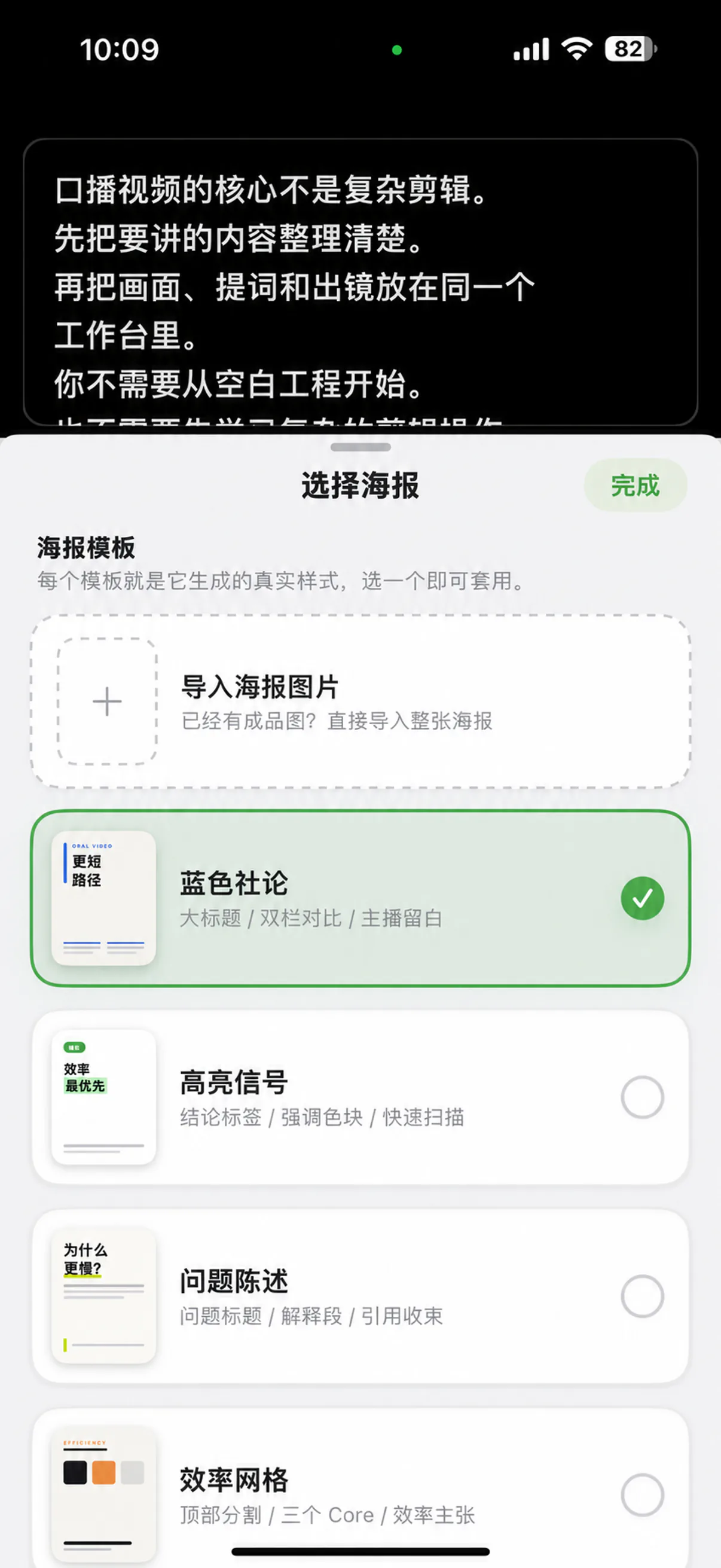
Bring in a poster
Choose an image from your library as the main visual for the explanation.
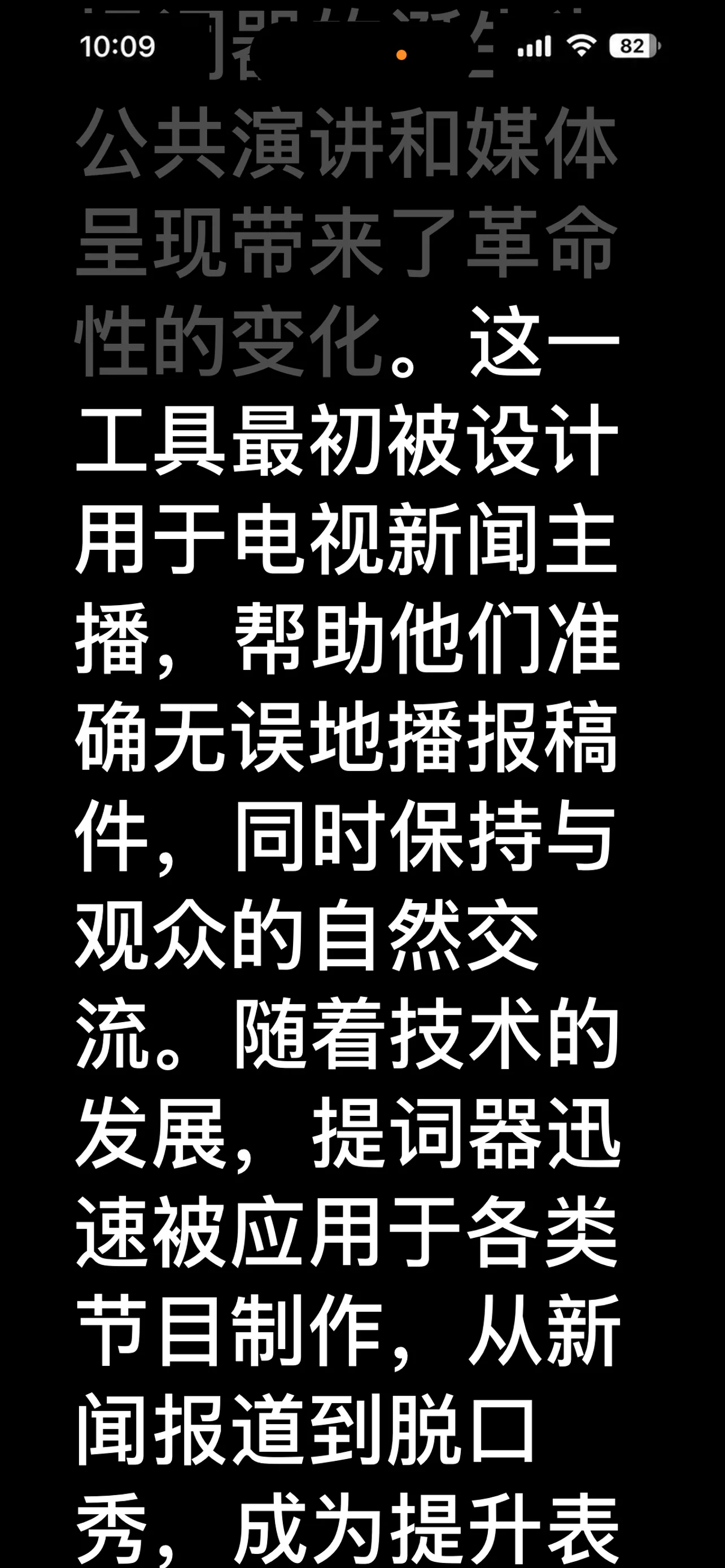
No memorizing. No losing your place. Let the script follow your voice while you stay present on camera.
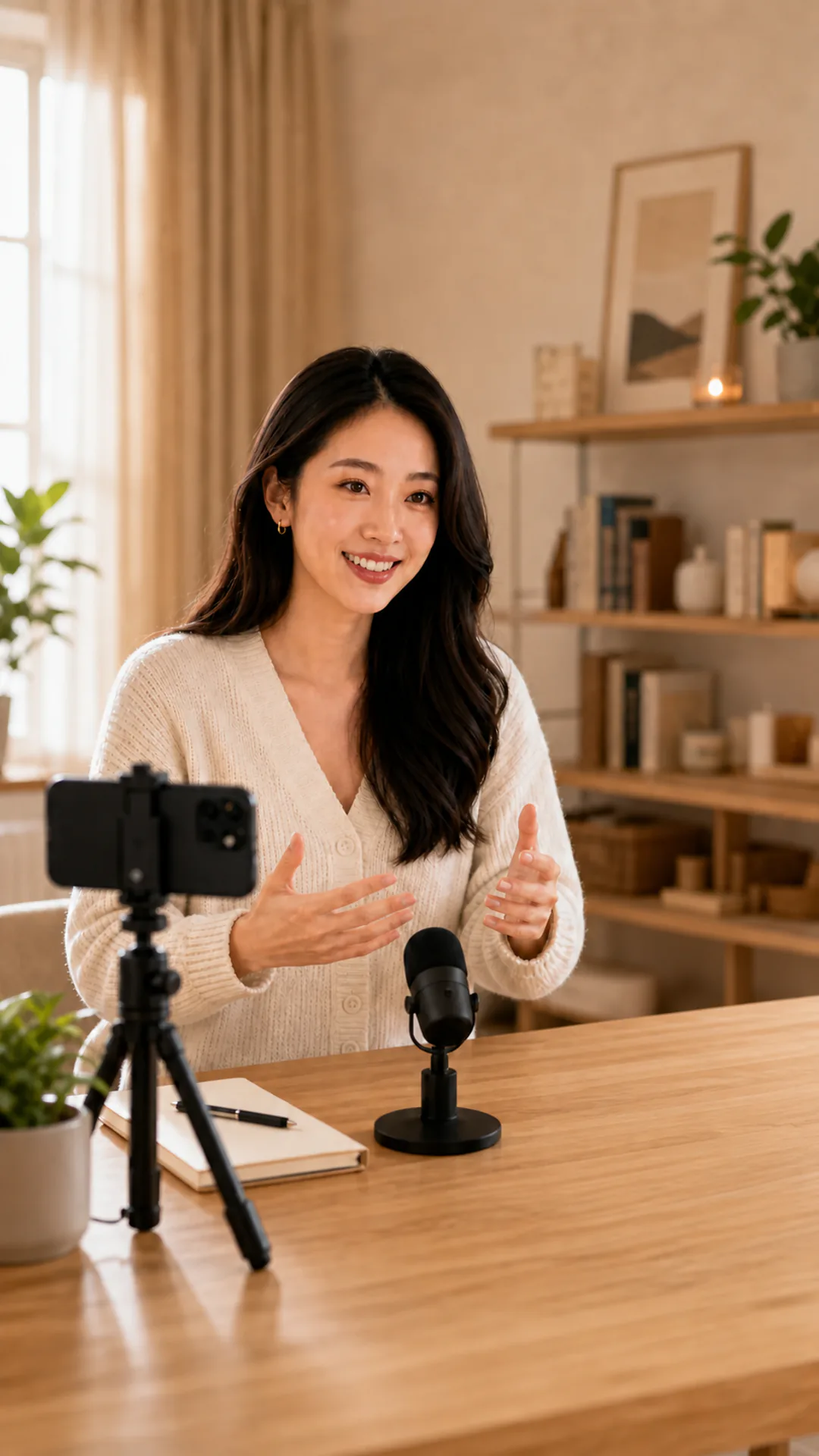
Bring in your script, shape it into something you can say naturally, then press record.
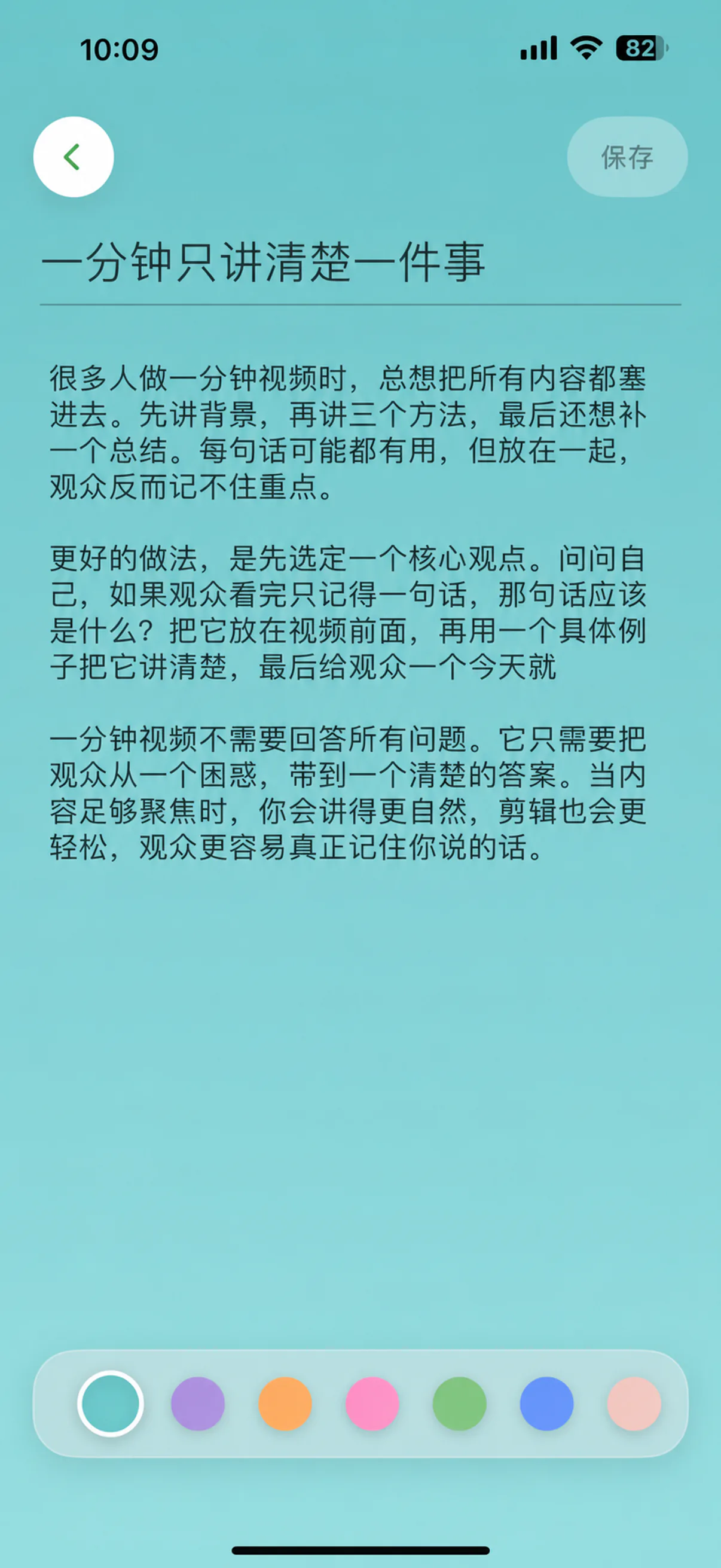
Start from a blank page or import PDF, Word, and TXT files.
Keep the next line within reach without taking your attention away from the camera.
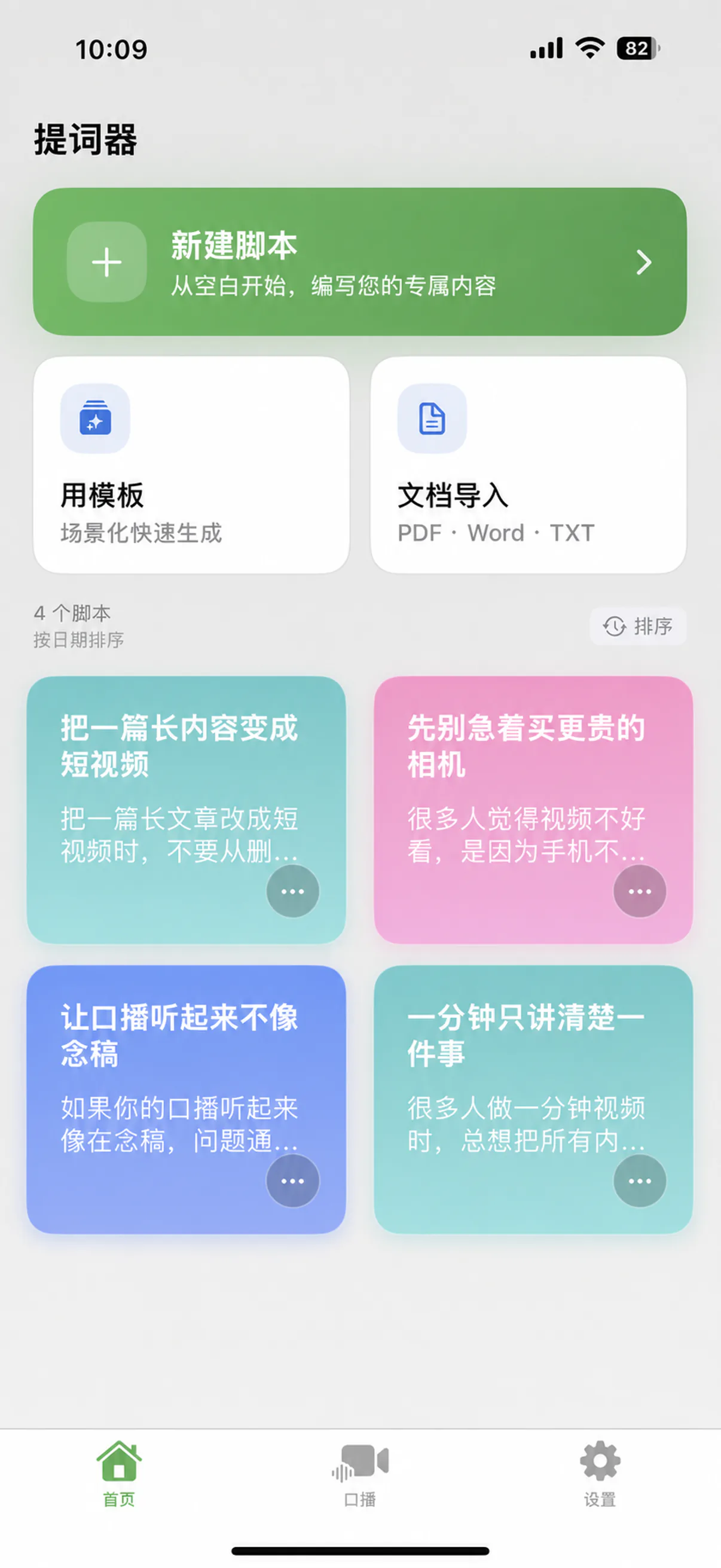
Save short videos, live intros, course notes, and speeches in one clear library.
AI Voice Sync
Voice Sync adjusts to your speaking pace. Speed up and it keeps pace. Pause and it waits with you.
Talking-head recording
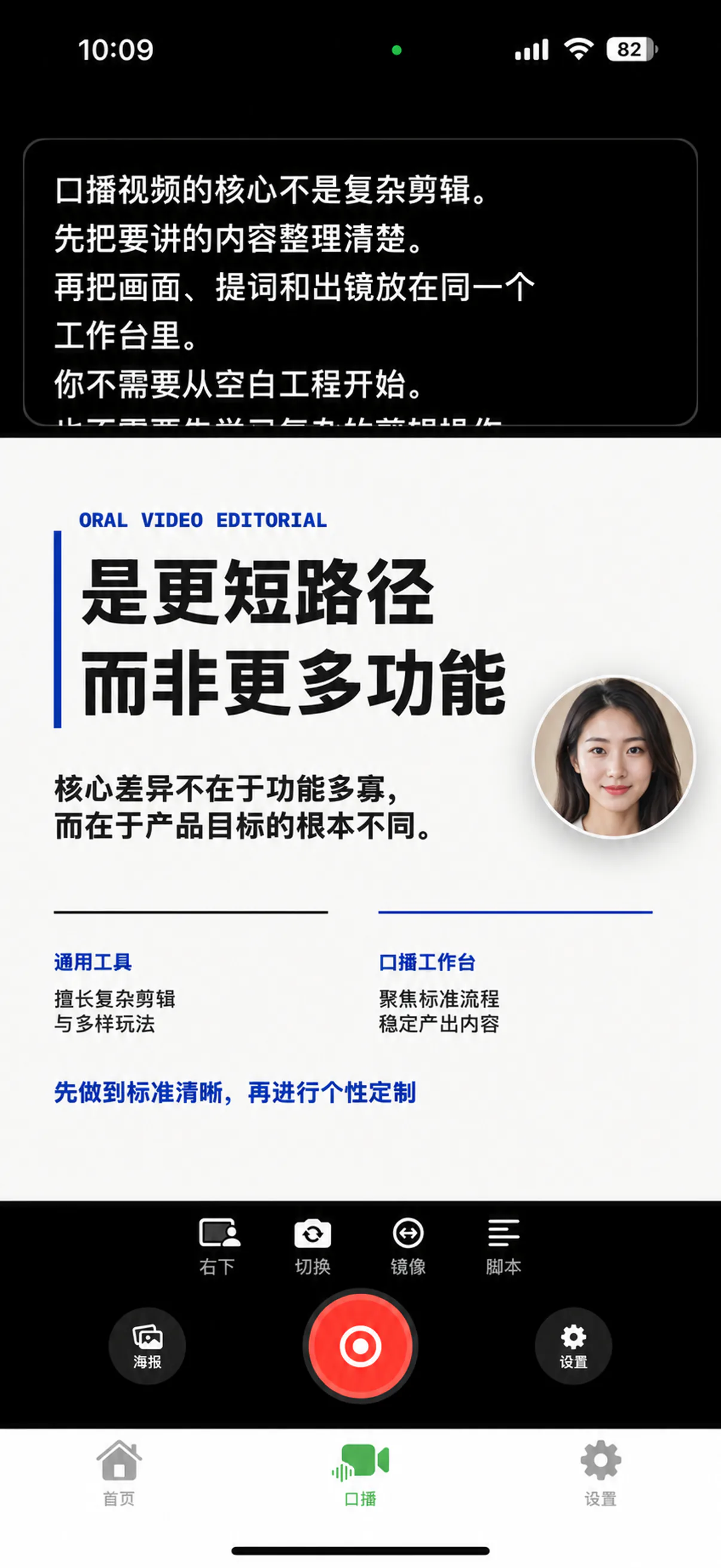
Add a poster, place your camera bubble, and read the prompt while you record. The prompt stays private and out of the finished video.
The poster carries the content, your camera keeps you present, and the private prompt keeps every line within reach while you record.
Choose an image from your library as the main visual for the explanation.
Read the prompt above the layout while you record. It stays out of the finished video.
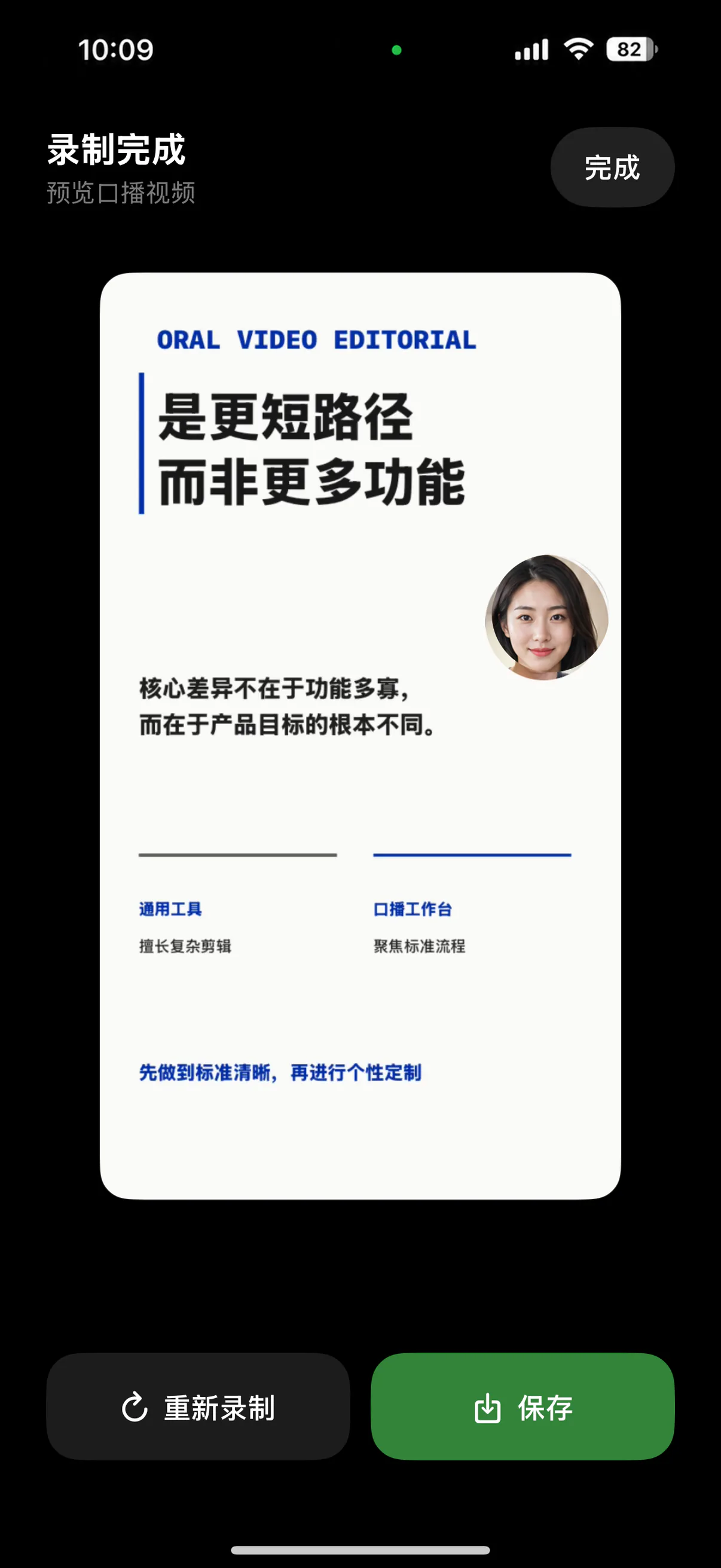
Preview the finished recording, then save it to your photo library.
Choose the format that fits your content: put the content first, or speak directly to the camera.
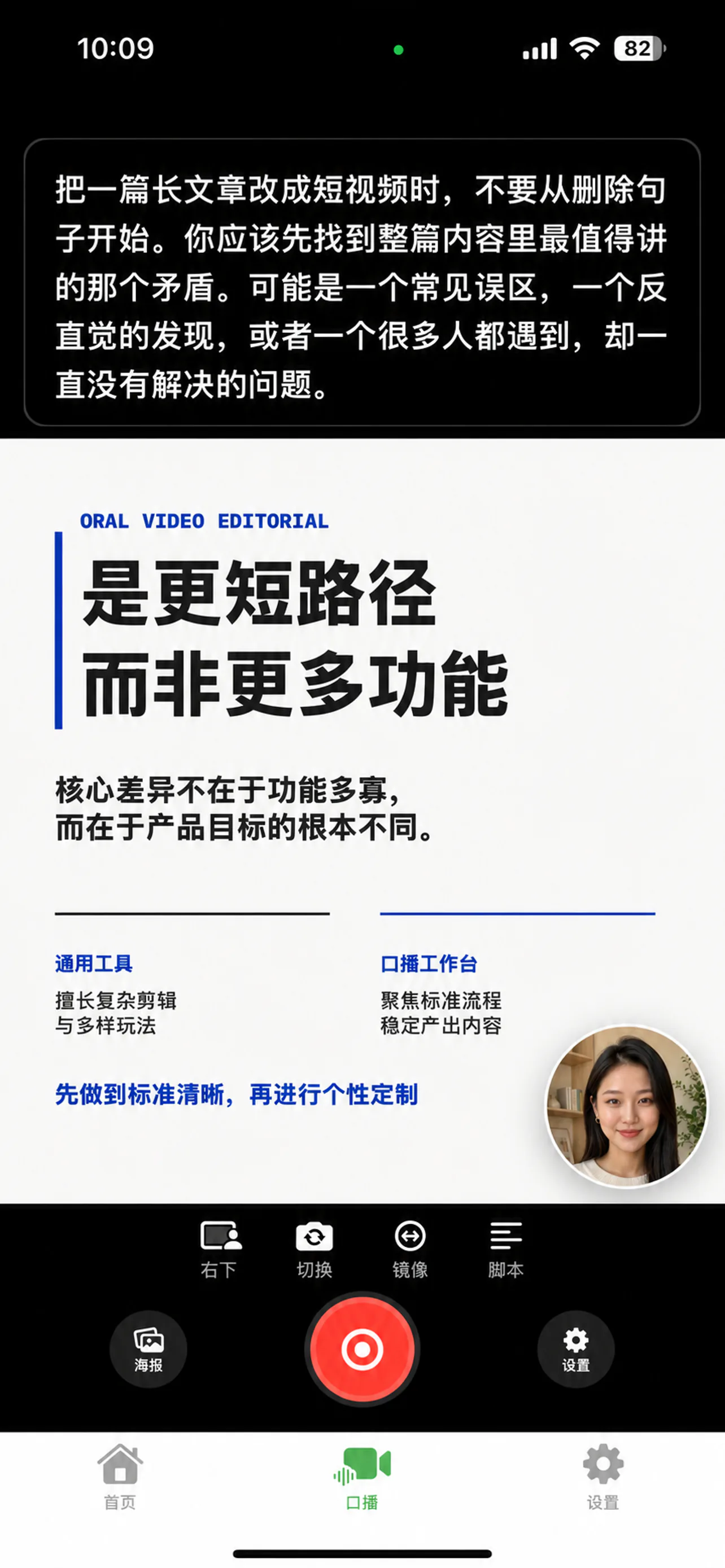
Keep the content as the main view, with you appearing in a small window.
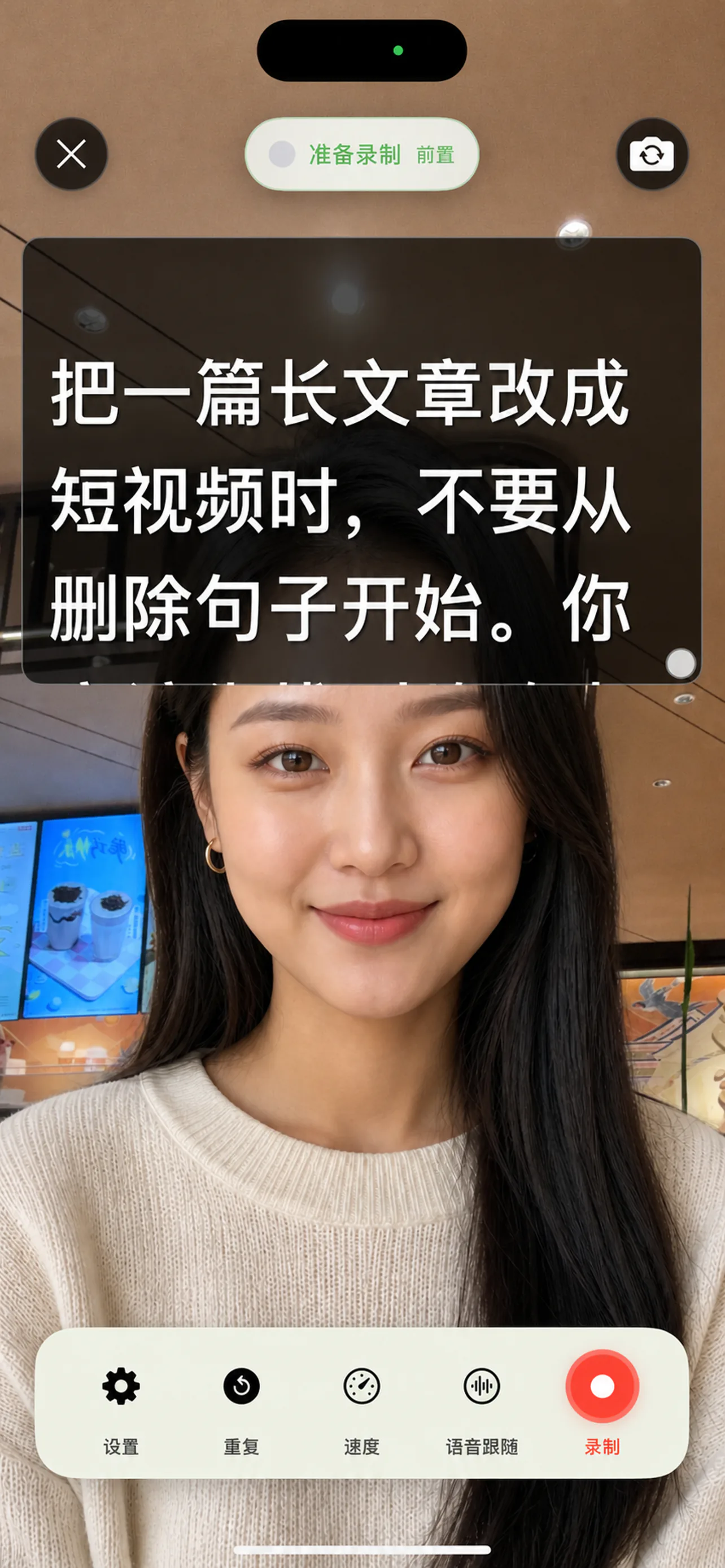
Stay front and center and speak directly to the camera with the teleprompter.
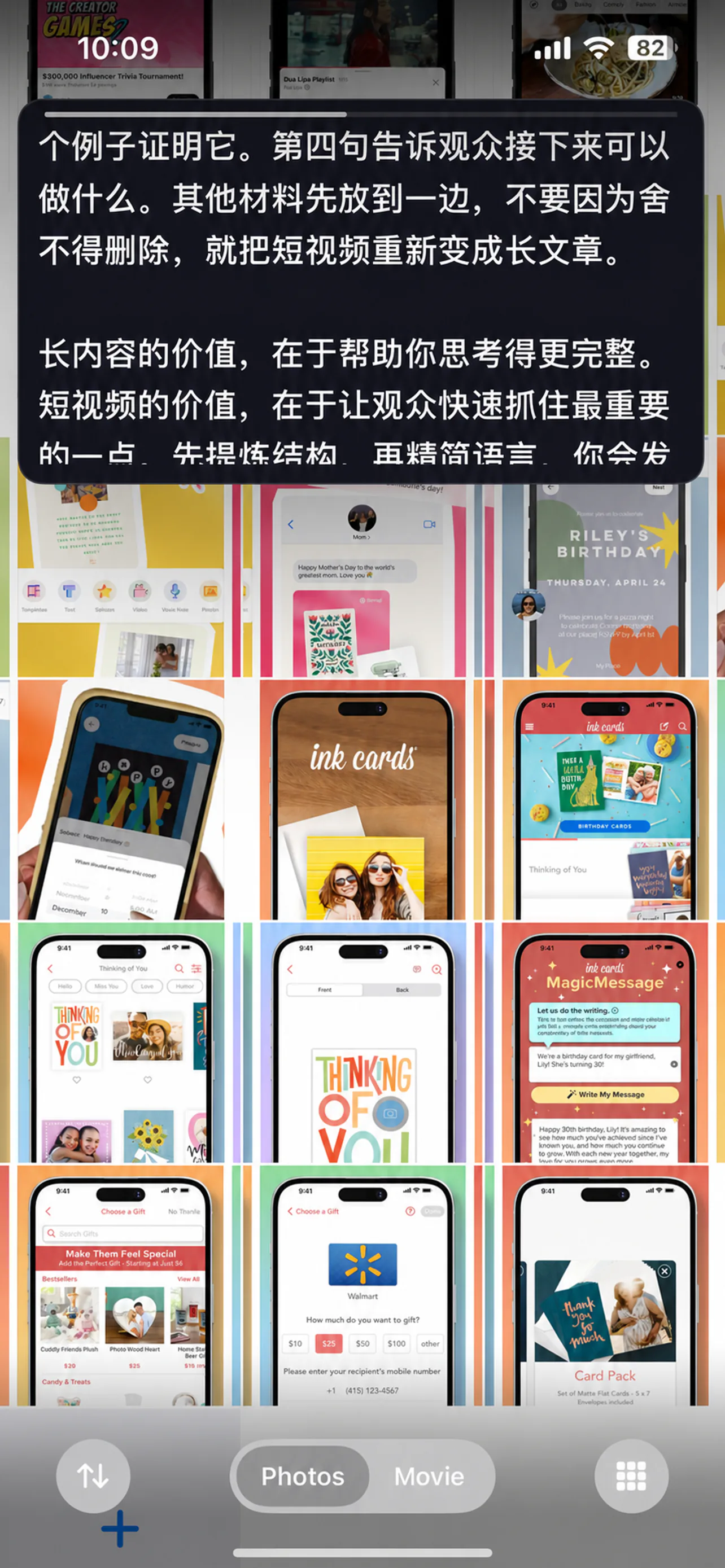
Float the prompt above your recording app so you can read while filming, streaming, or presenting.
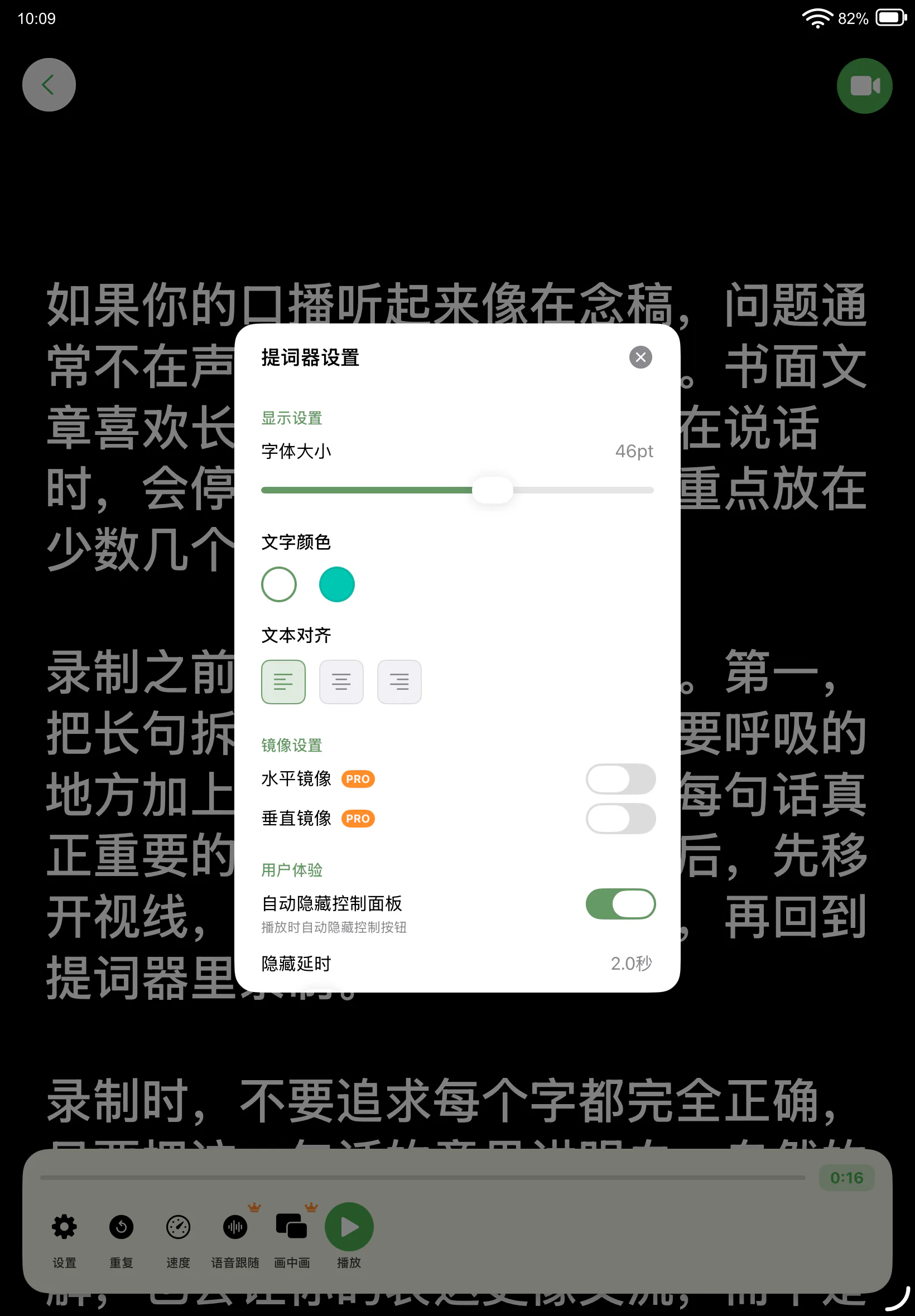
Use your phone for a quick take or give a lesson more room on iPad. The script stays clear and the controls stay close.
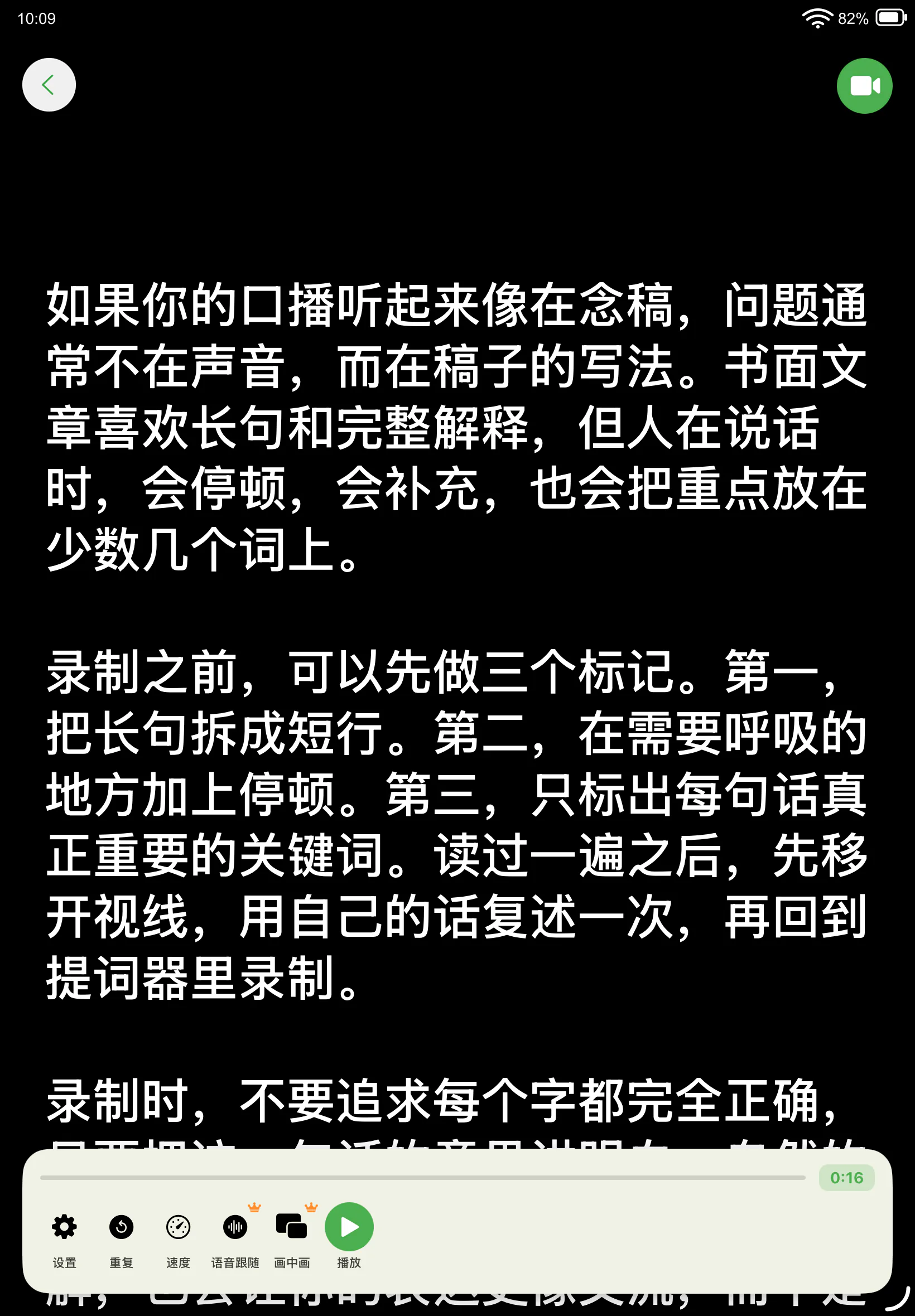
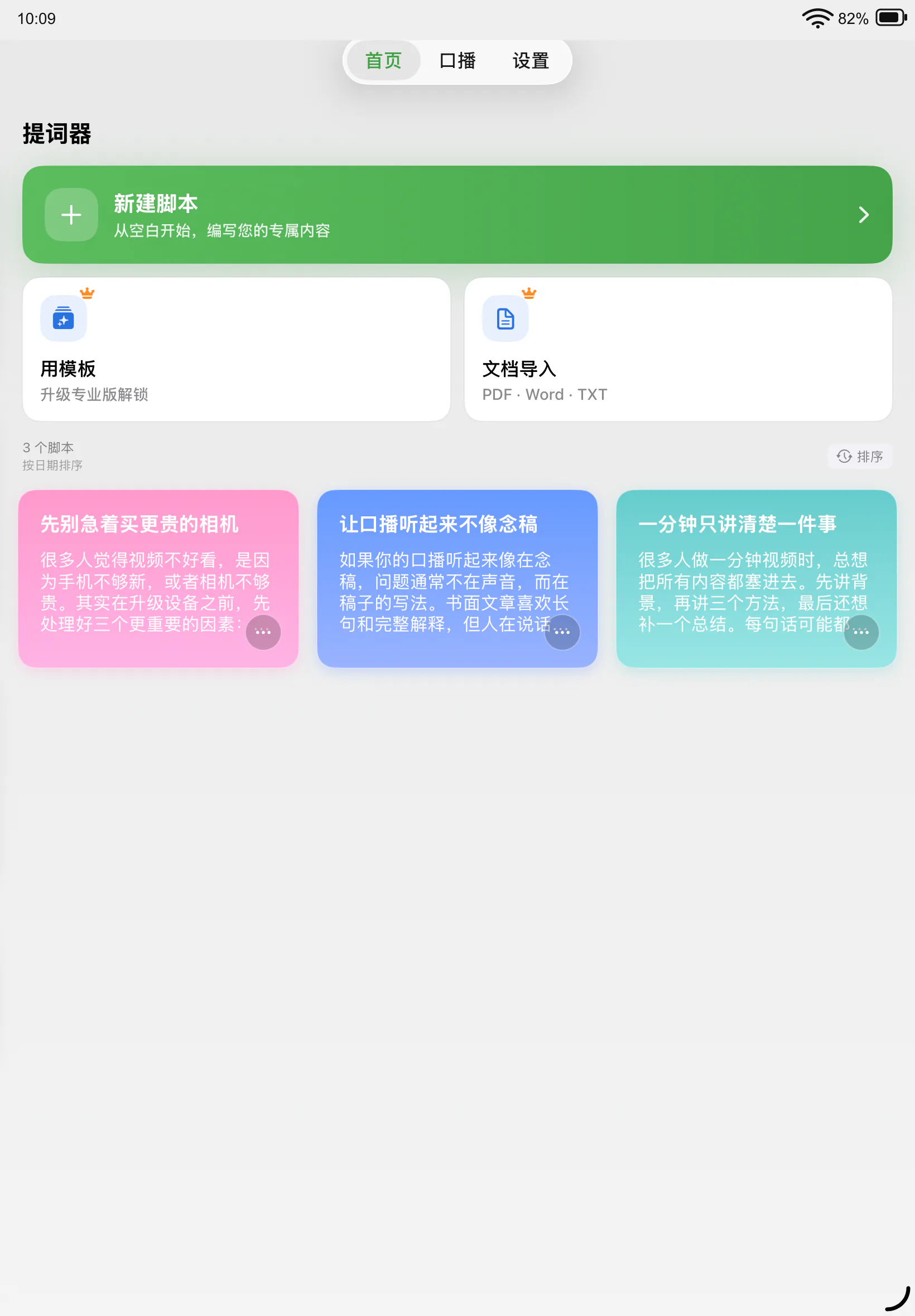
One place for the scripts you need to deliver clearly, whether the camera is on or the room is listening.
Not in Voice Sync mode. The script follows your speaking rhythm automatically. Automatic scrolling also supports play, pause, and manual speed control.
You can create a script from scratch or import PDF, Word, and TXT files to get started faster.
It keeps the script above another recording or work app, so you can read while filming, streaming, or multitasking.
It works especially well for explainers, lessons, and product walkthroughs where you want to show supporting visuals while staying on camera. The poster and camera view are recorded, while the prompt stays private and out of the finished video.
Choose a weekly plan with a 3-day free trial, a monthly plan, or a one-time lifetime purchase. Prices vary by region. Manage or cancel subscriptions in your App Store account at least 24 hours before renewal.

Let AI Teleprompter keep the script in place so you can stay present on camera.
Download on the App Store